SP+ Corporation (NASDAQ: SP) is the largest parking operator in North America and facilitates the efficient movement of people, vehicles and personal belongings with the goal of enhancing the consumer experience while improving bottom line results for our clients.
SP+ provides professional parking management, ground transportation, remote baggage check-in and handling, facility maintenance, security, event logistics and other technology-driven mobility solutions for aviation, commercial, hospitality, healthcare and government across North America.
SP+ is A Publicly Traded Company
SOX Compliance
Full Transparency
Experience
0+
Years of Experience in the Houston Market
0+
Managed Locations in Texas
Industry Leader NAtionwide
Technology
SP+ Corporation is the owner of Parking.com and its mobile app builds customer loyalty and brand recognition.
Sphere™ is a customizable suite of industry-leading technology solutions that drives end-to-end mobility and delivers a frictionless parking experience.
Minimal to no capital investment
Generate incremental revenue
Ticketless and time-saving
Easy-to-use and implement
Operations analytics
Fully customizable
For more information on our Sphere technology by SP+, please visit sphere.spplus.com.
Marketing
SP+ offers full service, in-house marketing support with a dedicated Regional Marketing Manager who will oversee all marketing activities.
Marketing Support
Digital Marketing
Website Design & Development
Partner Programs
Creative Services
Connect with US
1
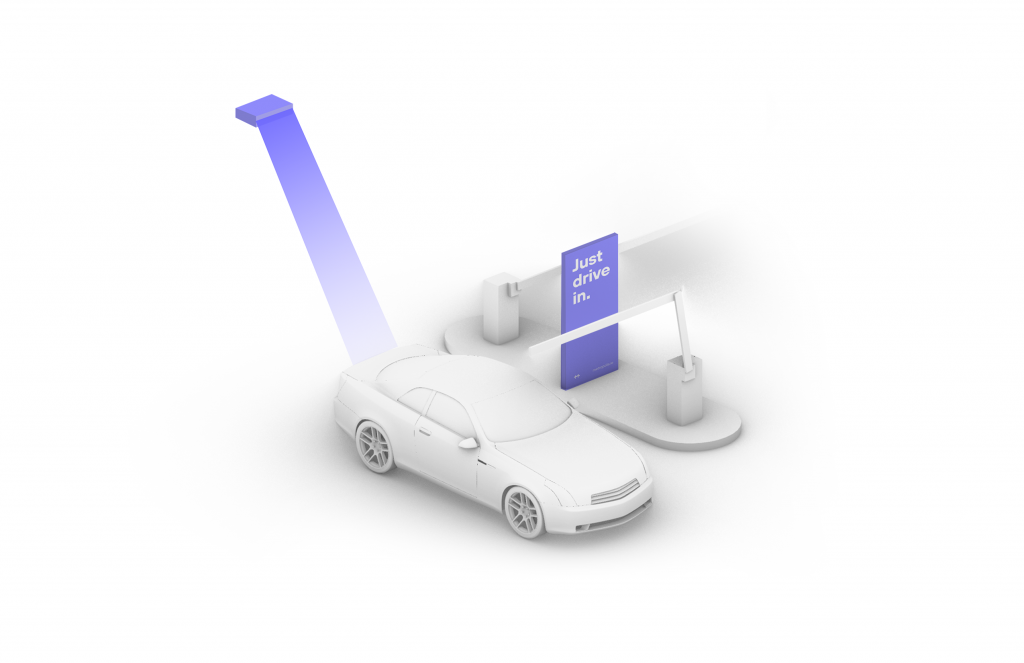
Drive In
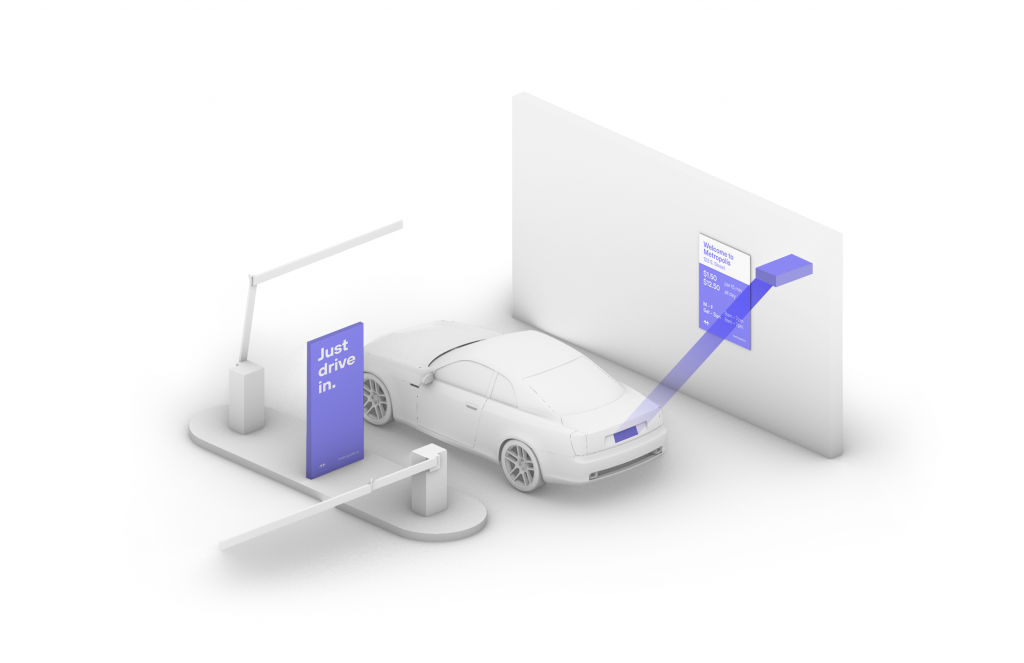
Your visit starts when you drive in, and your parking session will begin. (The Metropolis Technology recognizes your license plate and retrieves your prepaid reservation.) Do not scan posted QR codes. You’re all set.
2
Drive Out When you exit the parking facility, your prepaid reservation is recognized. Just drive out. (If you stayed beyond your allotted reservation, your credit card will be charged the difference using the drive-up rates.)
1
Drive In
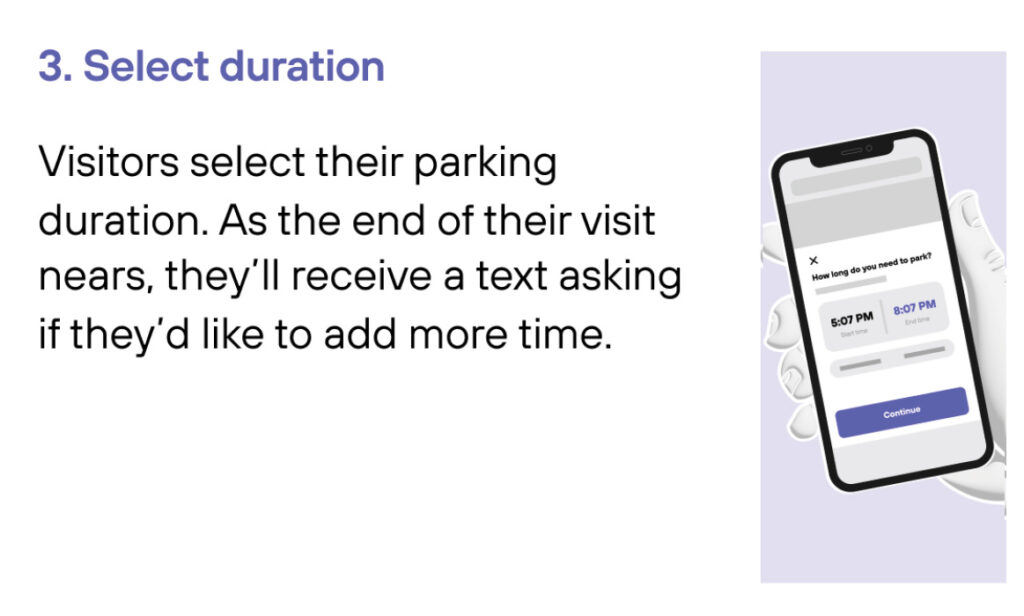
Your visit starts when you drive in, and your parking session will begin.
2
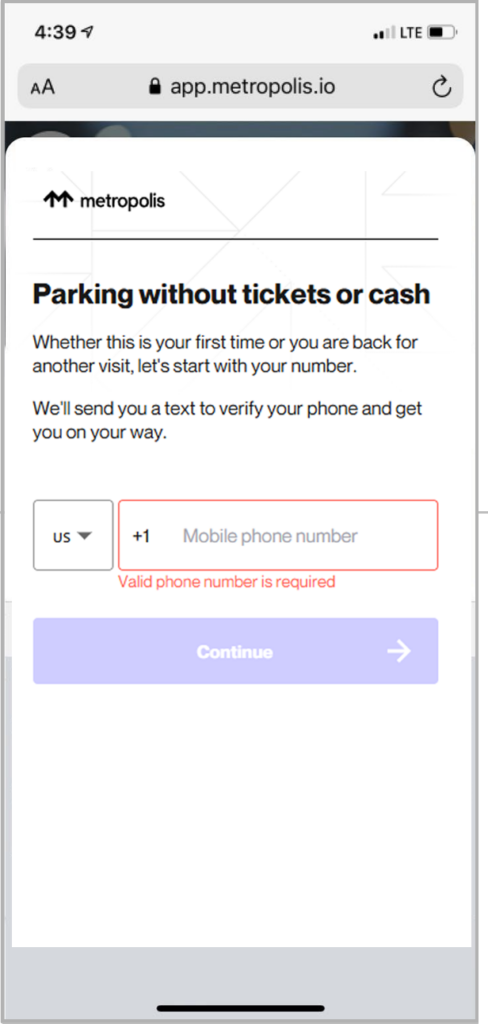
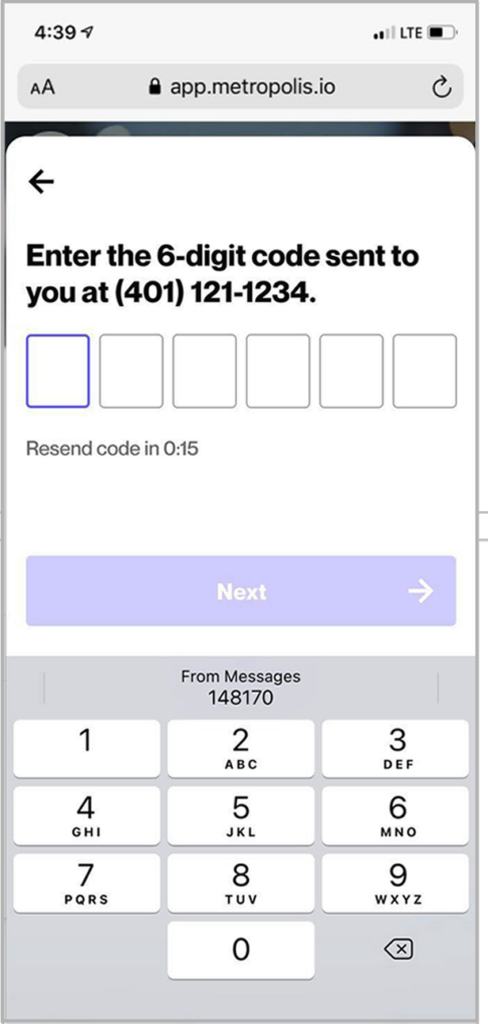
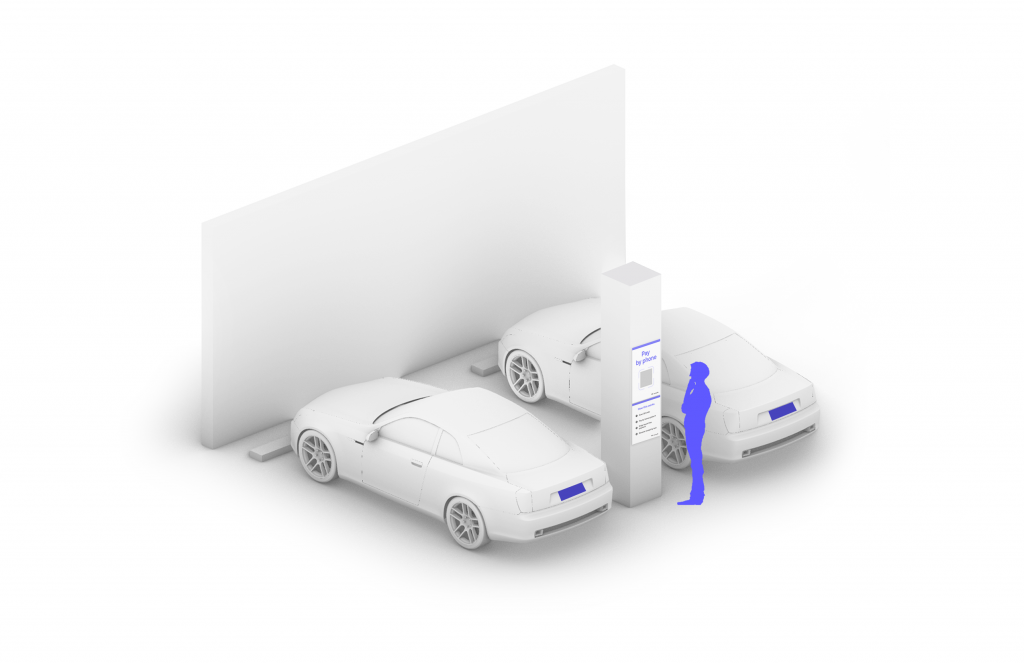
Connect
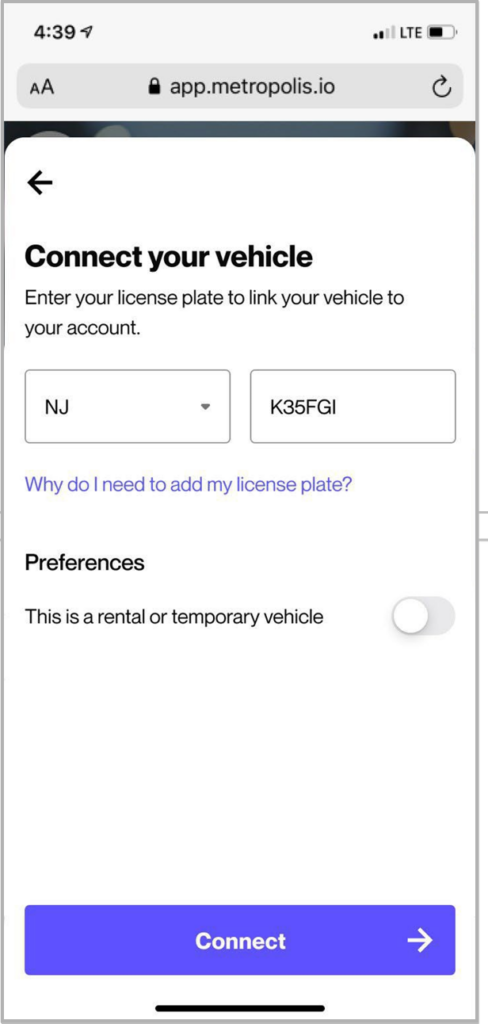
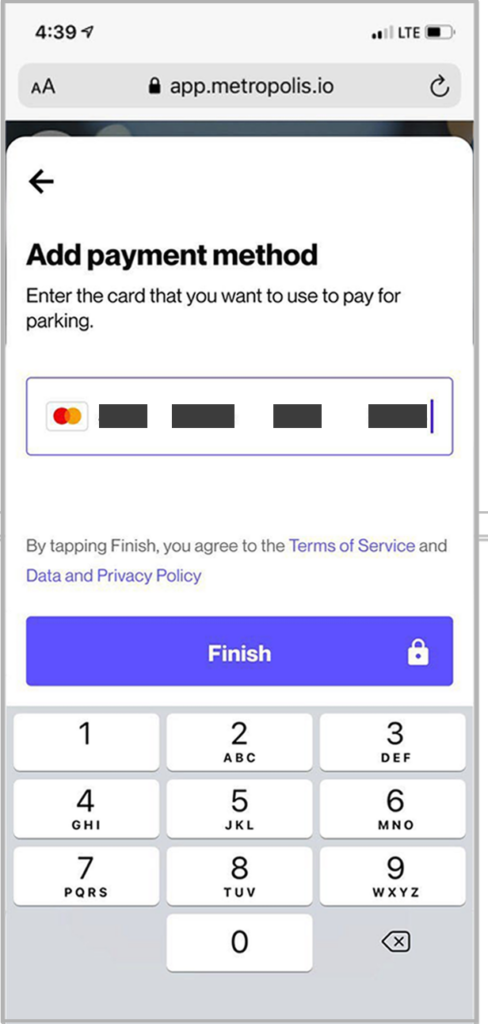
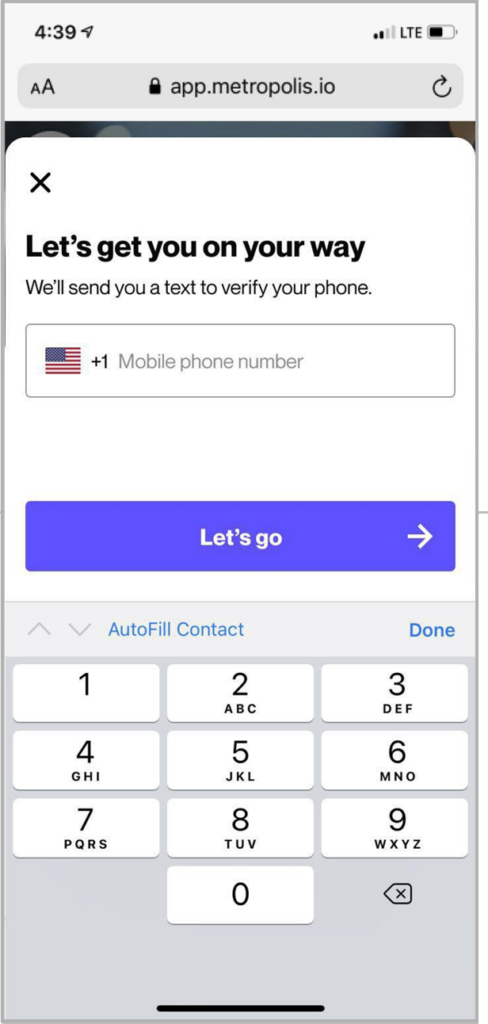
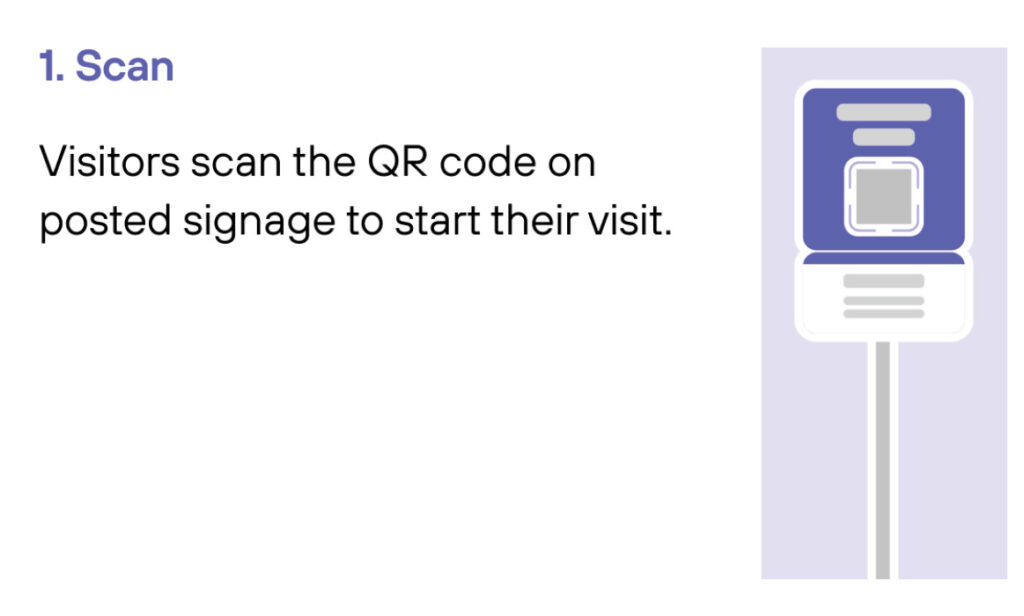
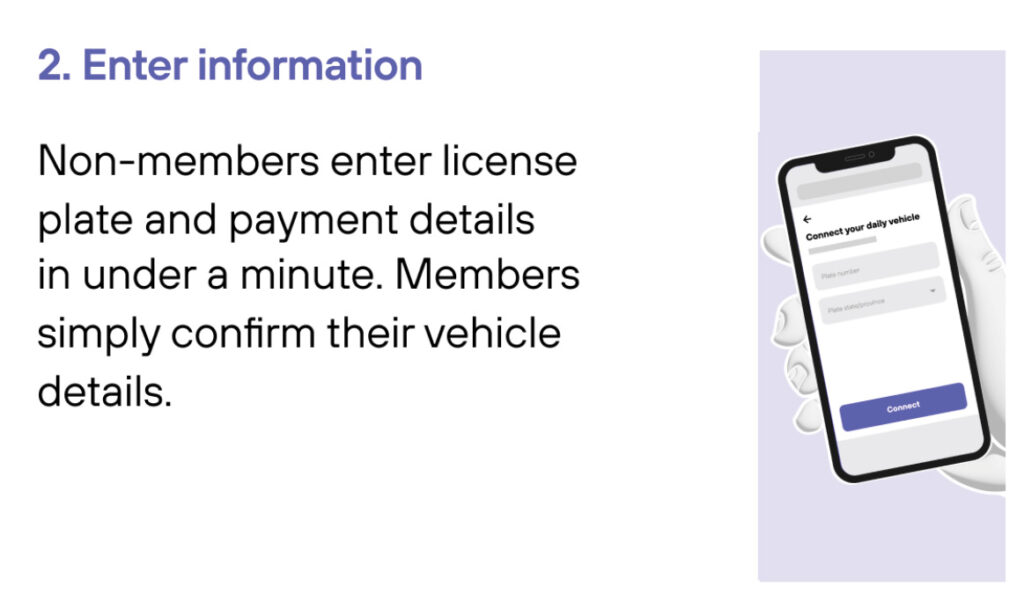
Scan QR code posted in the parking facility and enter the required information. (License plate number required)
3
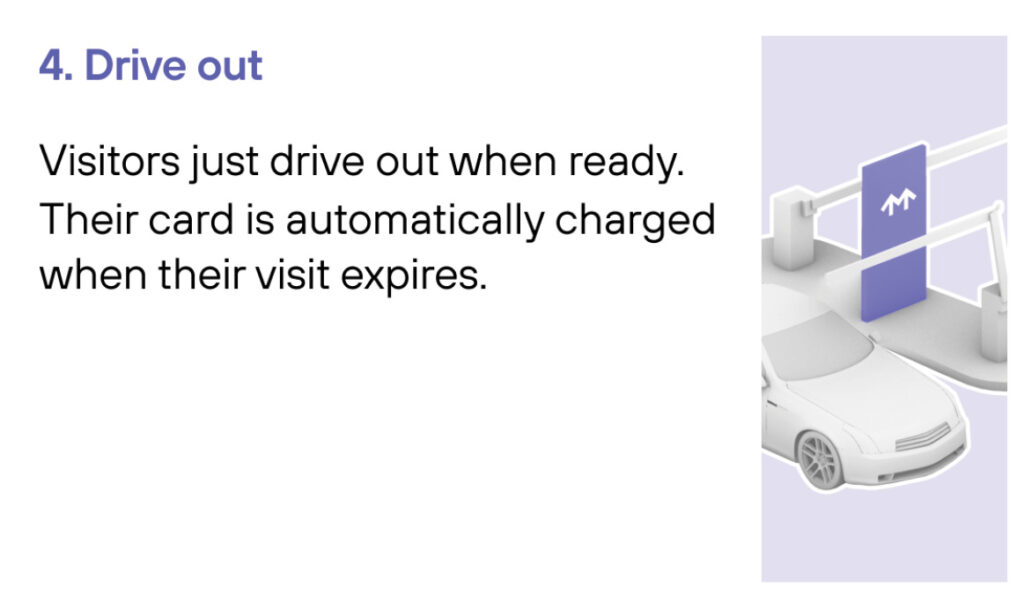
Drive Out When you exit the parking facility, your parking session is automatically charged to your credit card on file. Just drive out.
1
Drive In
Your visit starts when you drive in. You’ll receive a welcome text when you enter and your parking session will begin.
2
Drive Out
When you exit the parking facility your parking session is automatically charged to your credit card on file.