Book now and save on parking near your chosen restaurant for lunch or dinner.
Parking.com offers convenient parking in neighborhoods throughout NYC near hundreds of restaurants participating in New York City Restaurant Week. Discount coupons and online reservations are available for select parking locations. Plan ahead and find parking by using Parking.com to give yourself the ultimate dining experience!
Select a neighborhood from the list below to search for parking in that area.
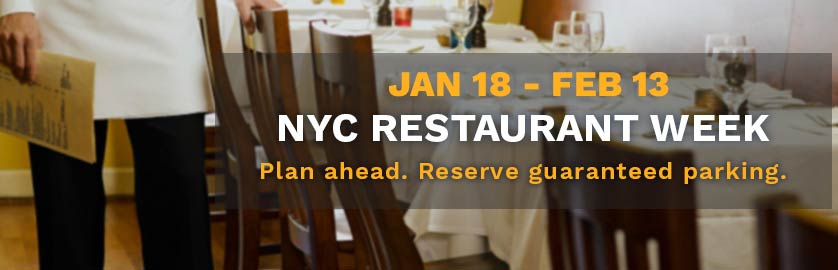
NYC Restaurant Week is a semiannual program that celebrates New York City’s world-famous dining scene. Participating restaurants citywide offer menus at a special price for lunch and/or dinner, inspiring diners to try something new (and even break bread in a different borough).
The Summer 2022 program features a trio of pricing options ($30, $45, $60), which restaurants may offer during meal periods of their choosing (lunch, dinner or both).
Over 500 restaurants throughout the city participate in NYC Restaurant Week, including Tavern on the Green, Red Rooster Harlem, Blue Smoke, Tao, Gallaghers Steakhouse and Atlantic Grill. For a full list of restaurants, visit the official NYC Restaurant Week online guide.
There is no special offer on parking for NYC Restaurant Week. However, many parking locations featured on Parking.com offer discount coupons on hourly parking.
Yes. Online reservations are available for many parking locations offered through Parking.com. Simply choose a location where you are interested in parking for more information on online reservations or to buy parking.
1
Drive In
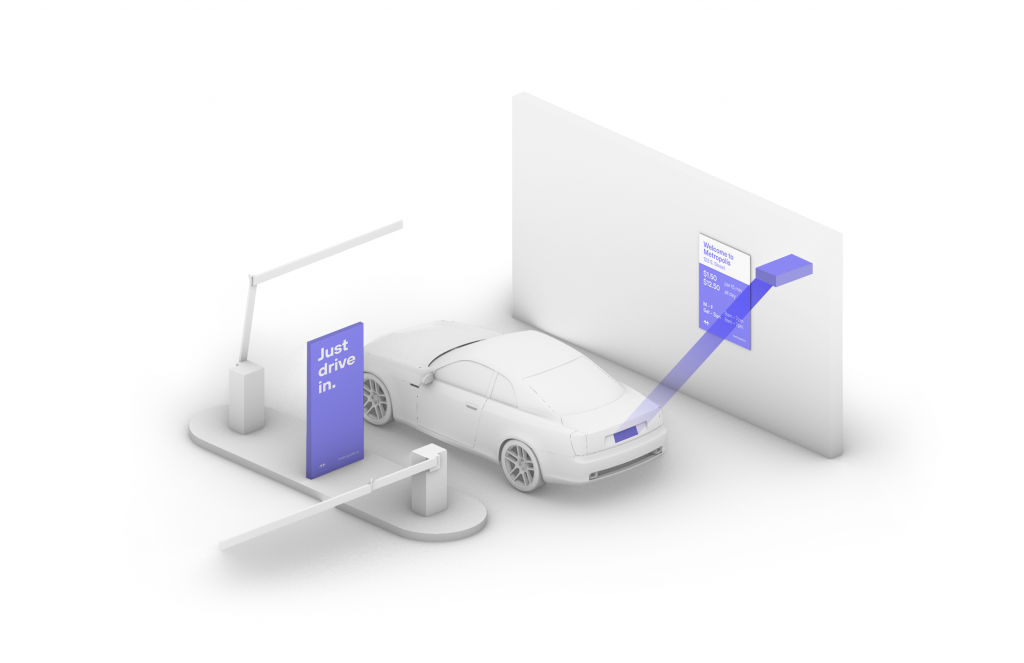
Your visit starts when you drive in, and your parking session will begin. (The Metropolis Technology recognizes your license plate and retrieves your prepaid reservation.) Do not scan posted QR codes. You’re all set.
2
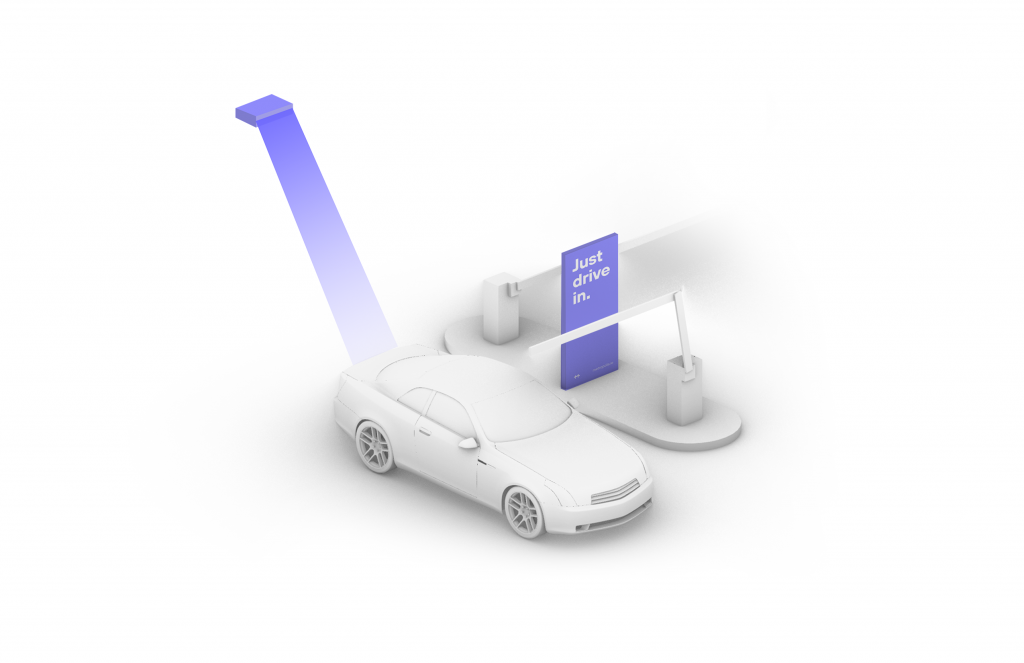
Drive Out When you exit the parking facility, your prepaid reservation is recognized. Just drive out. (If you stayed beyond your allotted reservation, your credit card will be charged the difference using the drive-up rates.)
1
Drive In
Your visit starts when you drive in, and your parking session will begin.
2
Connect
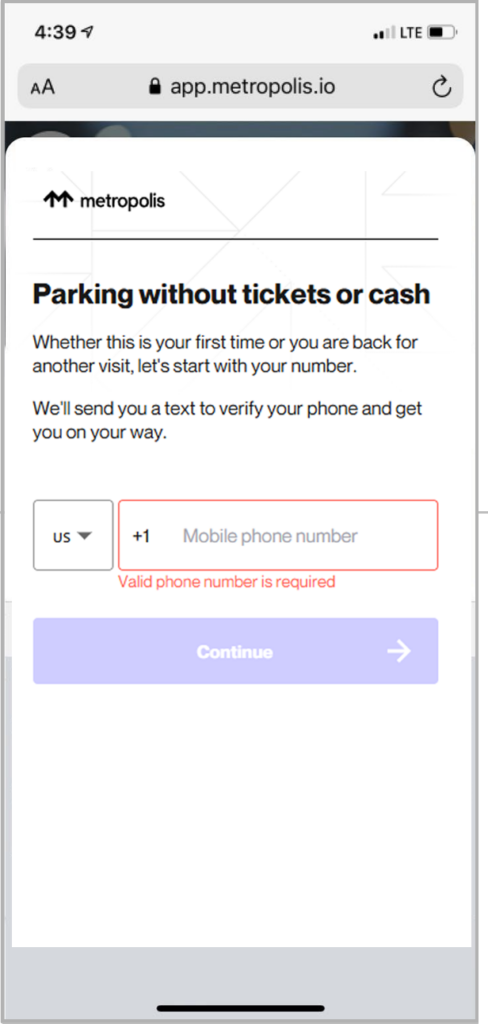
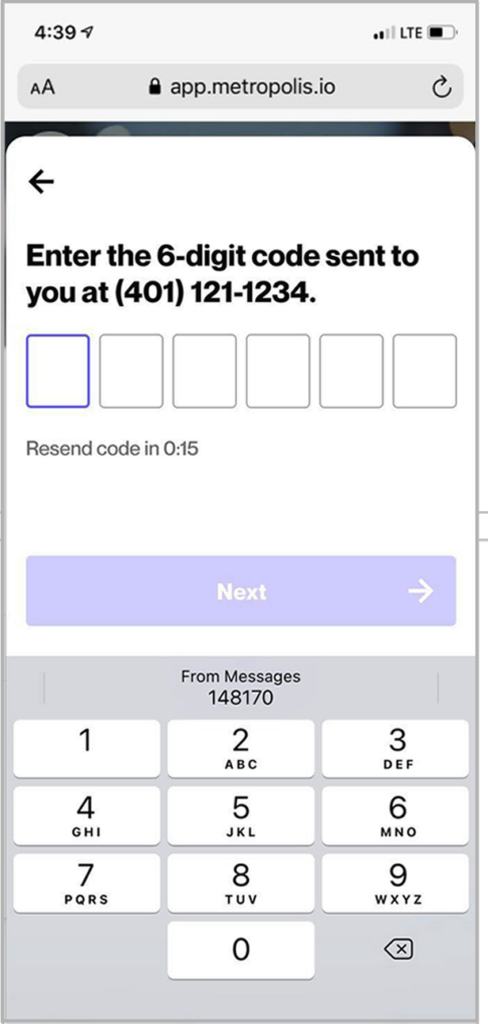
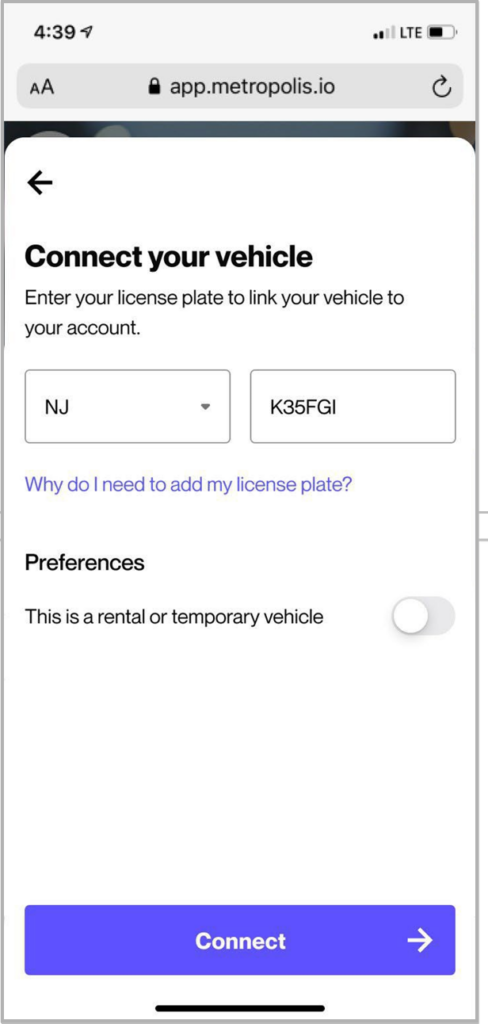
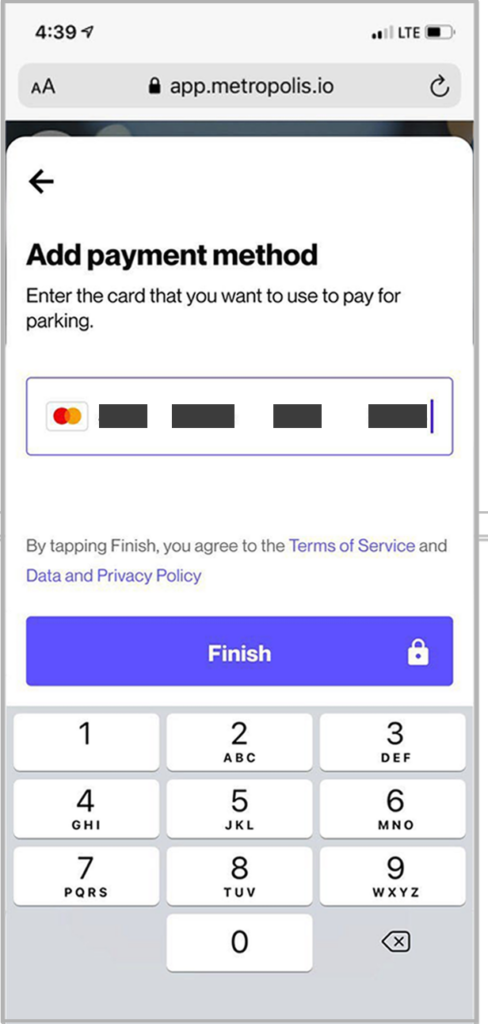
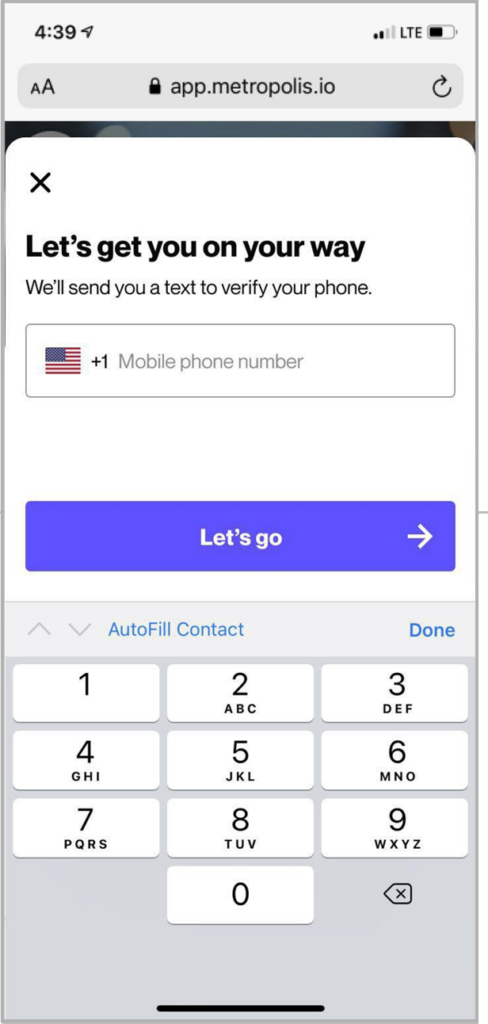
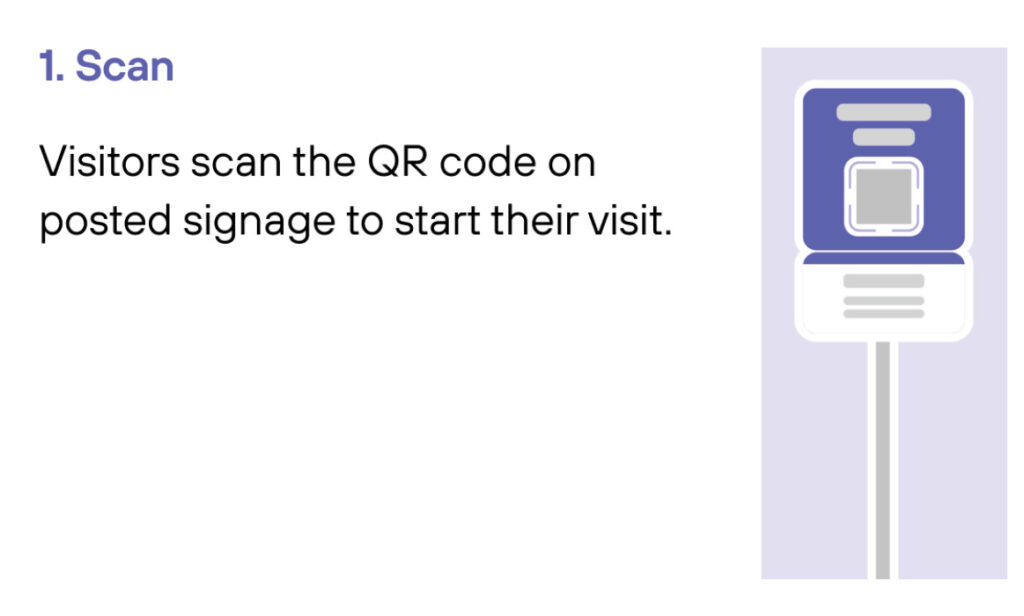
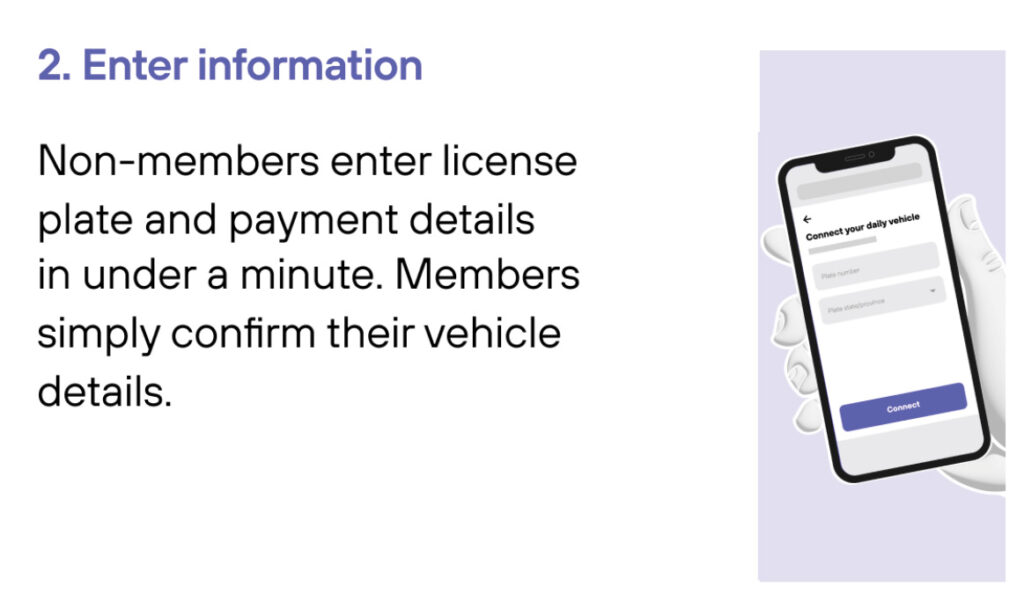
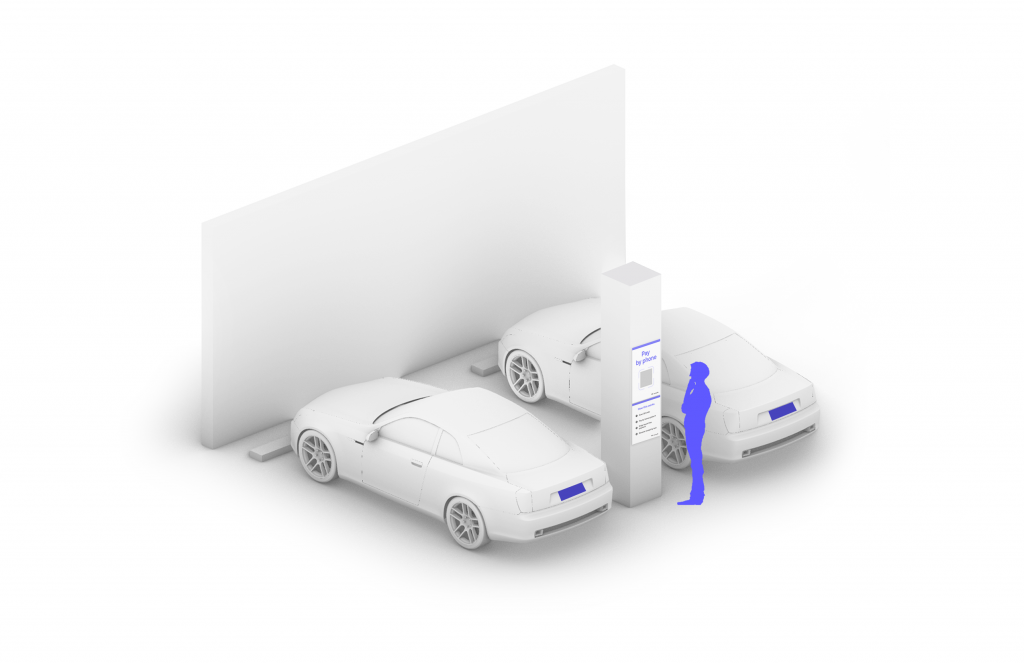
Scan QR code posted in the parking facility and enter the required information. (License plate number required)
3
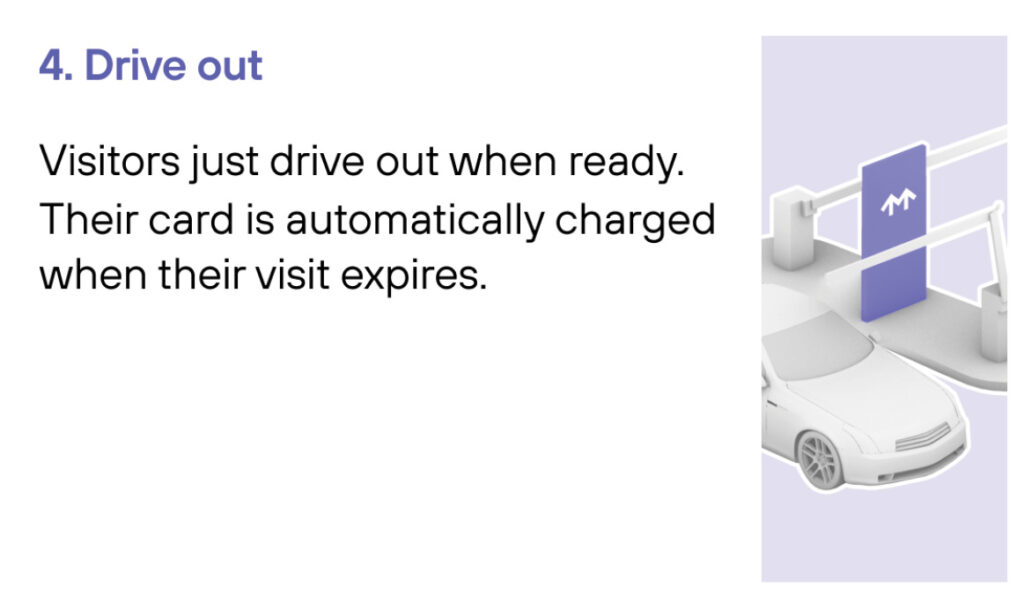
Drive Out When you exit the parking facility, your parking session is automatically charged to your credit card on file. Just drive out.
1
Drive In
Your visit starts when you drive in. You’ll receive a welcome text when you enter and your parking session will begin.
2
Drive Out
When you exit the parking facility your parking session is automatically charged to your credit card on file.