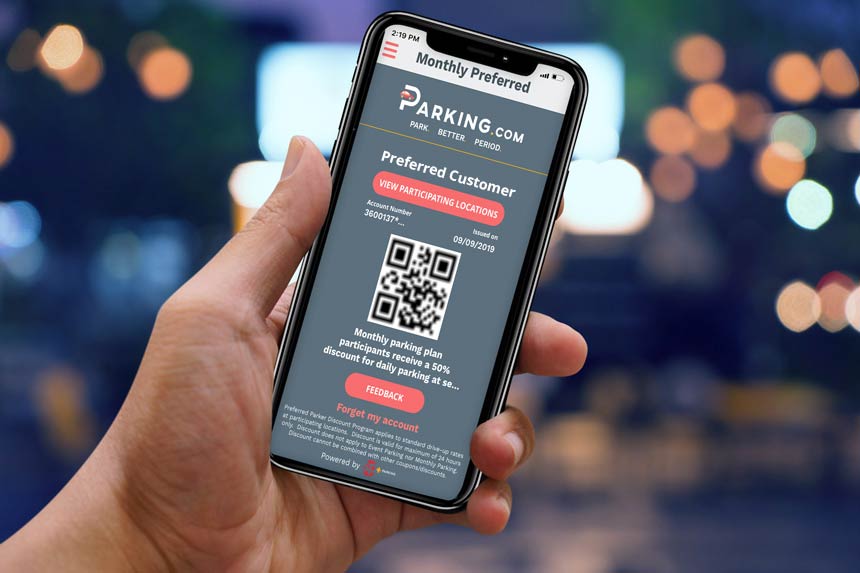
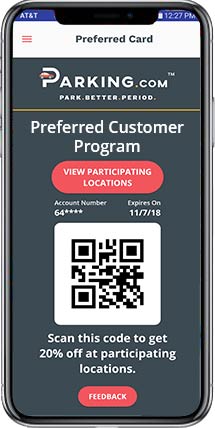
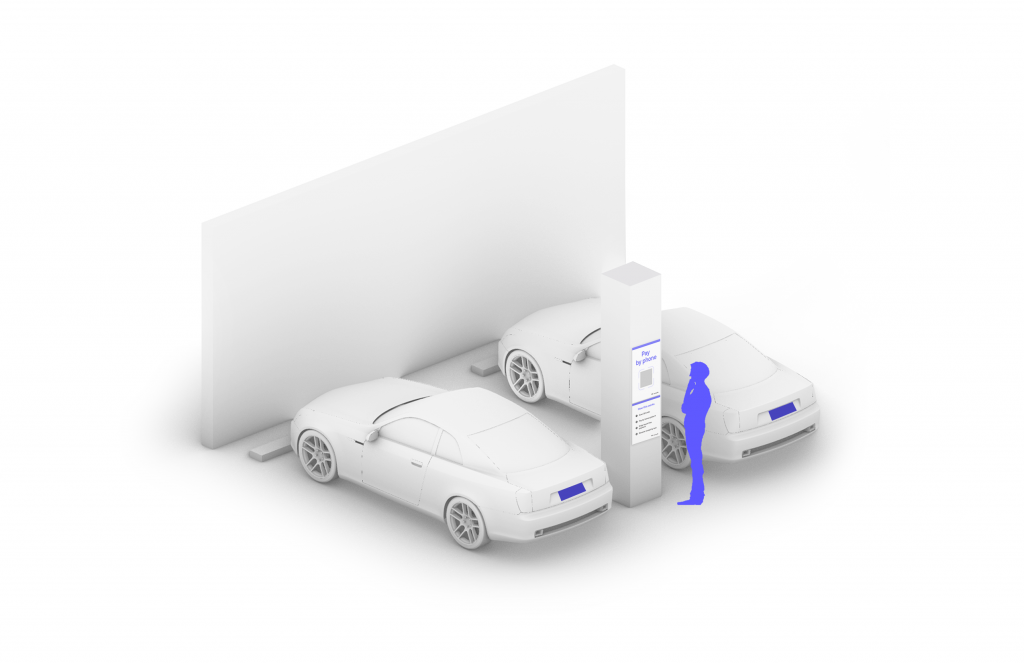
Even though you’ve got a monthly parking space with SP+, we know that sometimes you need to drive around the city and park at a different location. Whether you’re attending a meeting, having dinner with friends, or heading out for a night on the town, SP+ has you covered. As a monthly parking customer, you can now receive 50% off* daily parking at participating locations in Washington, D.C. through the Preferred Customer Program.
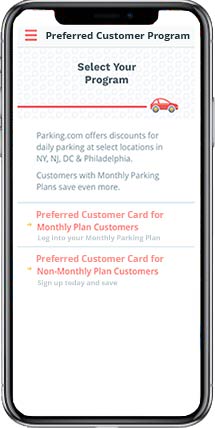
Sign up with your monthly parking account information to unlock your personal discount code. You can scan your QR code when exiting at participating locations to get a 50% discount off the normal drive-up rate.
Step 2
Choose the monthly plan login option and enter your account number to access your QR code.
Step 3
Park at a participating location
Step 4
Present your Preferred Customer Card when you leave to save 50%.
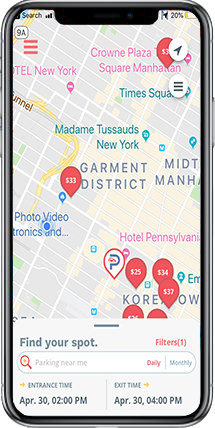
View Participating Locations
We’ll be rolling the preferred customer card out to more and more locations. For now, click on the “VIEW PARTICIPATING LOCATIONS” button for program details.
Where to Get the App
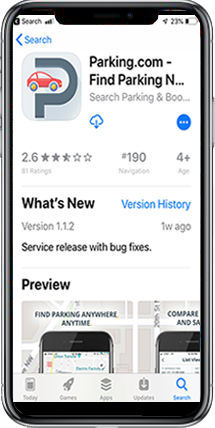
You can download the mobile app in the Apple App Store or the Google Play Store. Simply click the appropriate App Store button below and download now.
1
Drive In
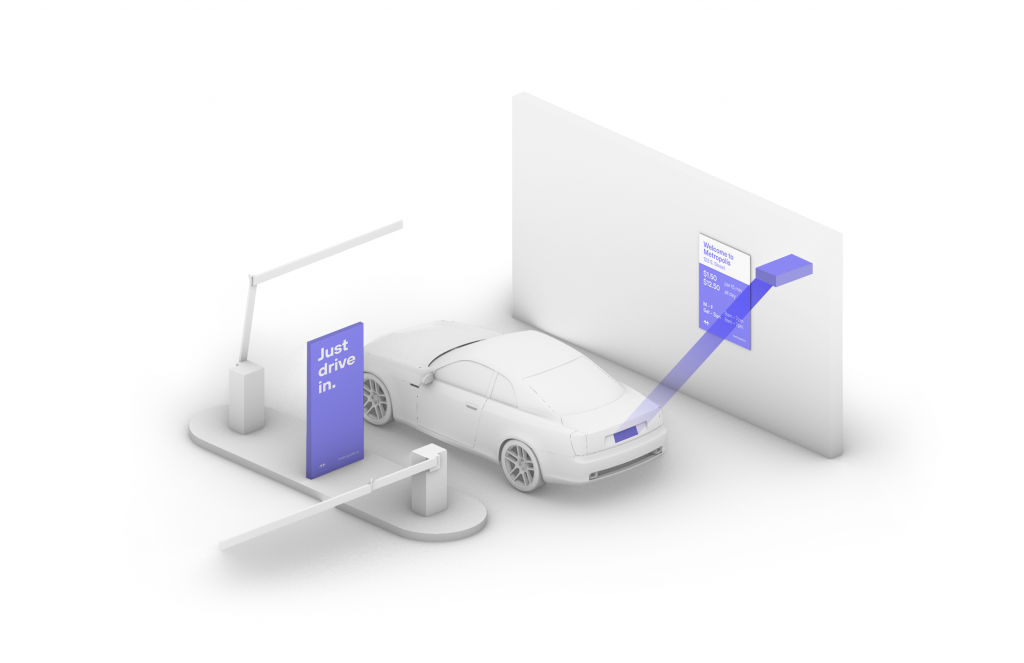
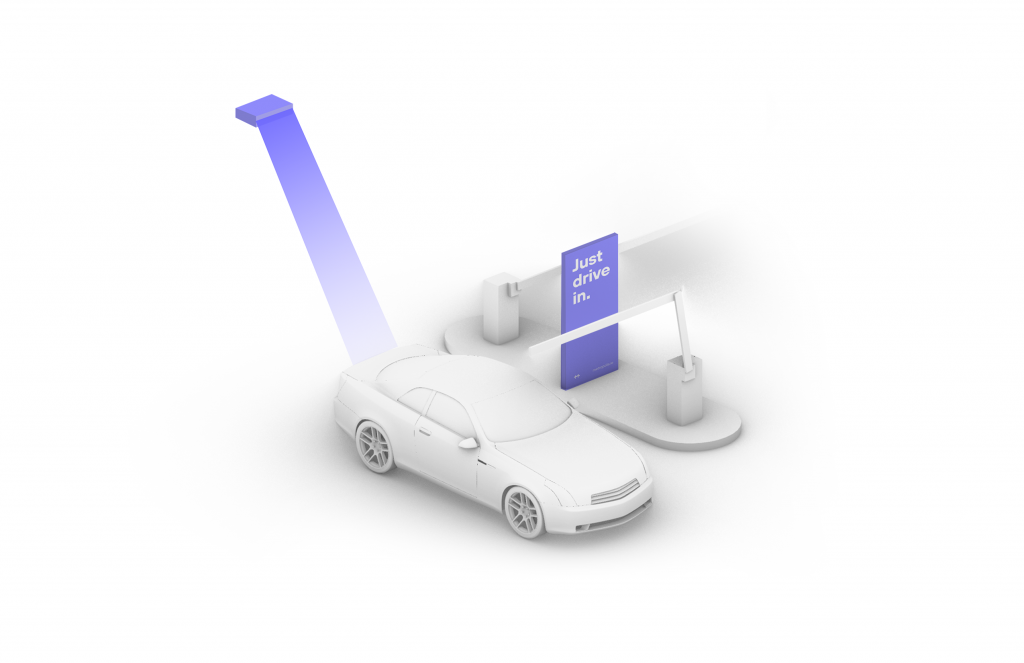
Your visit starts when you drive in, and your parking session will begin. (The Metropolis Technology recognizes your license plate and retrieves your prepaid reservation.) Do not scan posted QR codes. You’re all set.
2
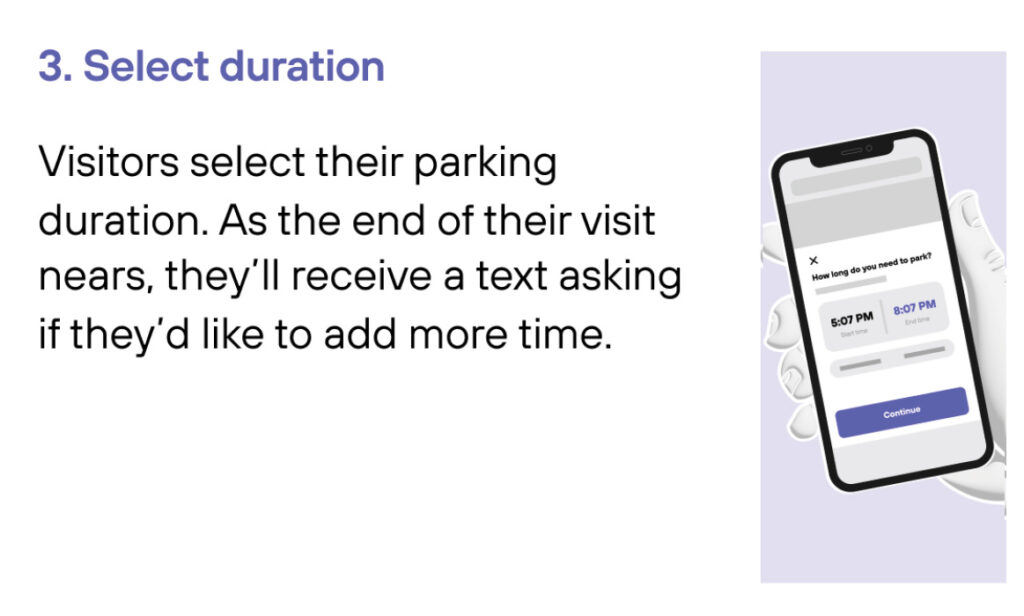
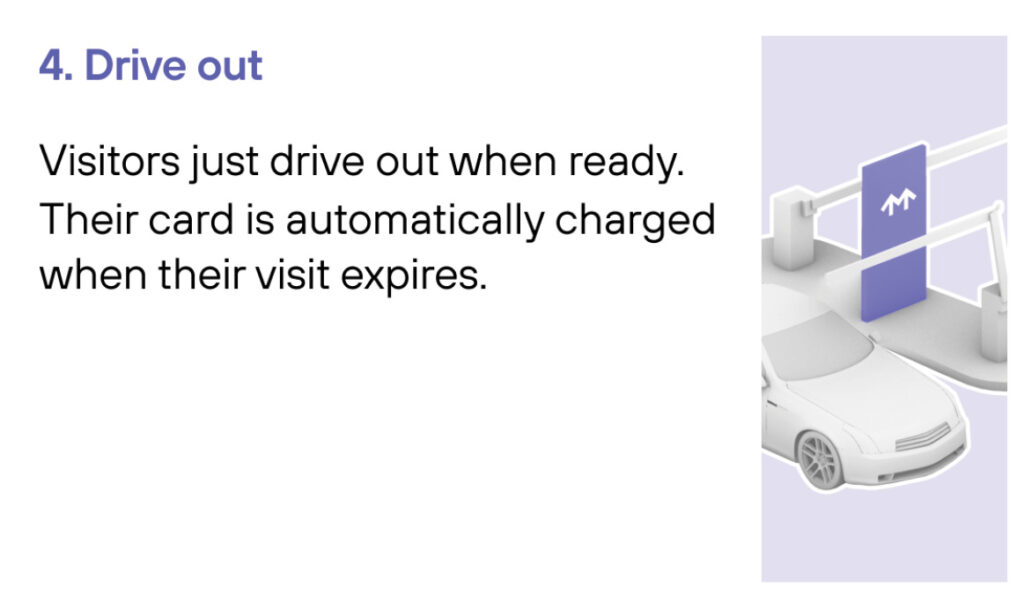
Drive Out When you exit the parking facility, your prepaid reservation is recognized. Just drive out. (If you stayed beyond your allotted reservation, your credit card will be charged the difference using the drive-up rates.)
1
Drive In
Your visit starts when you drive in, and your parking session will begin.
2
Connect
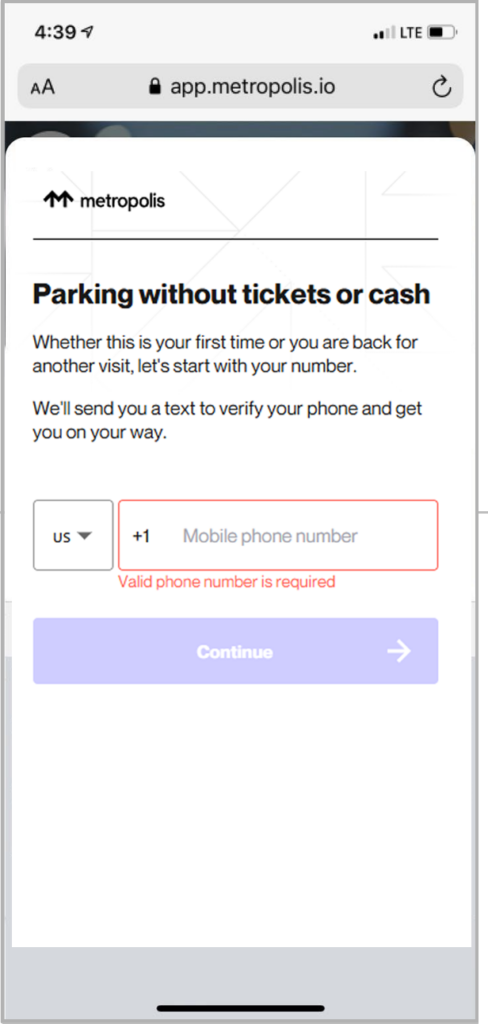
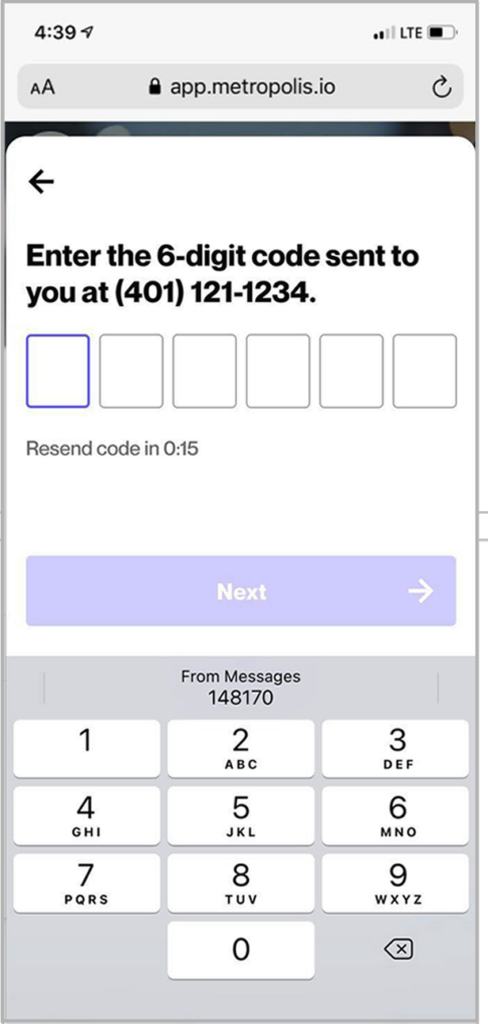
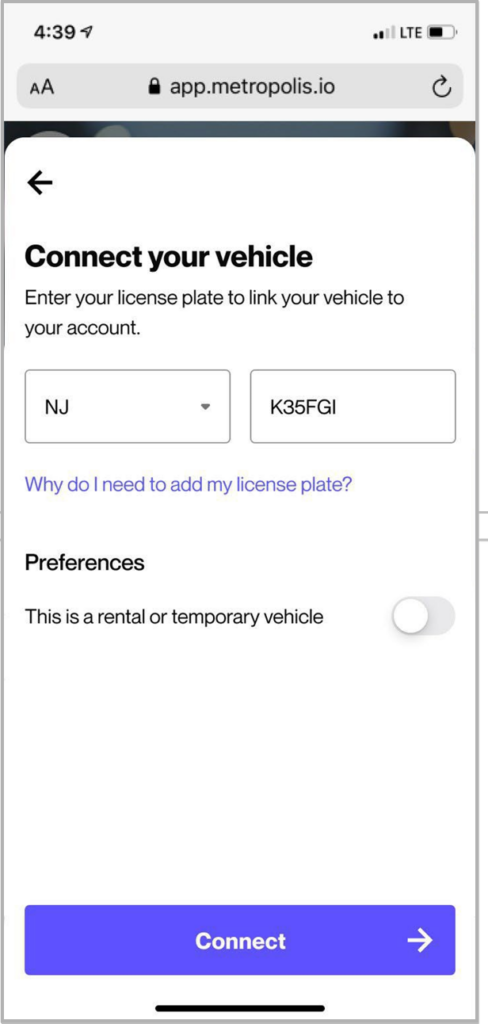
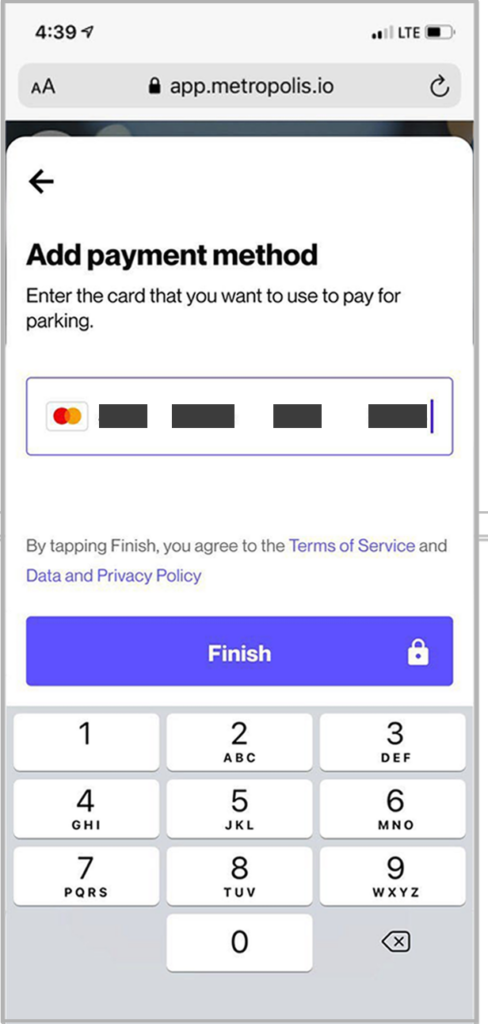
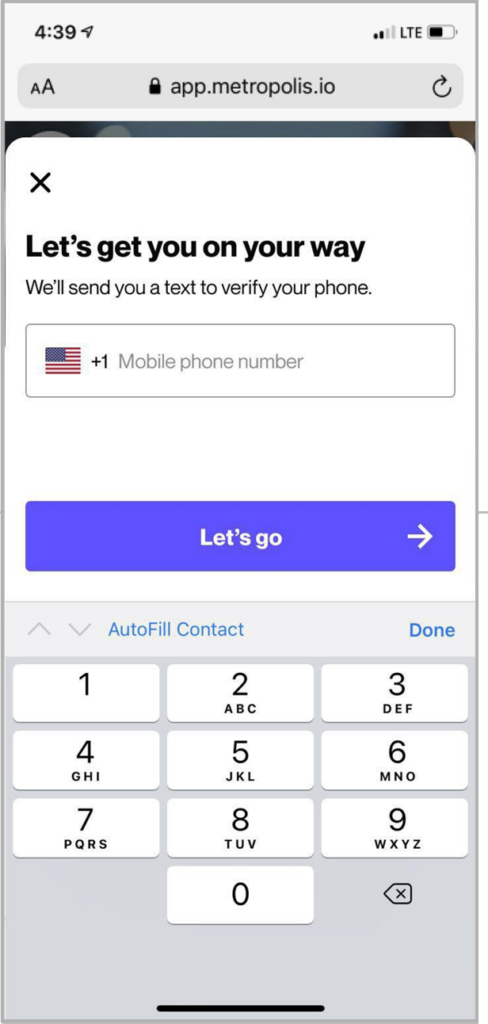
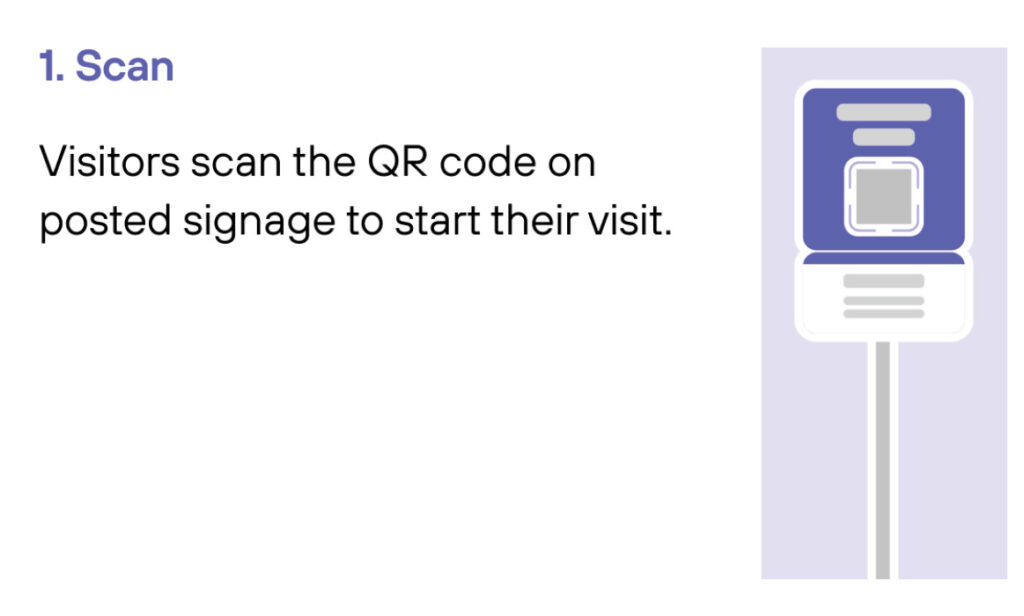
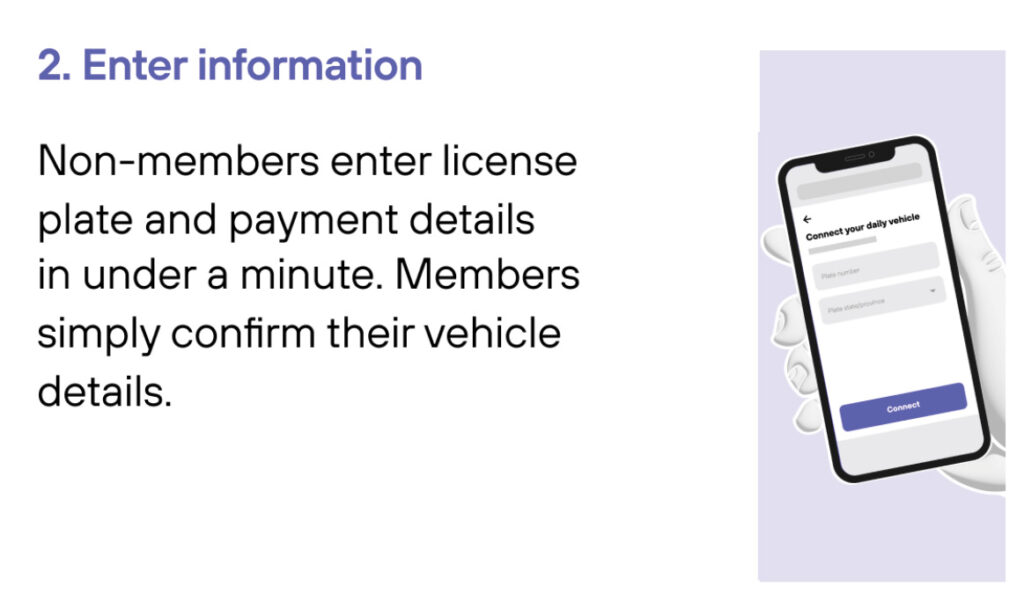
Scan QR code posted in the parking facility and enter the required information. (License plate number required)
3
Drive Out When you exit the parking facility, your parking session is automatically charged to your credit card on file. Just drive out.
1
Drive In
Your visit starts when you drive in. You’ll receive a welcome text when you enter and your parking session will begin.
2
Drive Out
When you exit the parking facility your parking session is automatically charged to your credit card on file.