After booking your parking, please follow the directions below when arriving at the facility:
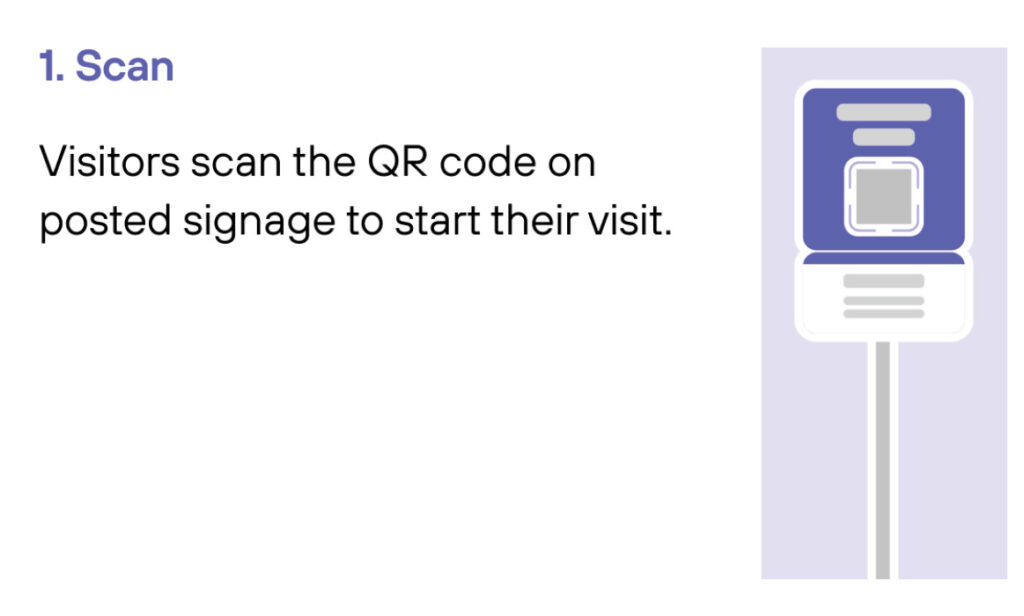
Scan QR code. Scan the QR code at the box with the red flashing lights at the bottom of the entrance machine.
Grab your ticket. A ticket will come out. Please pull the ticket and park.
Return ticket on exit. When exiting, please insert the ticket to the exit machine.
For additional questions please contact 201-332-3058.
1
Drive In
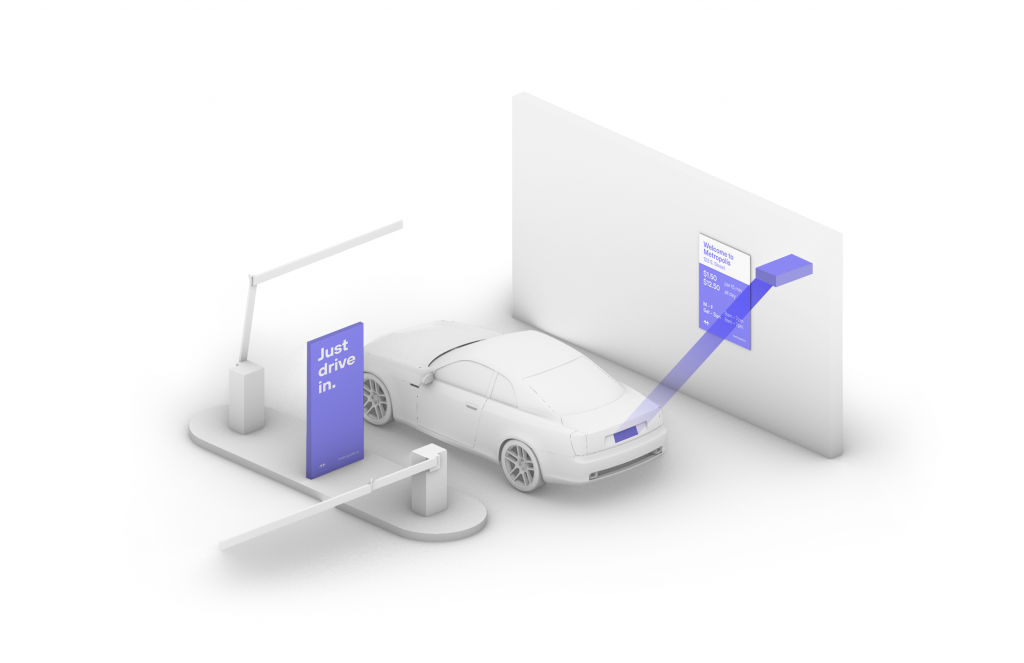
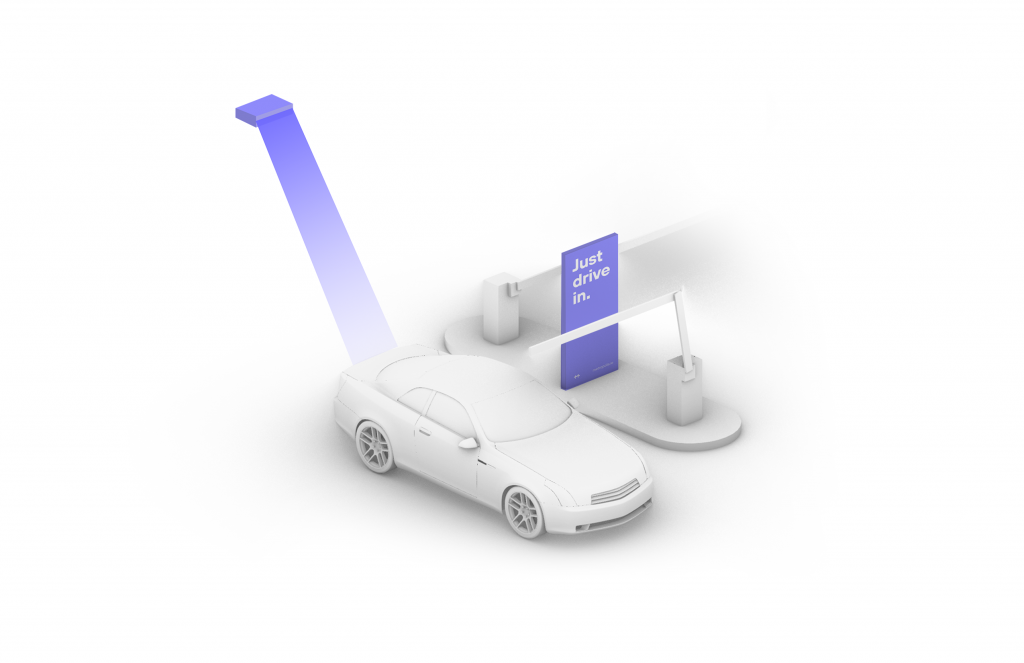
Your visit starts when you drive in, and your parking session will begin. (The Metropolis Technology recognizes your license plate and retrieves your prepaid reservation.) Do not scan posted QR codes. You’re all set.
2
Drive Out When you exit the parking facility, your prepaid reservation is recognized. Just drive out. (If you stayed beyond your allotted reservation, your credit card will be charged the difference using the drive-up rates.)
1
Drive In
Your visit starts when you drive in, and your parking session will begin.
2
Connect
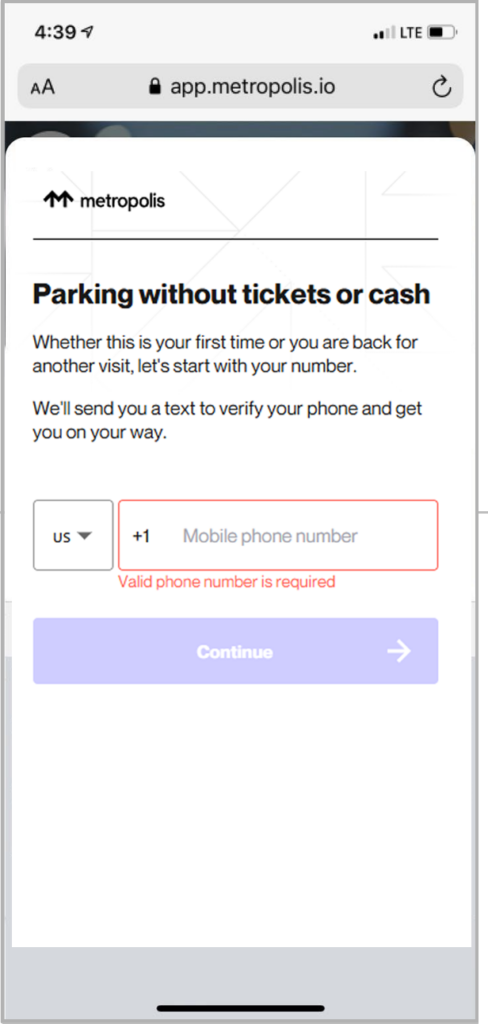
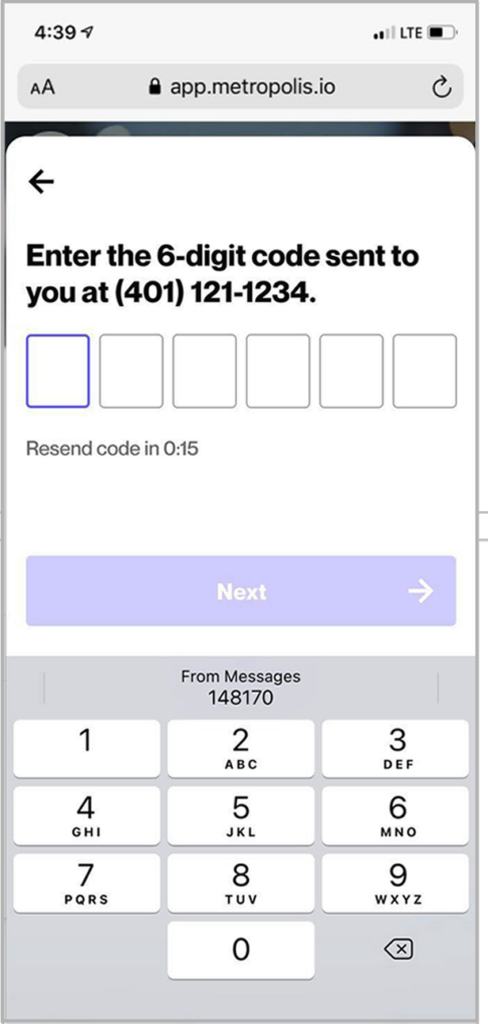
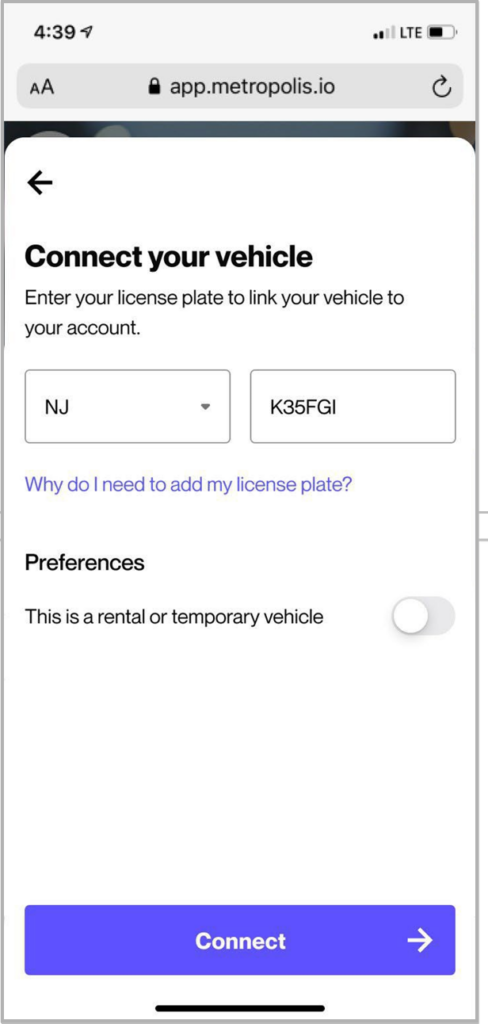
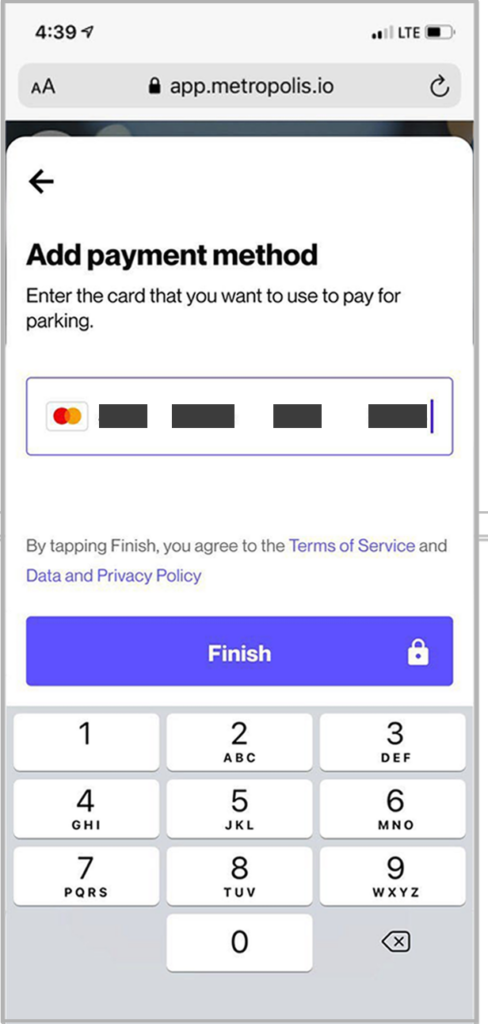
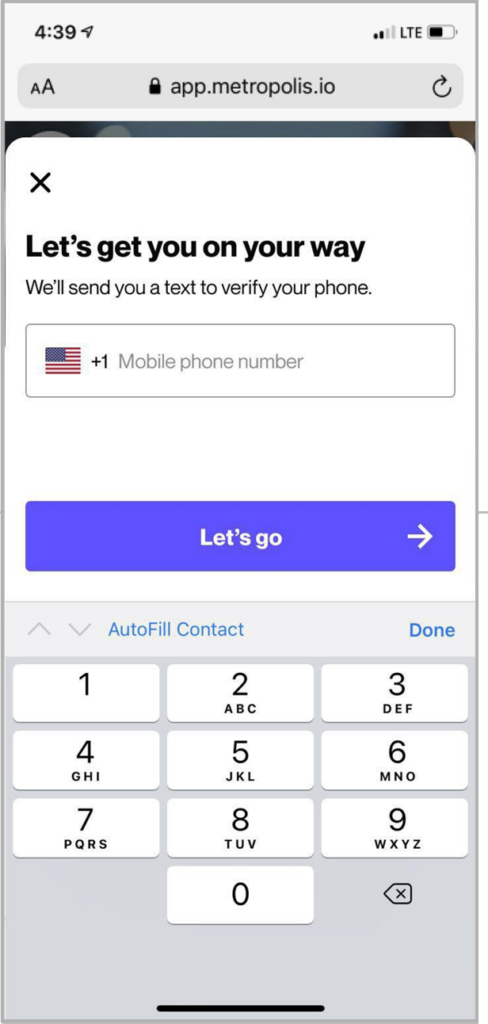
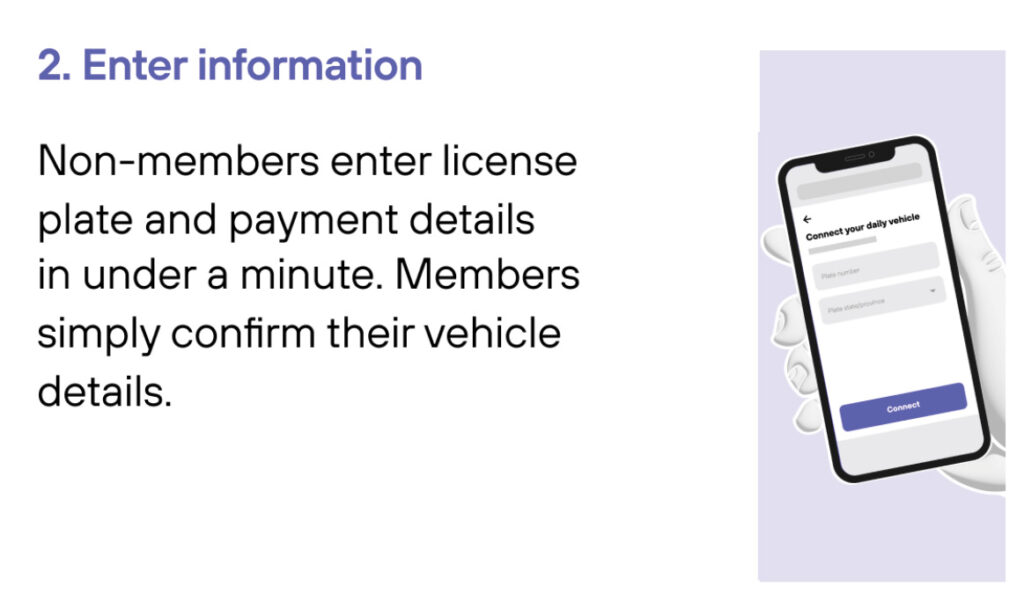
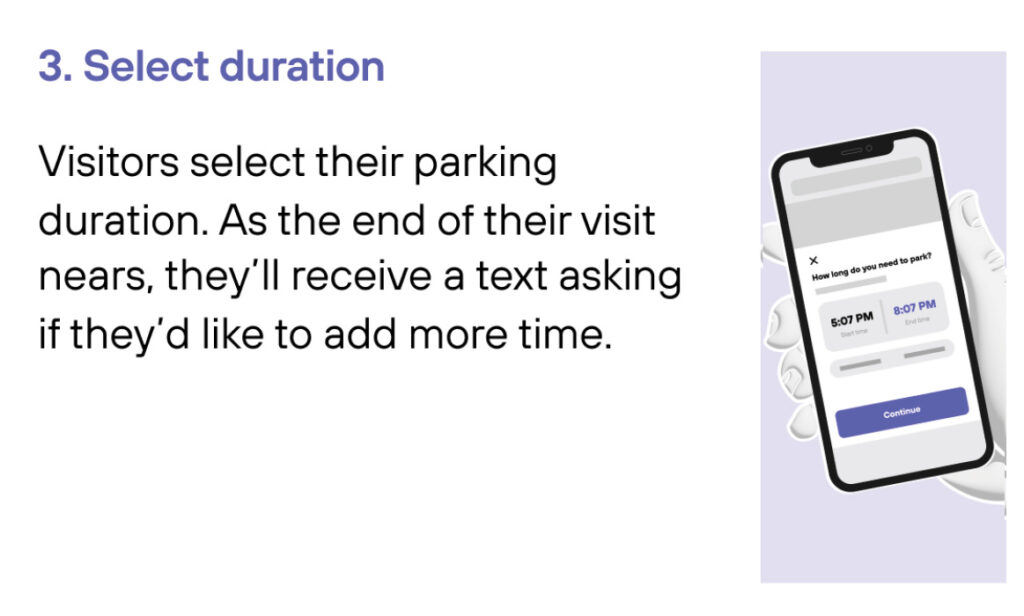
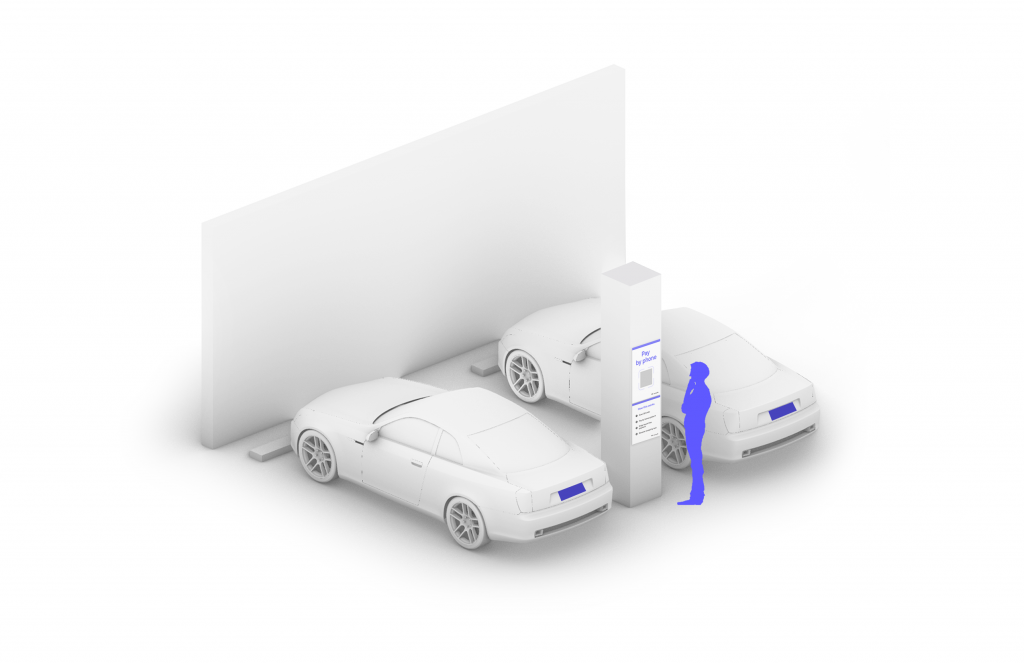
Scan QR code posted in the parking facility and enter the required information. (License plate number required)
3
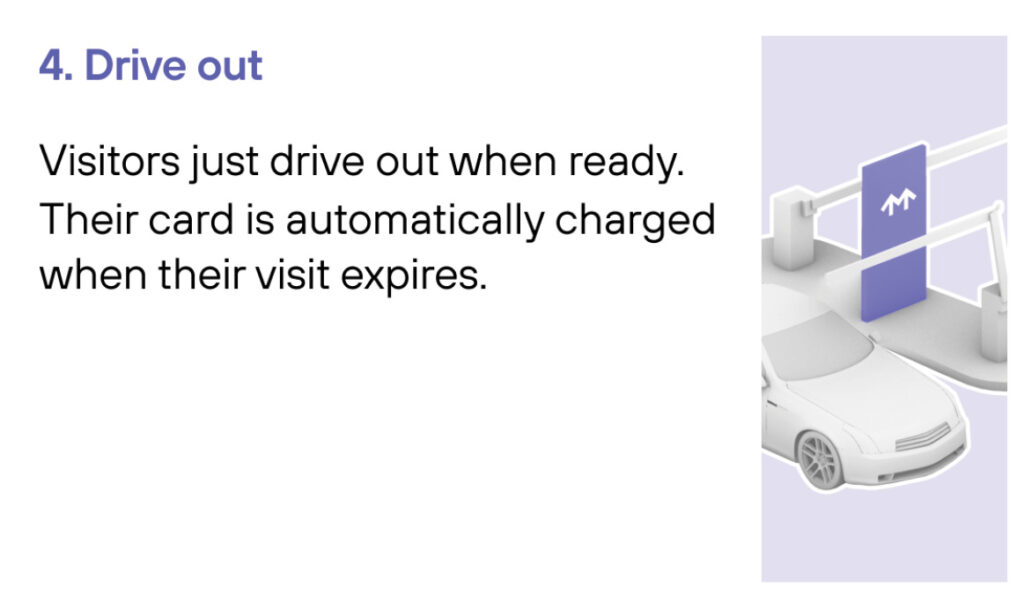
Drive Out When you exit the parking facility, your parking session is automatically charged to your credit card on file. Just drive out.
1
Drive In
Your visit starts when you drive in. You’ll receive a welcome text when you enter and your parking session will begin.
2
Drive Out
When you exit the parking facility your parking session is automatically charged to your credit card on file.