Hudson Point Tenant Parking
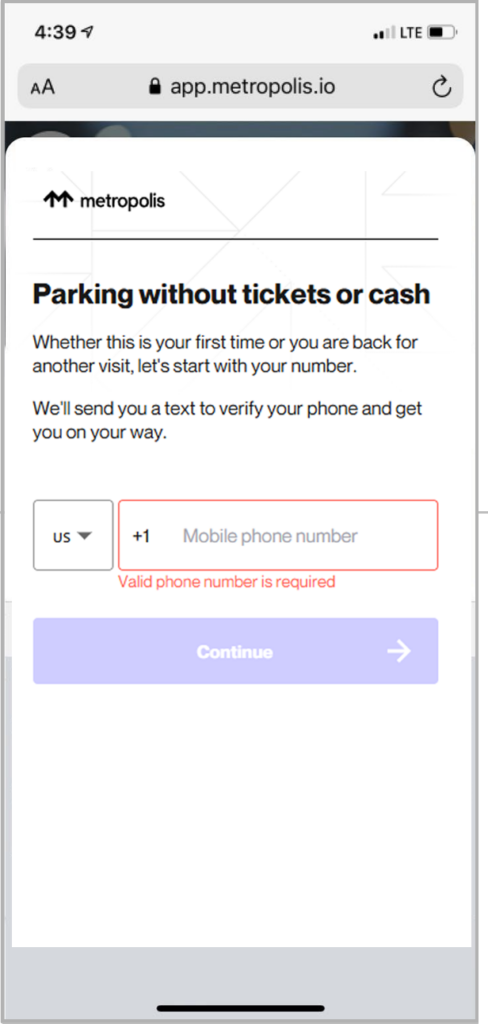
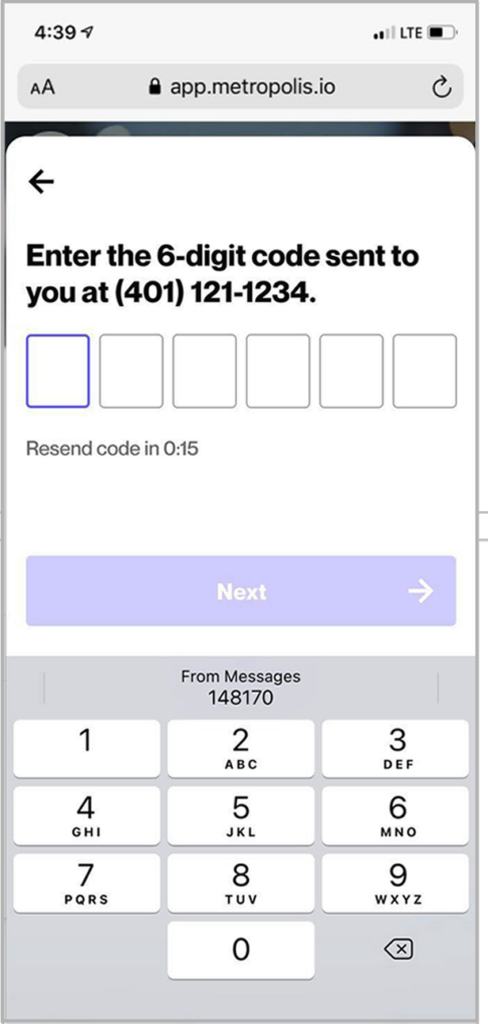
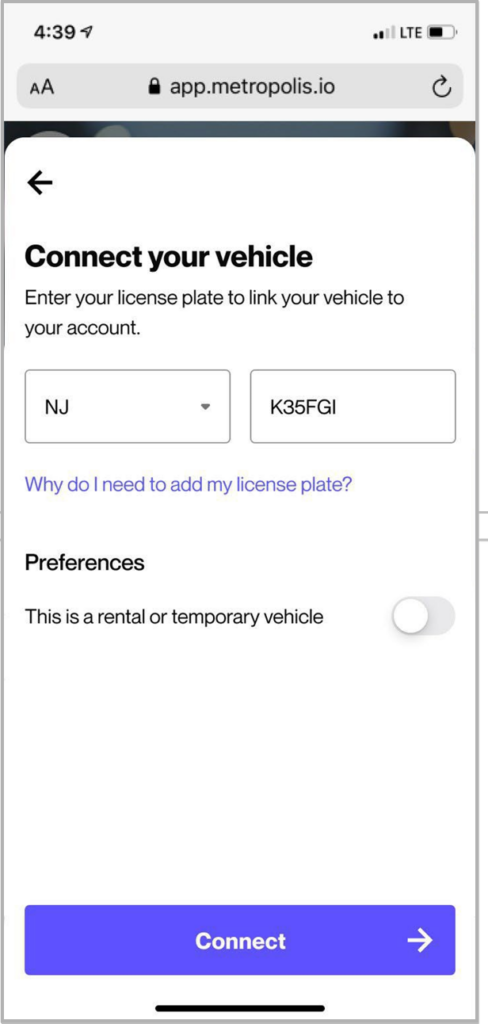
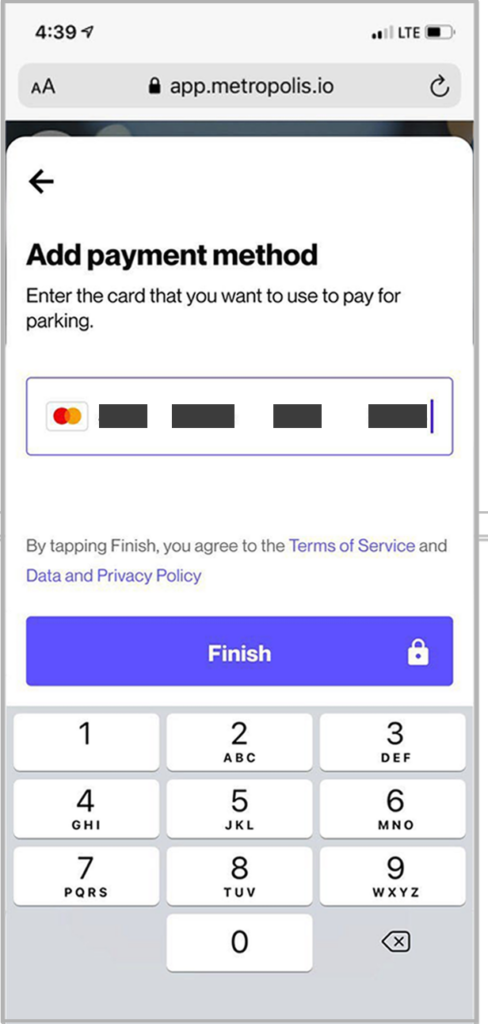
Tenants of Hudson Point can sign-up for Monthly Parking or log into their existing Monthly Parking Account below.
| Monthly Parking | Parking Rate |
|---|---|
| Covered | $285/month |
| Uncovered | $260/month |
Tenants of Hudson Point can sign-up for Monthly Parking or log into their existing Monthly Parking Account below.
| Monthly Parking | Parking Rate |
|---|---|
| Reserved | $250/month |
| Unreserved | $225/month |
Guest Parking Rates
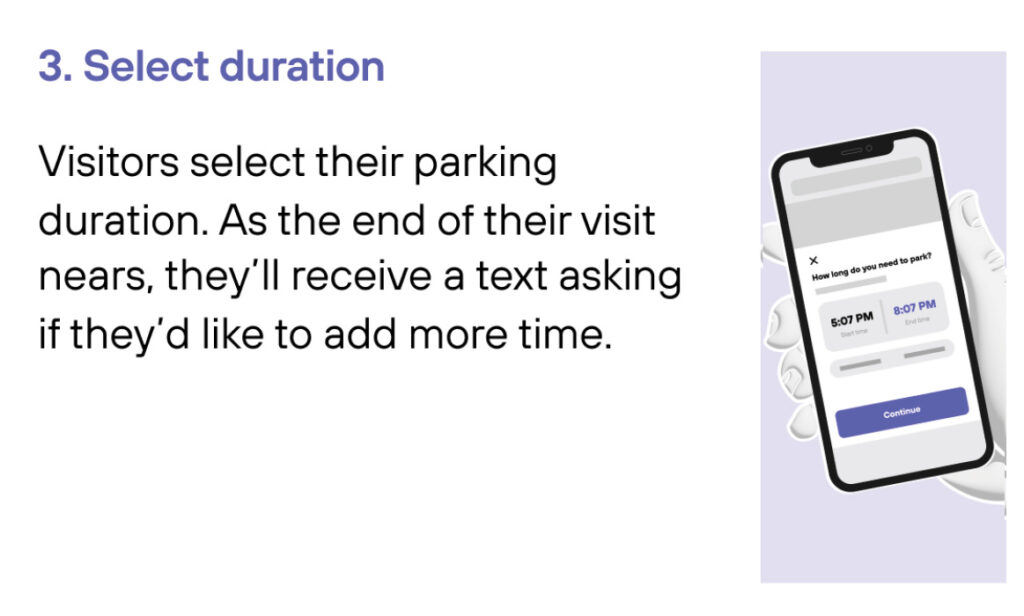
Tenants can also pre-purchase Guest Parking by entering the date and time of their parking stay at Hudson Point in the box to the right.
Please note, there are no in/out privileges for daily parking. Please make sure to enter and exit the garage within your reservation times, or you will be subject to an extra fee. You must park in the guest parking spots, by the 1st floor.
*Service fees may apply
| Parking Time | Parking Rate |
|---|---|
| 1 Hour | $12 |
| 2 Hours | $22 |
| 10 Hours | $25 |
| 24 Hours | $32 |
| Weekend Special | $25 |
Tenants can also pre-purchase Guest Parking by entering the date and time of their parking stay at Hudson Point in the box below. Please note, there are no in/out privileges for daily parking.
| Parking Time | Parking Rate |
|---|---|
| 1 Hour | $10.00 |
| 2 Hours | $15.00 |
| 24 Hours | $25.00 |
GARAGE HOURS
Open 24/7
GARAGE ENTRANCE
The garage at Hudson point is located at:
13 Warren St
Jersey City, NJ 07302
CONTACT PARKING
Have a question about parking?
Phone: (800) 836-6666