Parking for the Cape Liberty Cruise Port is conveniently located adjacent to the cruise terminal.
Parking Rates
$35/day – Standard size vehicle and SUV
$70/day – RV and Mini Bus
$105/day – Bus
*All taxes and fees are included
Parking Details
- The height restriction of the garage is 7’ 4”. Please park in the overflow lots if your vehicle is oversized or above the height restriction.
- During peak season, access to the garage will be restricted to guests with a valid, visible handicapped place card or license plates with a wheelchair symbol.
- Overflow lots are uncovered, at ground level and located within walking distance to the terminal entrance and exit.
- A free shuttle is available from all overflow lots to and from the cruise terminal.
- To save time, drop off your luggage first at the terminal, and then head to the parking lot.
Metropolis Parking
Welcome to remarkably seamless parking at Cape Liberty Cruise Port.
How it Works
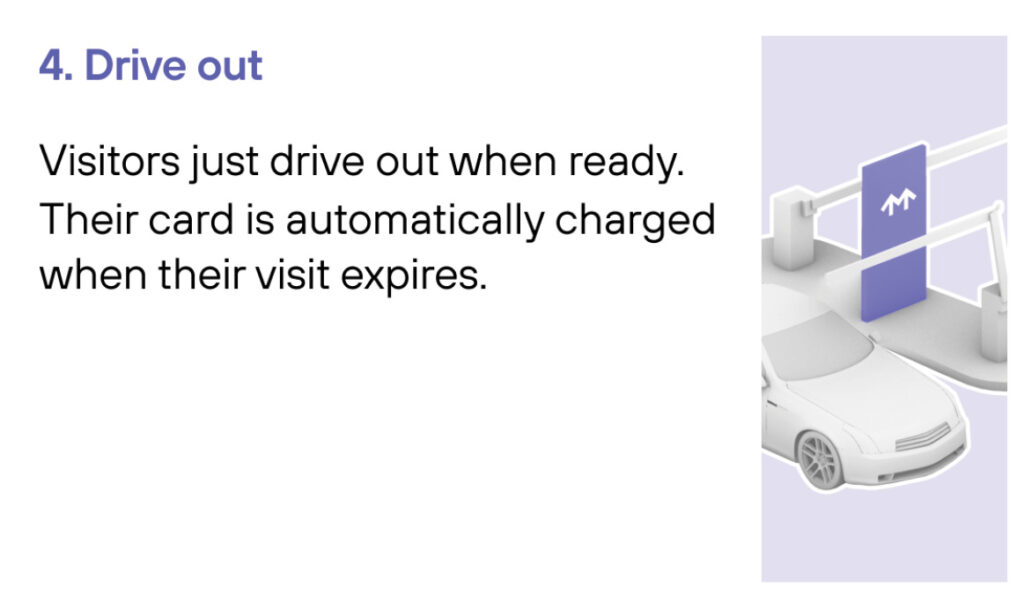
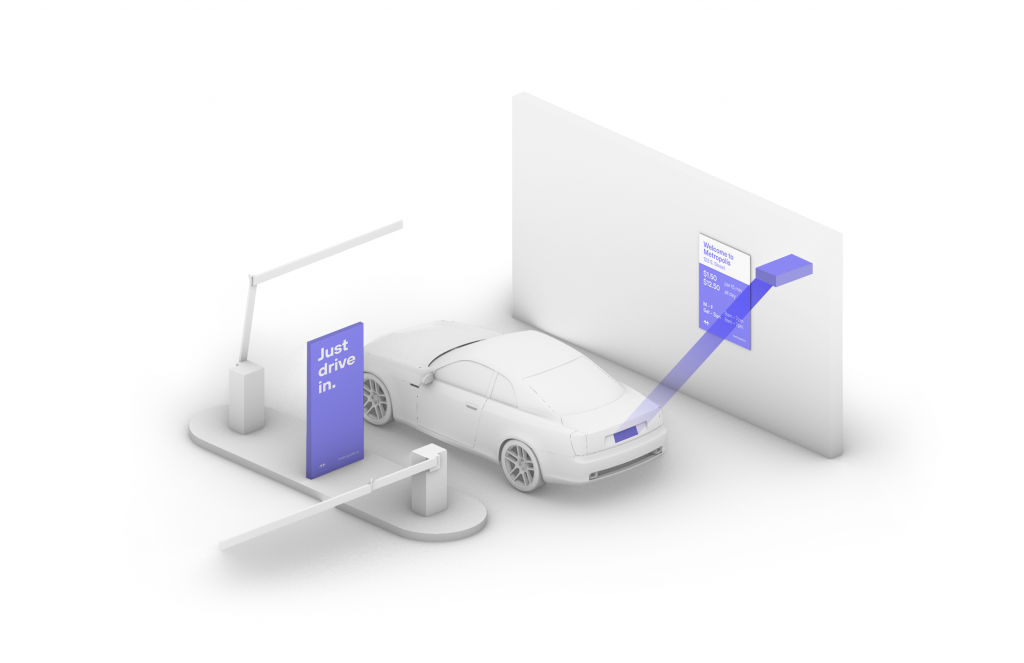
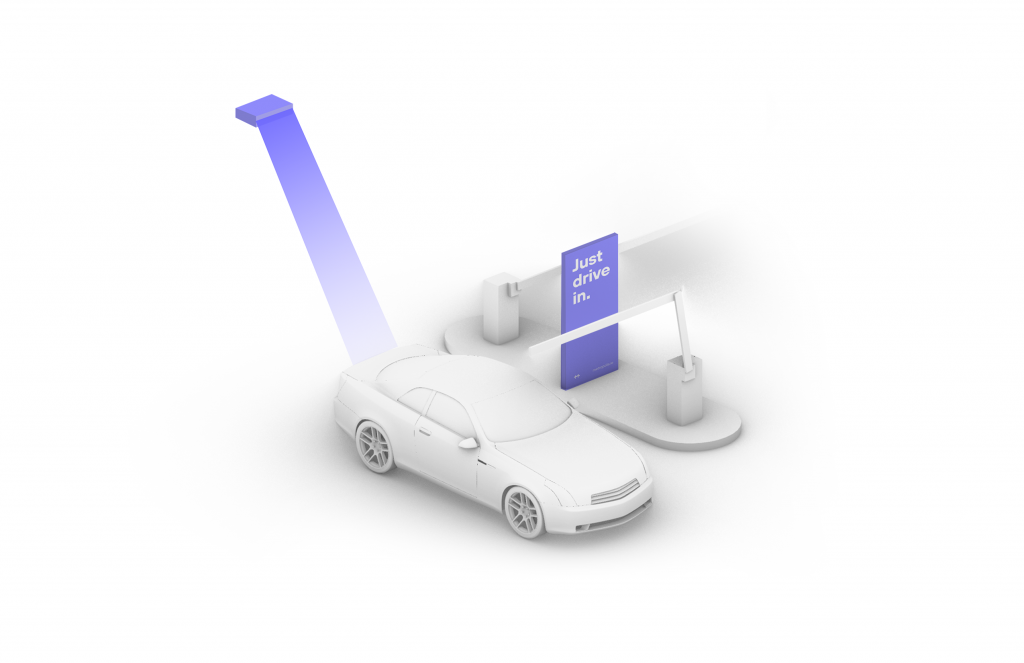
Connect once and you’ll enjoy seamless, automated parking at Cape Liberty Cruise Port.
Garage Instructions
If parking at the garage, please follow the instructions below.
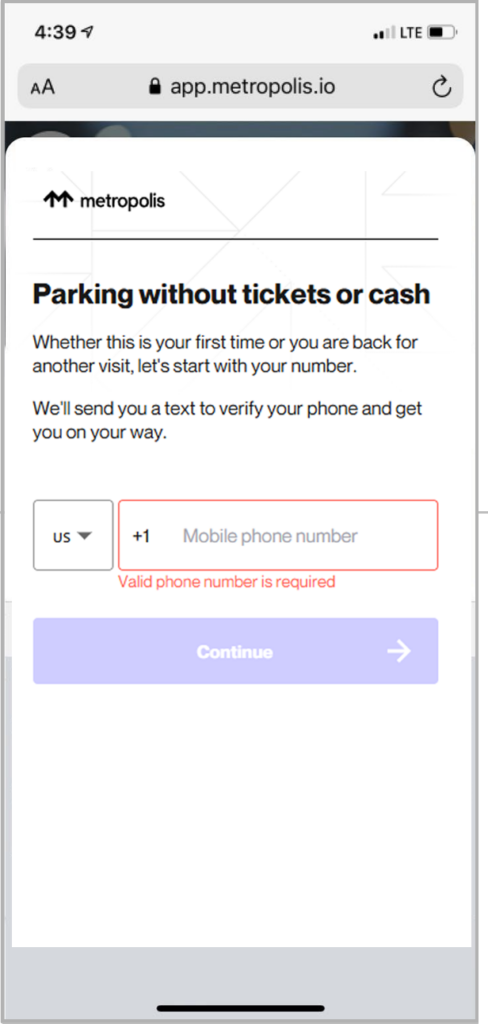
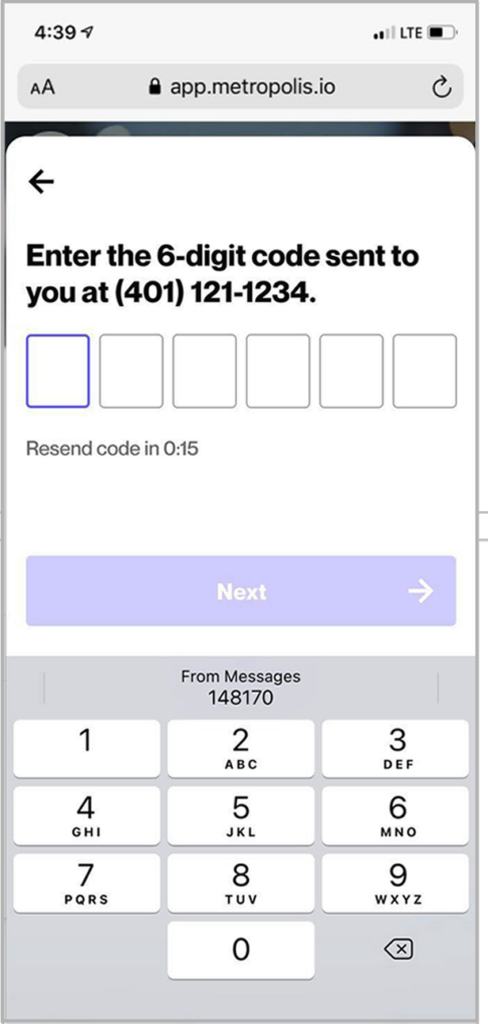
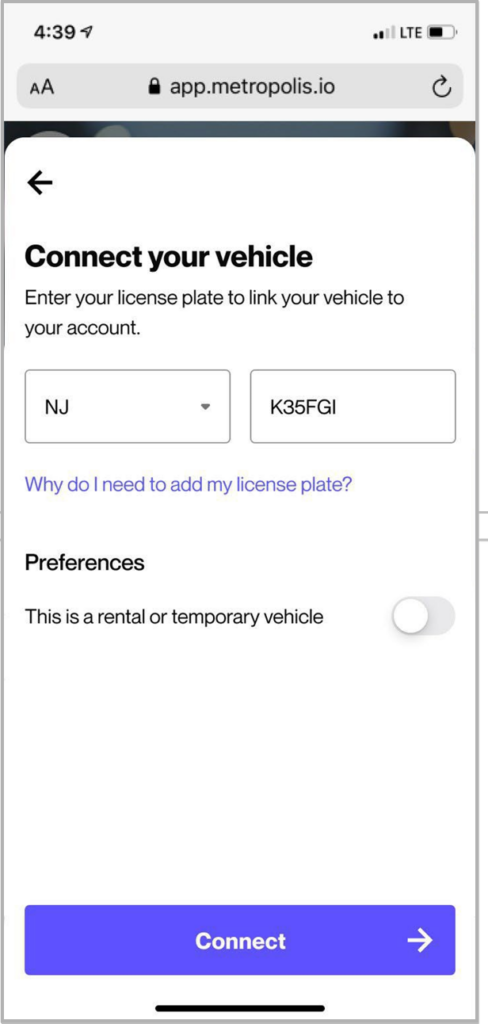
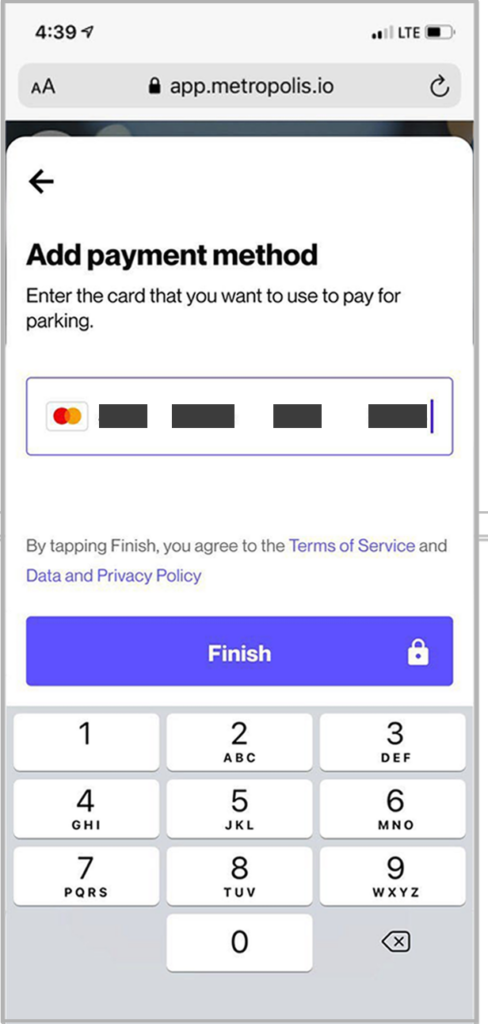
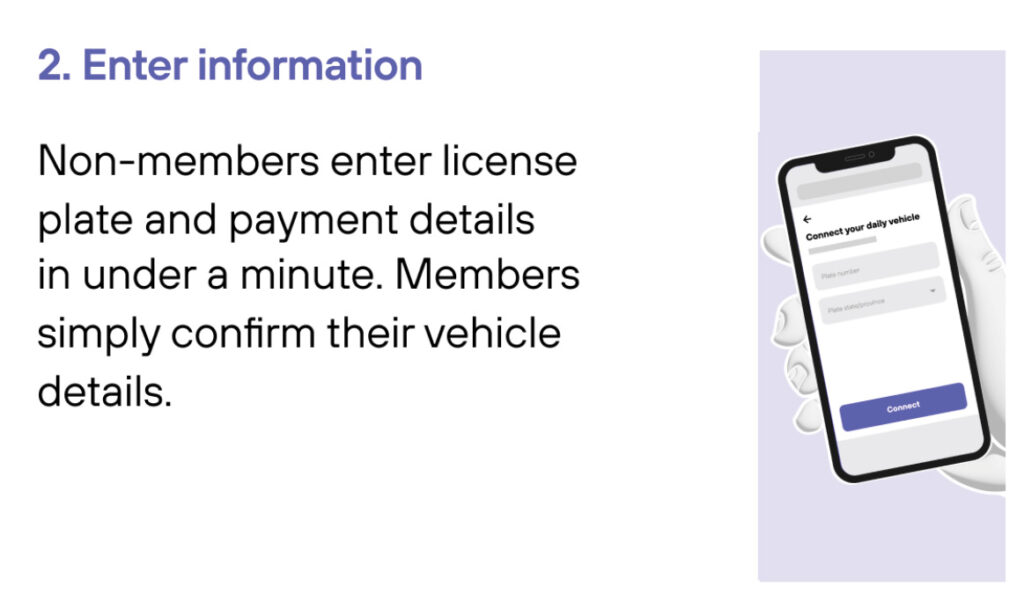
| First-time Users of the Metropolis Technology, follow the simple steps to sign up. | LEARN MORE | ||
| Existing Metropolis Members can simply drive in and drive out as long as you use the same vehicle and card on file. | LEARN MORE | ||
Overflow Lot Instructions
If parking at the lot, please follow the instructions below.
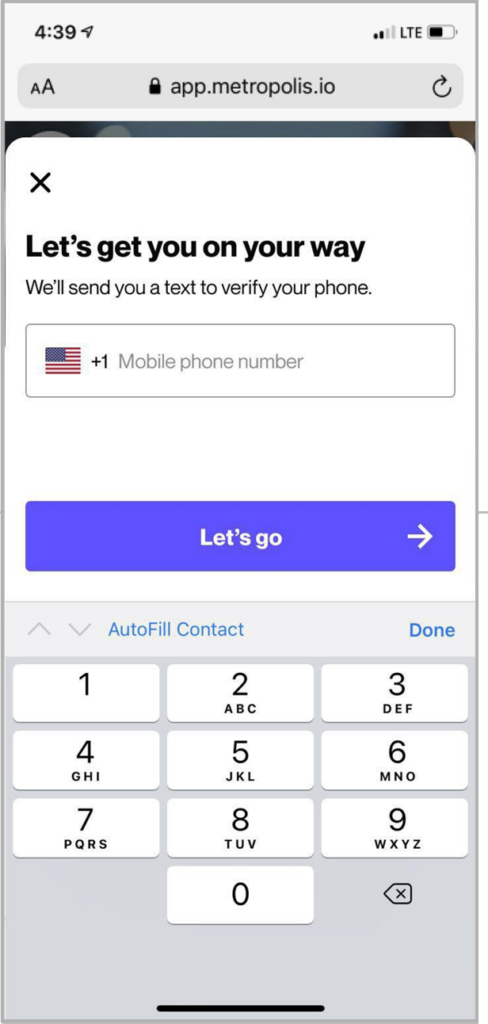
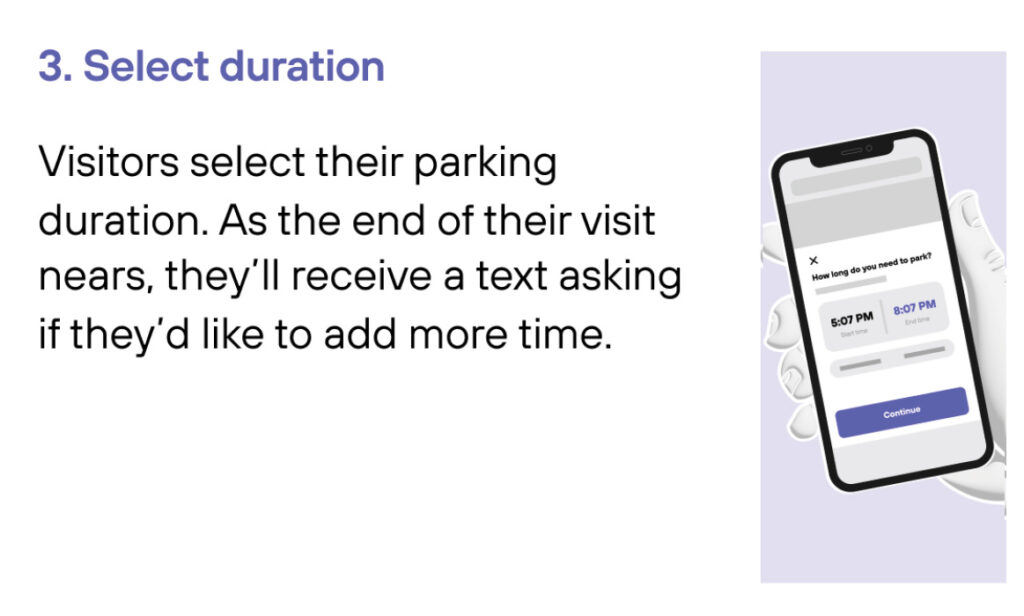
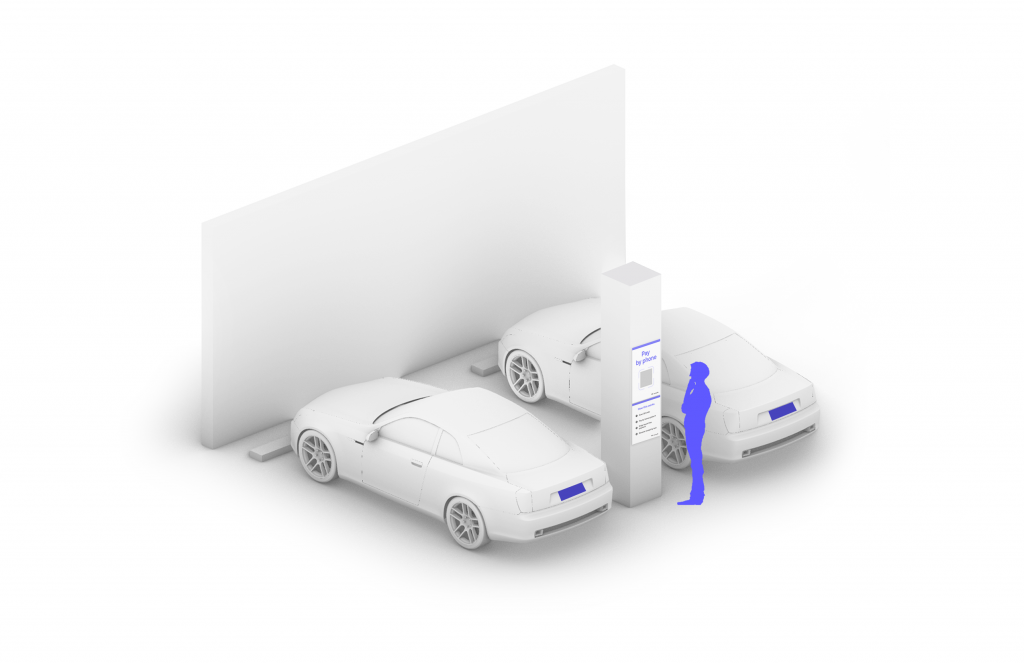
| Overflow Lot Users: If parking at the lot, follow the simple steps to park. | LEARN MORE | ||
For questions, please contact capeliberty@spplus.com.
How to sign up
As a Metropolis member, there is no need to search for cash, fumble for a credit card, or reach for a ticket machine ever again.
Option 1: Sign up before you arrive
- Visit app.metropolis.io/sign-in
- Follow the prompts to sign up.
Option 2: When you arrive
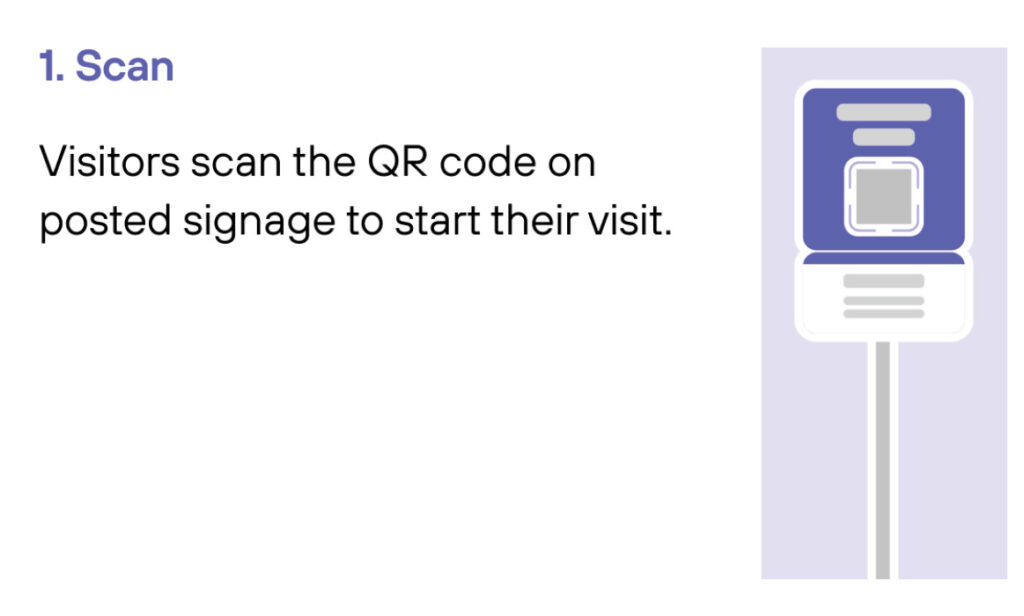
- Scan QR code posted in the parking garage.
- Follow the prompts to sign up.
Metropolis technology FAQs
Currently reservations are not needed. However, for the fastest and most convenient parking experience, Sign up at app.metropolis.io/sign-in prior to arrival.
During the off-peak season, all customers can park in the garage.
During peak season, access to the garage will be restricted to guests with a valid and visible handicapped place card, or license plates with a wheelchair symbol. The over-flow surface lots (less than 3 minutes away) will be available for general parking. A free shuttle is available from all overflow lots to and from the cruise terminal.
Your payment will be processed upon leaving the parking facility. However all parkers need to sign up at app.metropolis.io/sign-in and register once your vehicle is parked.
You may park once all parkers from the previous cruise leave the parking facilities. This depends on the ship’s arrival time and may differ throughout the season.
Unfortunately, we do not currently offer any parking discounts.
Your receipt will be sent to you via text message after you exit the parking facility.
Yes. There is an open surface parking lot that can accommodate oversized vehicles. Please be aware, if you park in more than one spot, you will be charged for those spaces.
The garage is 750 ft from the terminal entrance. The overflow lots are 3 minutes via the free parking shuttles.
Unfortunately, we do not accept cash. All major credit cards are accepted.
Yes, you will still be able to park. All customers can create an account prior to arrival at app.metropolis.io/sign-in. If this is not an option, and you cannot sign up prior to arrival and don’t have a smartphone, please see a parking staff member to assist.
Currently, we don’t have charging stations.
Yes, all handicapped guests with a valid, visible handicapped place card or license plate with a wheelchair symbol can park in the garage at no additional cost. The garage is adjacent to the cruise terminal building.
Yes, sign-up is required in order to park. You may sign up ahead of time or when you arrive.
Directions
Use this address for wayfinding purposes: 4 Port Terminal Blvd, Bayonne, NJ 07002
Follow the signs for Route 440 South. Proceed 1 1/2 miles and make a left into the Bayonne Ocean Terminal. The cruise terminal is two miles straight ahead.
Take the New Jersey Turnpike/I-95 South to Exit 14A – Bayonne.
Take the New Jersey Turnpike/I-95 North to Exit 14A – Follow directions above from Exit 14A.Bayonne.
Take I-80 East to I-95 South to the New Jersey Turnpike. Take the turnpike south to Exit 14A- Bayonne. Follow directions above from Exit 14A.
Take I-78 East directly to Exit 14A- Bayonne. Follow directions above from Exit 14A.
Take the Verrazano Narrows Bridge into Staten Island. Take I-278 West to Route 440 North over the Bayonne Bridge (Check for Bayonne Bridge Closures). Continue on Route 440 North approximately 3 miles. Make a right into the Bayonne Ocean Terminal. The cruise terminal is 2 miles straight ahead.
Take the Lincoln Tunnel to New Jersey. Follow I-495 West to the New Jersey Turnpike/I-95 South. Take the turnpike south to Exit 14A – Bayonne. Follow directions above from Exit 14A.
Take the Holland Tunnel to New Jersey. Take the New Jersey Turnpike west to Exit 14A – Bayonne. Follow directions above from Exit 14A.
Proceed to and across the George Washington Bridge. Follow signs for the New Jersey Turnpike/I-95 South. Take the turnpike south to Exit 14A – Bayonne. Follow directions above from Exit 14A.
Take I-684 South to I-287 West to I-87 South. Follow signs to and over the George Washington Bridge. Follow signs for the New Jersey Turnpike/I-95 South. Take the turnpike south to Exit 14A – Bayonne. Follow directions above from Exit 14A.
Take the Palisades Parkway South to I-80 West. Follow signs for the New Jersey Turnpike/I-95 South. Continue to Exit 14A Bayonne. Take the turnpike south to Exit 14A – Bayonne. Follow directions above from Exit 14A.