Colorado Convention Center

Parking.com is offering convenient parking options for Colorado Convention Center

<< Back to Event List


Select Your Parking Reservation For

checking availability
Feb
14

Colorado Home and Garden Show

Feb 14, 2026
9:00 am
Colorado Convention Center
Feb
15

Colorado Home and Garden Show

Feb 15, 2026
9:00 am
Colorado Convention Center
Feb
16

Colorado Home and Garden Show

Feb 16, 2026
11:00 am
Colorado Convention Center
Feb
17

Colorado Home and Garden Show

Feb 17, 2026
11:00 am
Colorado Convention Center
Feb
18

Colorado Home and Garden Show

Feb 18, 2026
11:00 am
Colorado Convention Center
Feb
19

Colorado Home and Garden Show

Feb 19, 2026
11:00 am
Colorado Convention Center
Feb
20

Colorado Home and Garden Show

Feb 20, 2026
11:00 am
Colorado Convention Center
Feb
21

Colorado Home and Garden Show

Feb 21, 2026
9:00 am
Colorado Convention Center
Feb
22

Colorado Home and Garden Show

Feb 22, 2026
9:00 am
Colorado Convention Center
Apr
10

Colorado Auto Show

Apr 10, 2026
9:00 am
Colorado Convention Center
Apr
11

Colorado Auto Show

Apr 11, 2026
9:00 am
Colorado Convention Center
Apr
12

Colorado Auto Show

Apr 12, 2026
9:00 am
Colorado Convention Center
May
28

Fan Expo 2026

May 28, 2026
11:00 am
Colorado Convention Center
May
29

Fan Expo 2026

May 29, 2026
9:00 am
Colorado Convention Center
May
30

Fan Expo 2026

May 30, 2026
9:00 am
Colorado Convention Center
May
31

Fan Expo 2026

May 31, 2026
9:00 am
Colorado Convention Center
Online Sales Powered By SP Plus ( a metroplois company )
Parking.com Better. Parking. Period.

PARK. BETTER. PERIOD.®

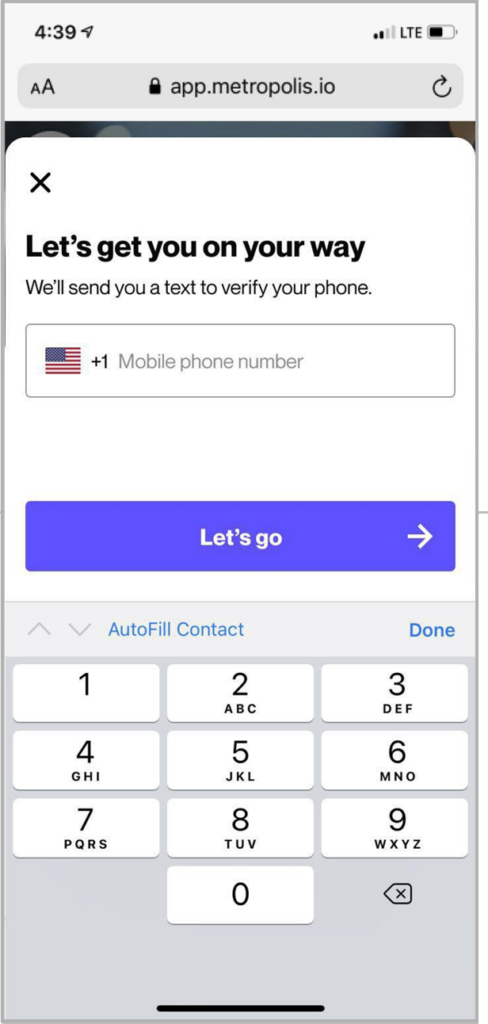
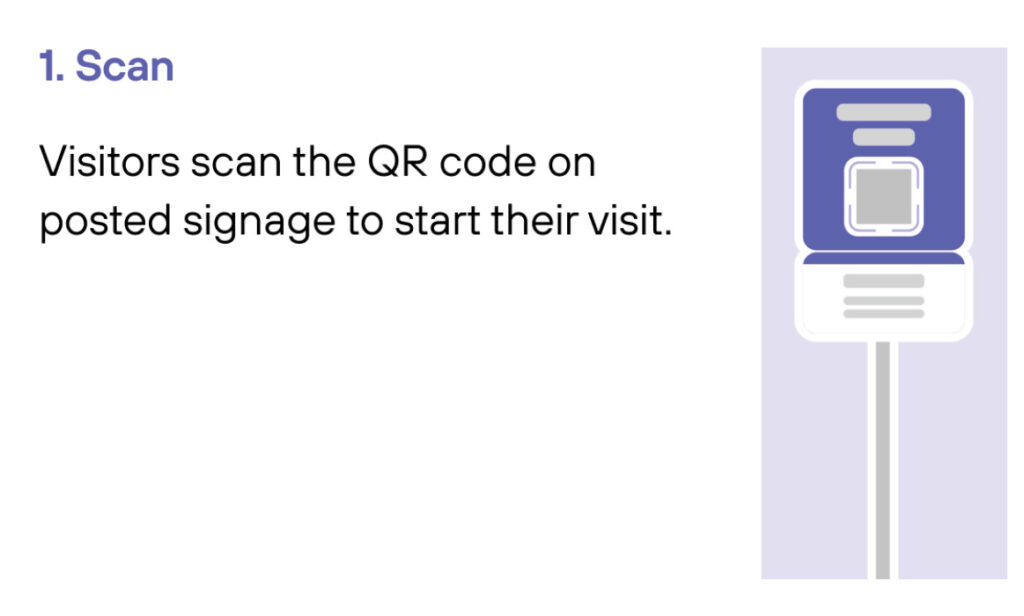
Scan
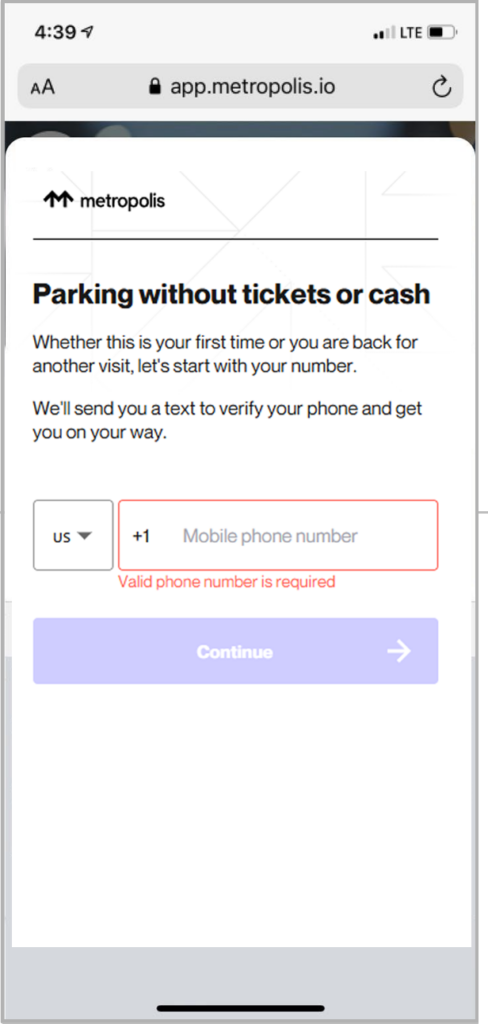
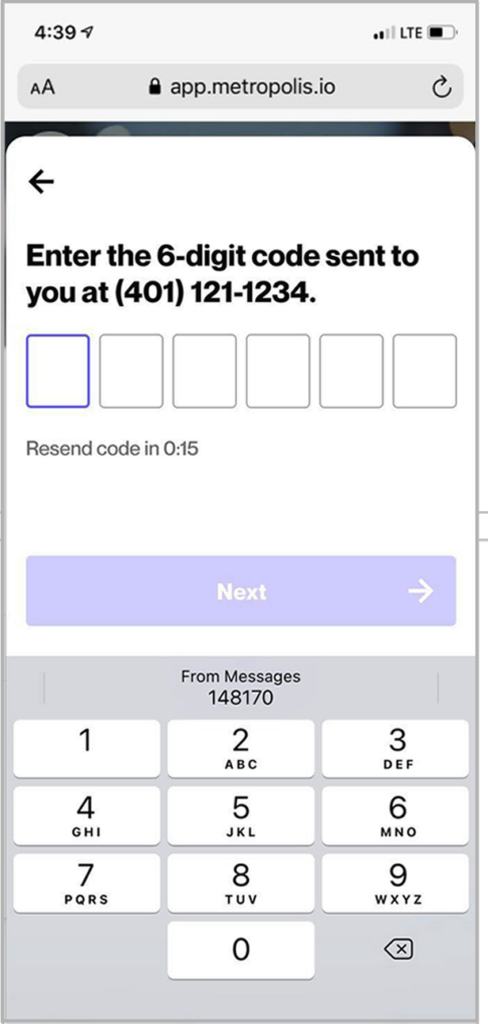
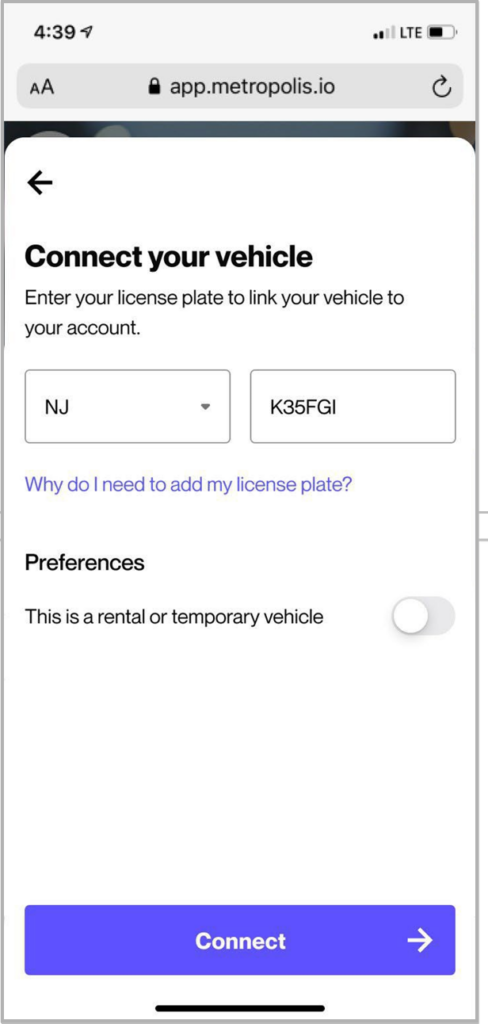
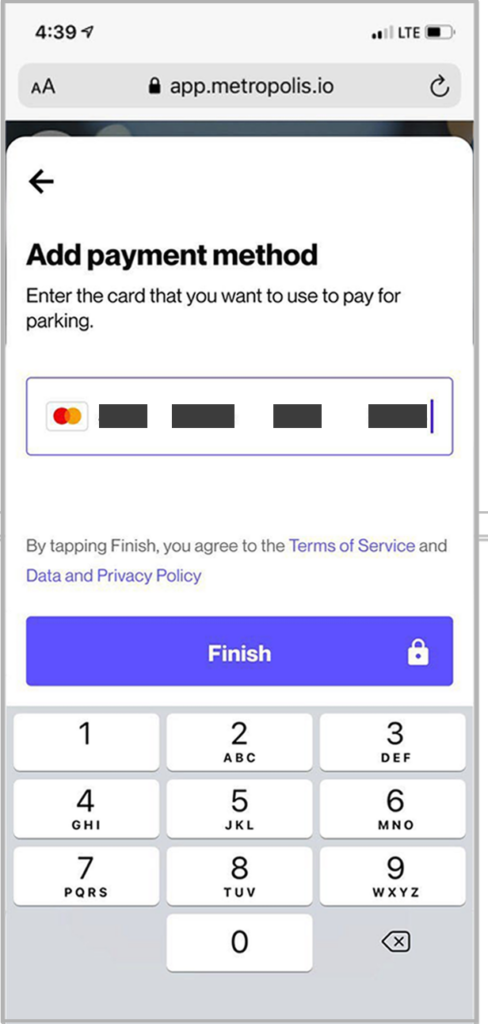
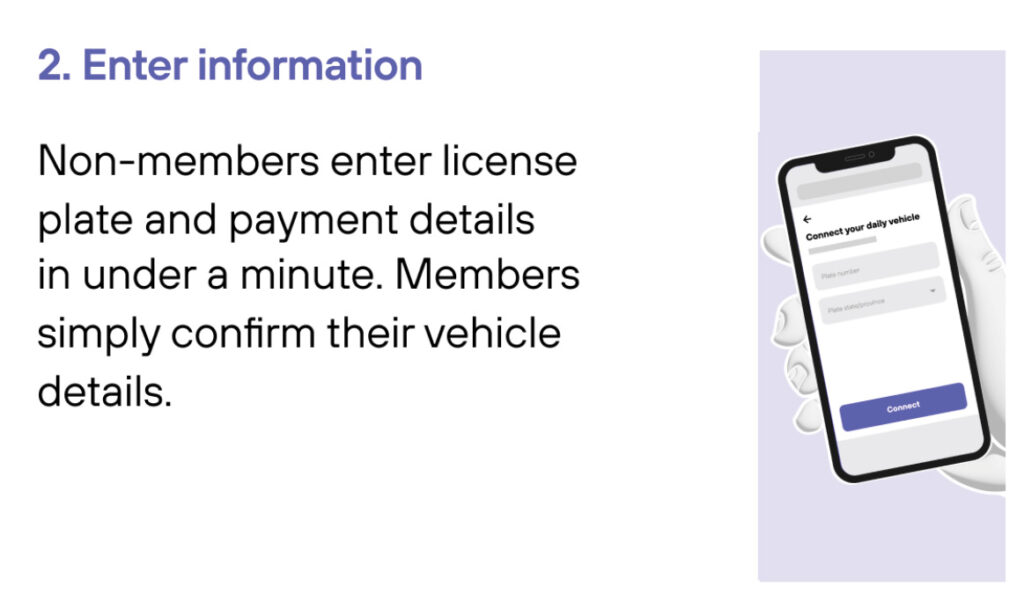
Enter Information
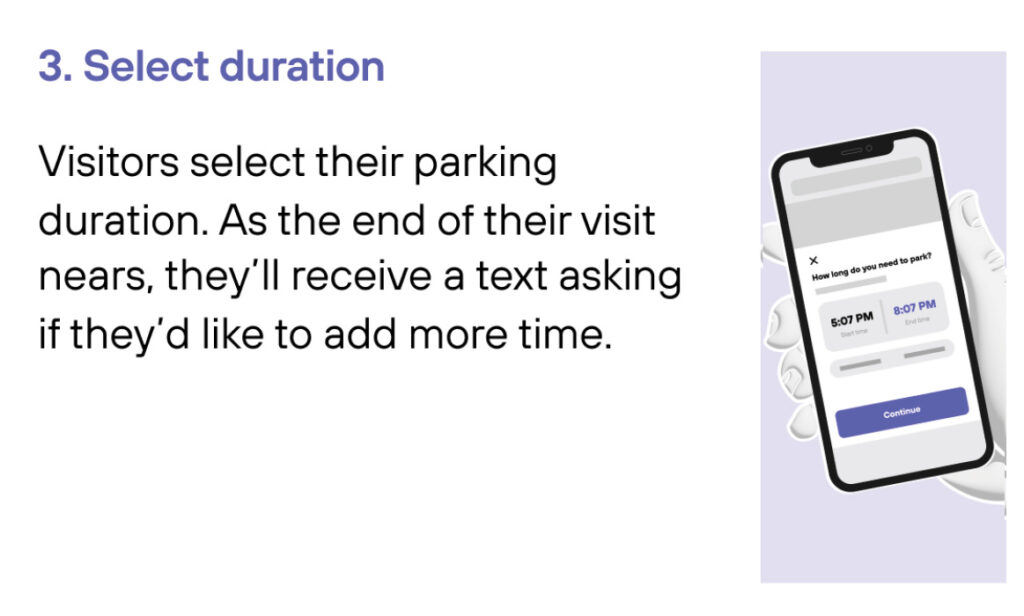
Select duration
Drive out
1
Drive In
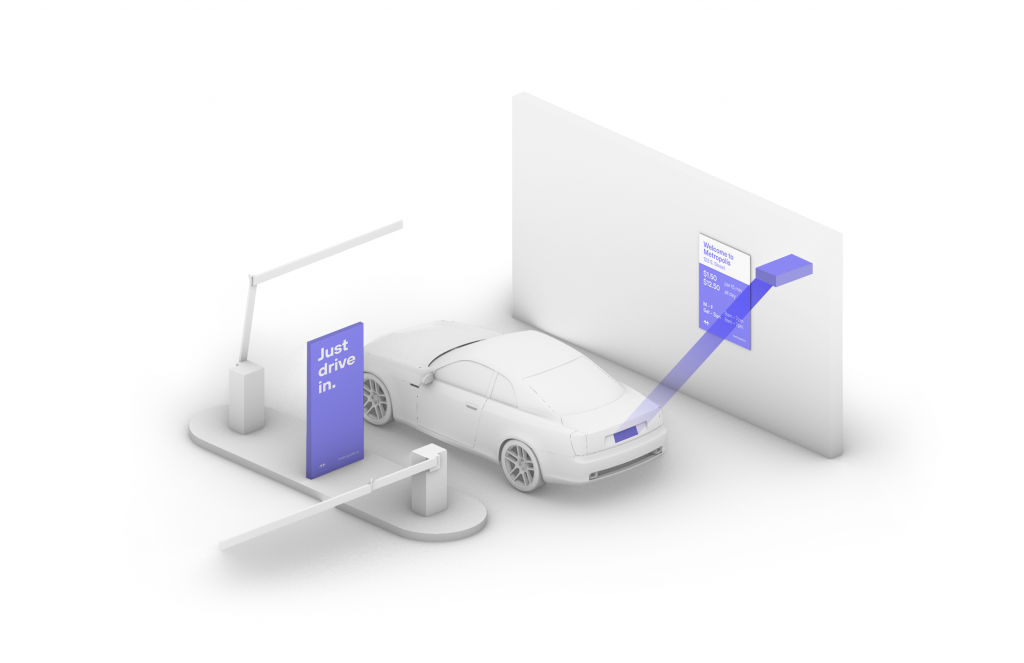
Your visit starts when you drive in, and your parking session will begin. (The Metropolis Technology recognizes your license plate and retrieves your prepaid reservation.) Do not scan posted QR codes. You’re all set.
2

Drive Out
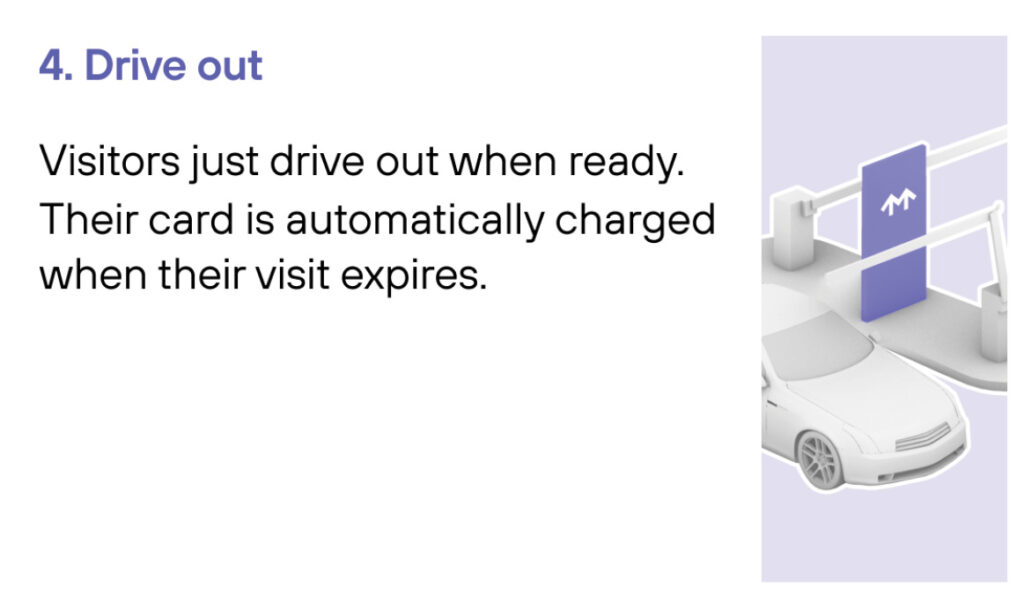
When you exit the parking facility, your prepaid reservation is recognized. Just drive out. (If you stayed beyond your allotted reservation, your credit card will be charged the difference using the drive-up rates.)

1
Drive In
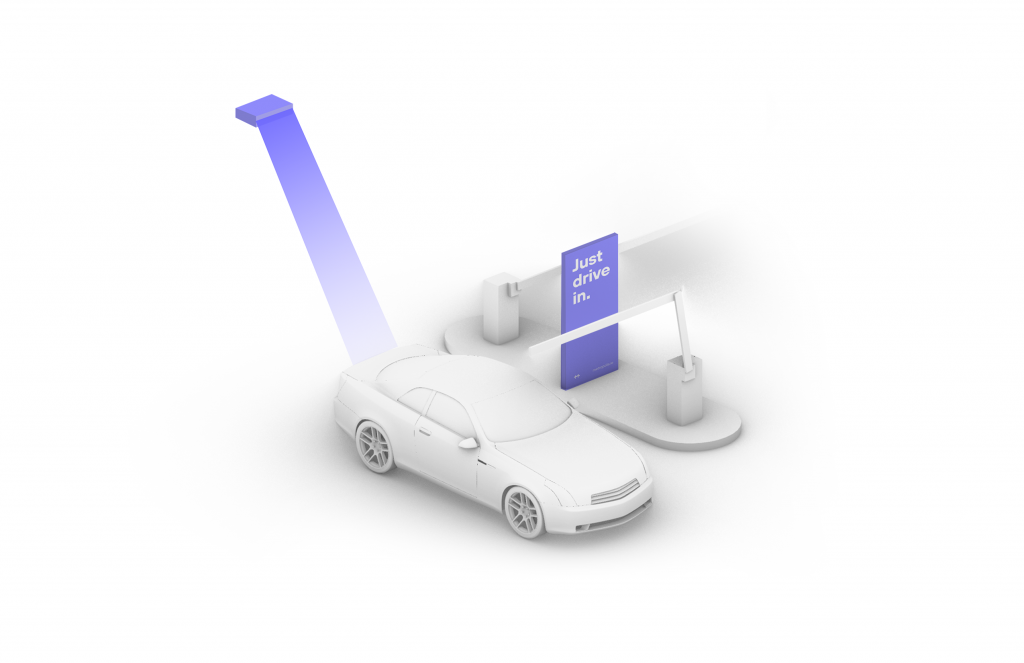
Your visit starts when you drive in, and your parking session will begin.
2
Connect
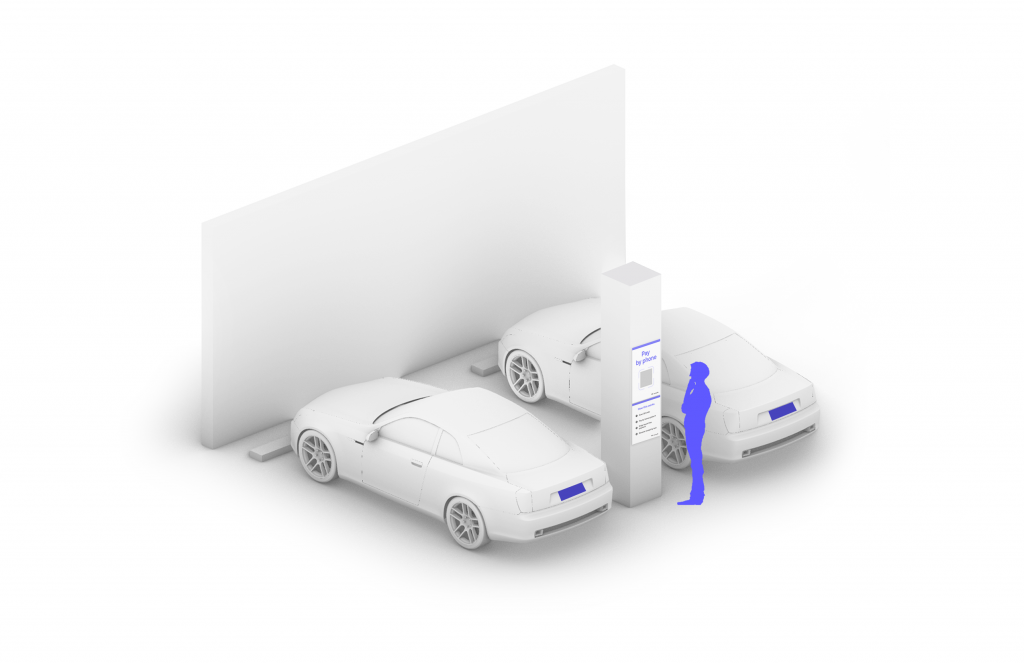
Scan QR code posted in the parking facility and enter the required information. (License plate number required)
3

Drive Out
When you exit the parking facility, your parking session is automatically charged to your credit card on file. Just drive out.

1
Drive In
Your visit starts when you drive in. You’ll receive a welcome text when you enter and your parking session will begin.
2
Drive Out
When you exit the parking facility your parking session is automatically charged to your credit card on file.