Complete and send your application. Please enter “Hudson Lights Employee” in the employer name field. You must also click the “Reserved Parking” option on the parker detail information screen. This must be done to get the special rate.
3.
Once SP+ receives your application, a monthly account representative will review your application and notify you via email when your application is approved at the special rate.
4.
Once approved, follow the email instructions to complete your monthly parking purchase.
5.
Once your purchase is completed, please show up at the parking garage with a print out of your confirmation page and your employee ID.
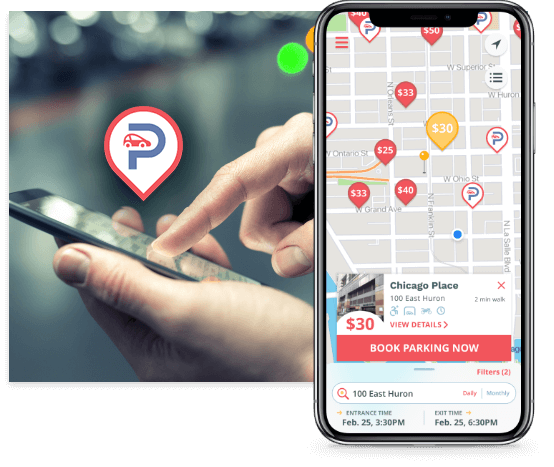
The free Parking.com mobile app makes your on-the-go parking experience that much simpler. Book parking in advance to just park and go for your convenience.
Try out the Parking.com app on iOS and Android.
1
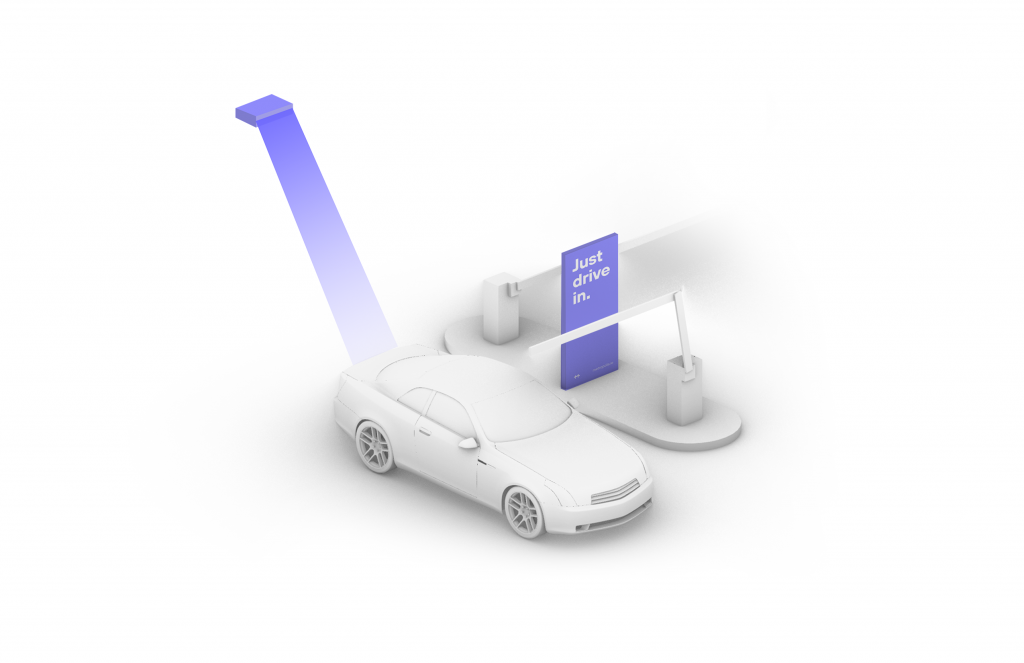
Drive In
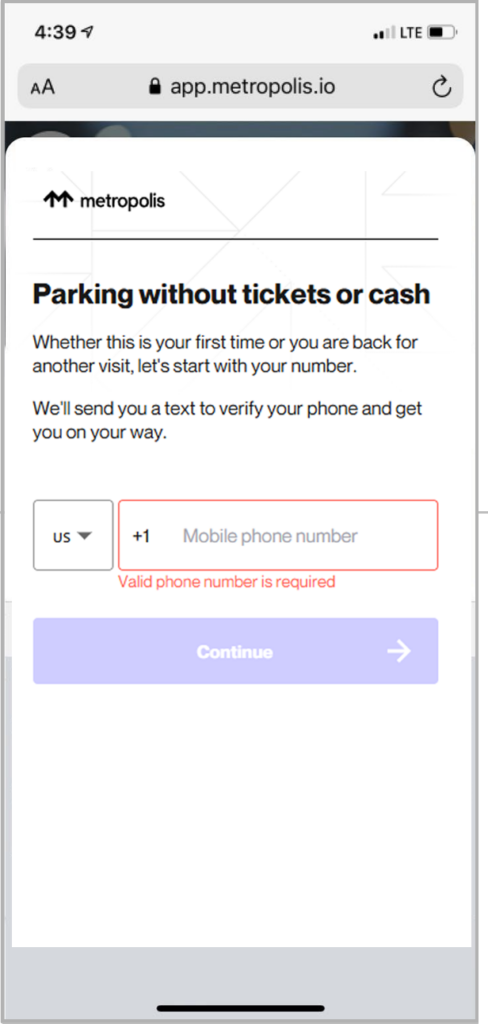
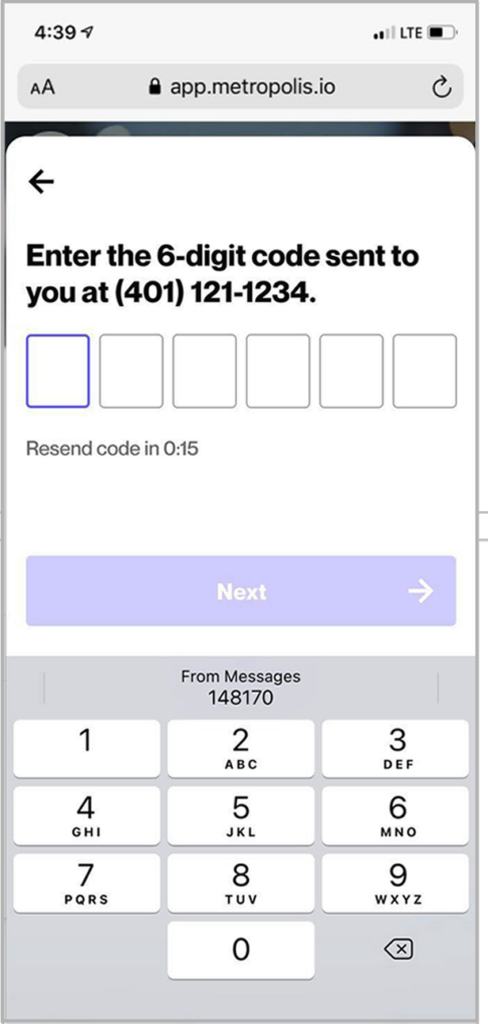
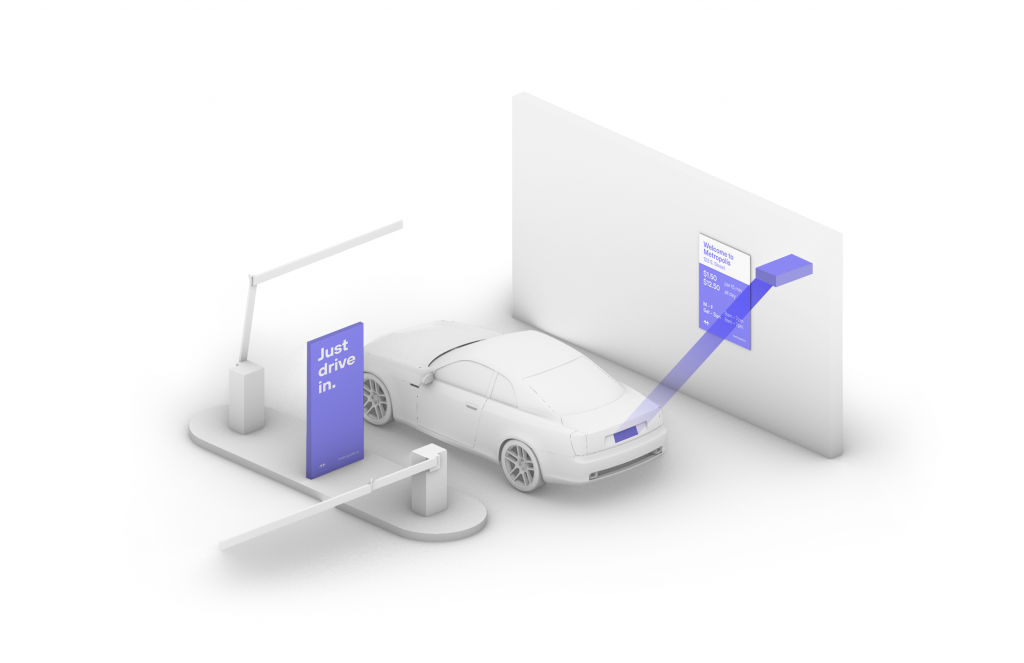
Your visit starts when you drive in, and your parking session will begin. (The Metropolis Technology recognizes your license plate and retrieves your prepaid reservation.) Do not scan posted QR codes. You’re all set.
2
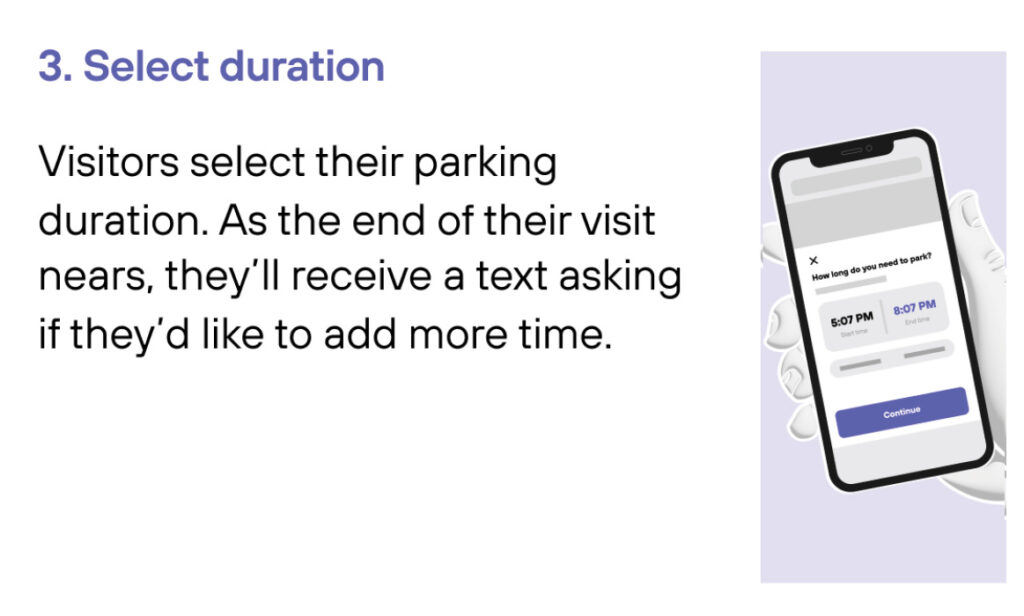
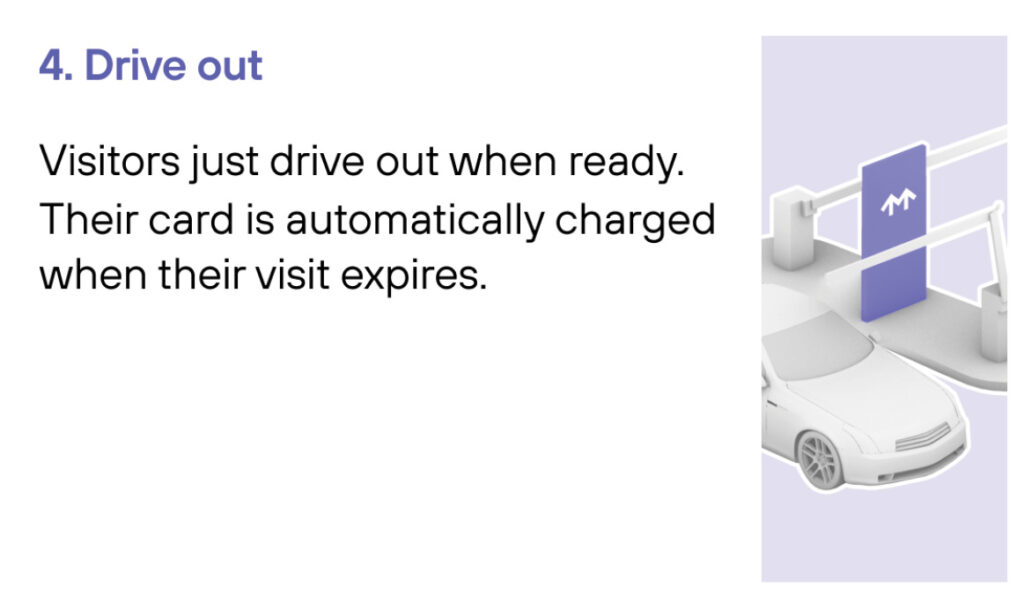
Drive Out When you exit the parking facility, your prepaid reservation is recognized. Just drive out. (If you stayed beyond your allotted reservation, your credit card will be charged the difference using the drive-up rates.)
1
Drive In
Your visit starts when you drive in, and your parking session will begin.
2
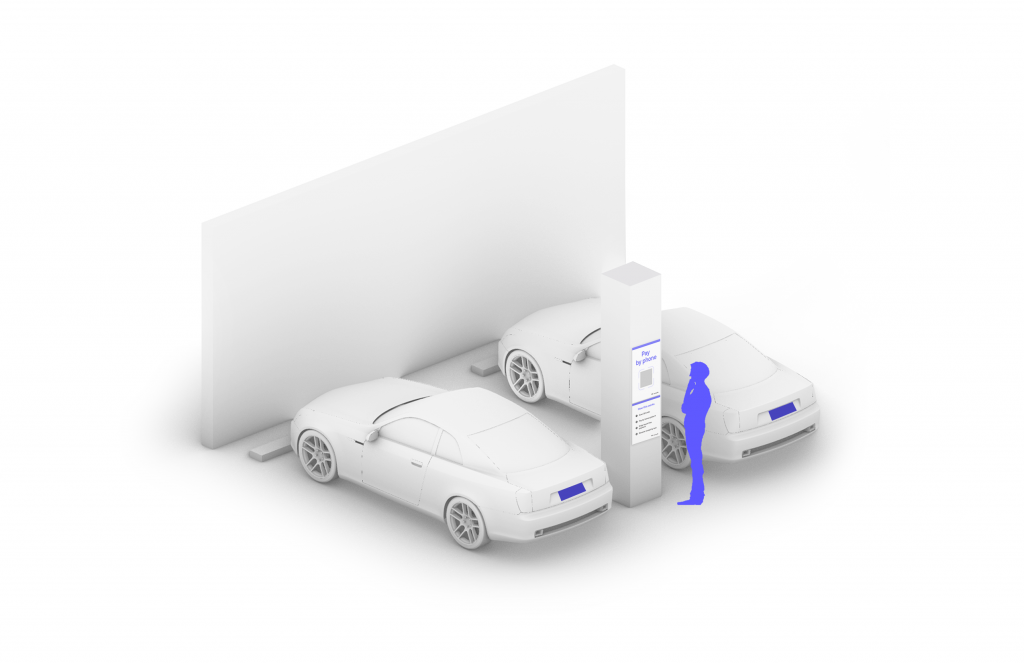
Connect
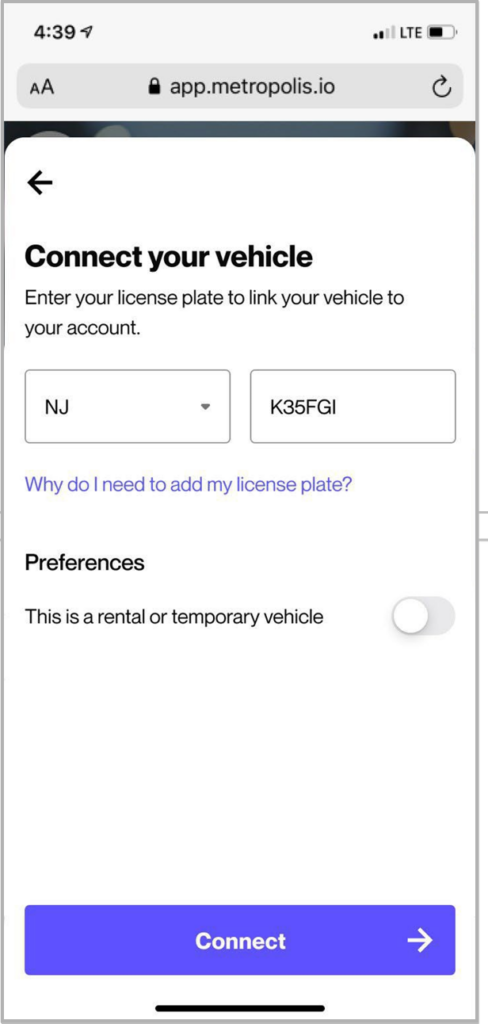
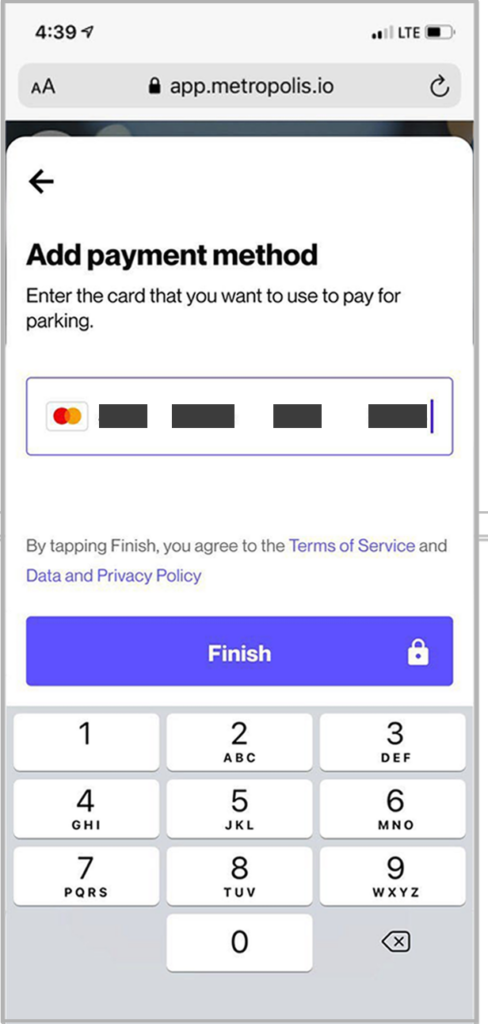
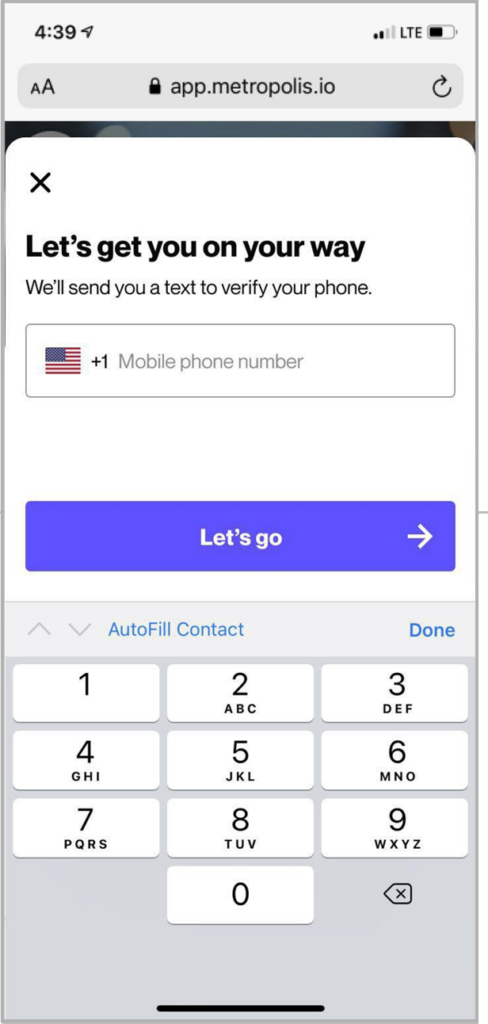
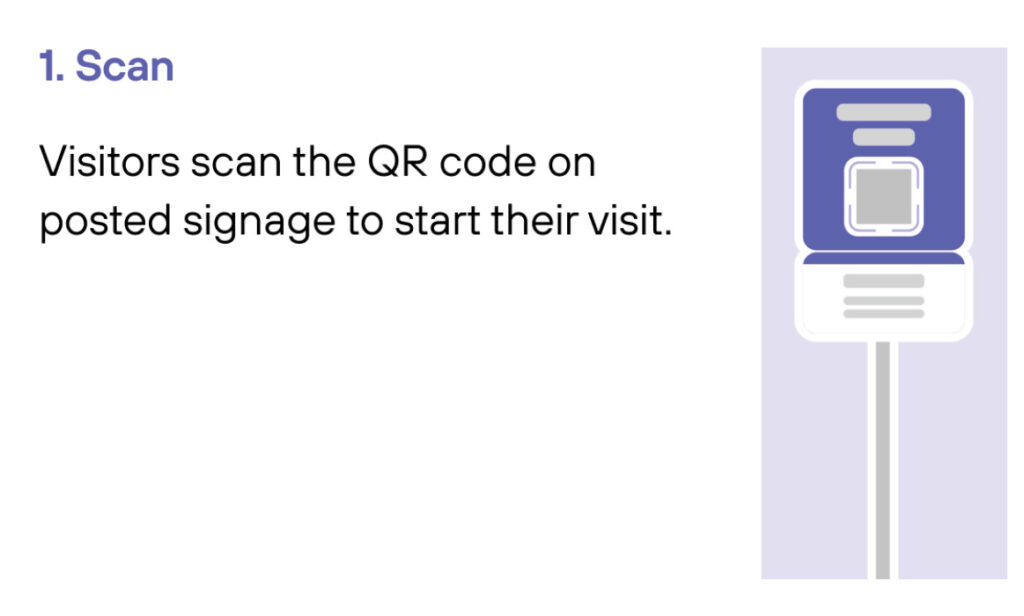
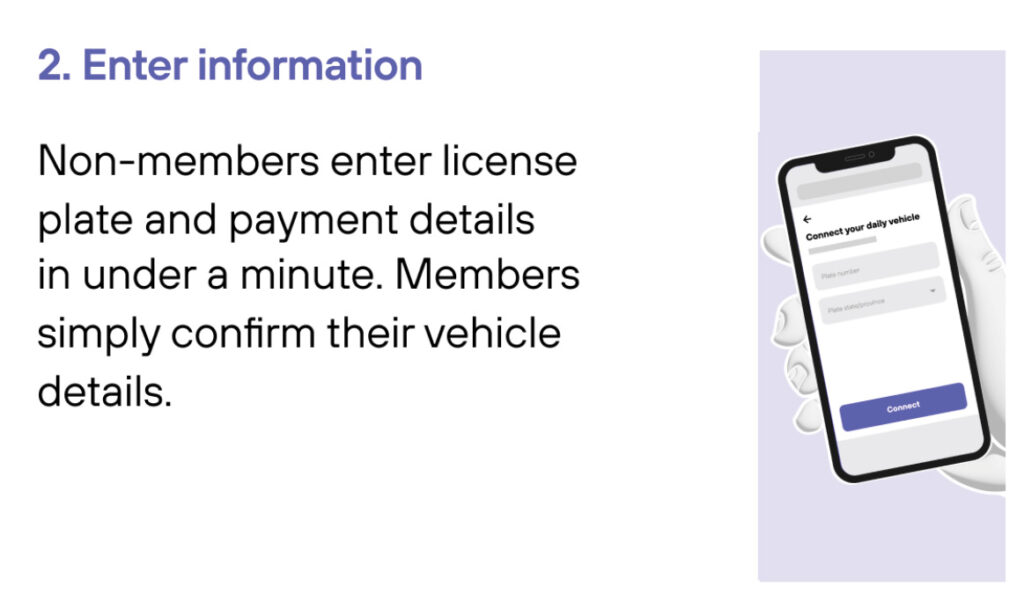
Scan QR code posted in the parking facility and enter the required information. (License plate number required)
3
Drive Out When you exit the parking facility, your parking session is automatically charged to your credit card on file. Just drive out.
1
Drive In
Your visit starts when you drive in. You’ll receive a welcome text when you enter and your parking session will begin.
2
Drive Out
When you exit the parking facility your parking session is automatically charged to your credit card on file.