Parking

Convenient. Accessible. Ready when you are.

Parking at 25 South Charles St

The 25 S Charles Garage provides convenient parking Downtown Baltimore. Located near Inner Harbor, we offer public parking within walking distance of many popular destinations, restaurants, shopping, and other local businesses.
Daily Parking:  
0 TO 90 MINS $15.00
OVER 90 MINS $26.00
Monthly Parking:
Monthly 24hr access $200.00 Buy Parking
Monthly Reserved $300.00 Buy Parking

FAQs

Transient:

We presently do not have any charging stations for vehicles at this garage

We are located 2 blocks from the Inner Harbor. We are also within 10 minute walking distance to both M&T Bank Stadium as well as Camden Yards. Royal Farms Arena and the Baltimore Convention Center are approximately 3 minutes away if walking.

The pay machine at this location is located in the building lobby near the convenience store and main securtity desk. Parking payments can be made via cash, or credit/debit card. We accept VISA, Mastercard, and American Express.

Bicycle riders are able to park their bike on the P1 next to the main exit at the bike rack. Please ensure that you lock your bike each time you utilize this.
25 S Charles is open:

Monday thru Thursday 5:00am-9:00pm
Fridays 5:00am-11:00pm
Saturday 8:00am-11:00pm
Sundays 11:00am-6:00pm
Yes, you are able to enter the building lobby via Charles Street and access the parking elevators to get to your vehicle. When exiting the garage the Overhead Door will raise once your driving out the garage.

No, each time you enter the garage you must pay before exiting.

Monthly:

Interested parkers should visit our website at parking.com, enter our address at 25 S Charles and click on the monthly tab to complete the application. Please click on the link below for instructions.

Download Monthly Parking Instructions

All monthly customers have 24/7 access to the facility. After operating hours, monthly parkers need to enter the garage using the Light Street entrance.

Monthly customers can park anywhere that is not marked “reserved” unless that is their assigned space.

Instructions on how to cancel or update your monthly parking account are available in this downloadable document.

Online Reservation:

Please visit our website at parking.com and click on the daily parking tab to reserve a parking space

You are able to scan your pass upon entry and exit at that glass reader on the machine in the garage lane. If you are have experiencing issues with redeeming your validation, please press the push for assistance button
Powered by SP+ a metropolis company
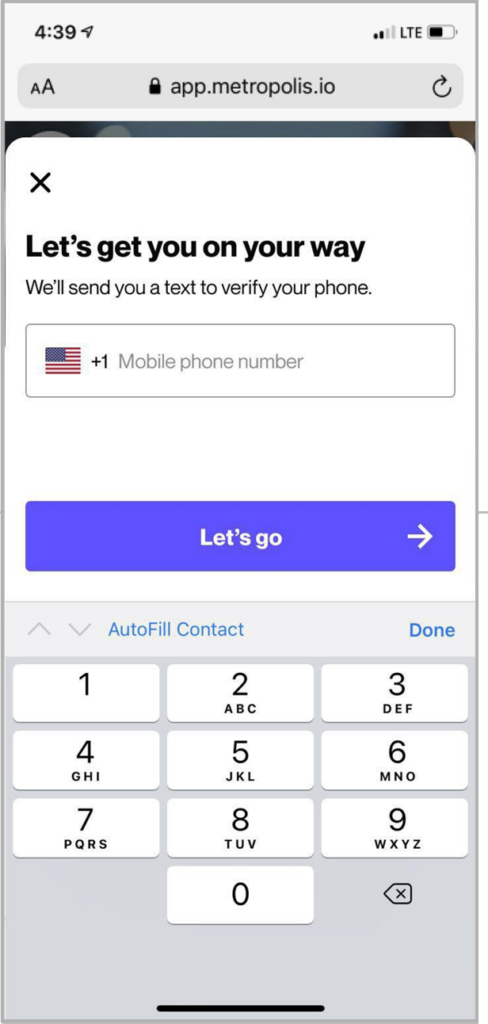
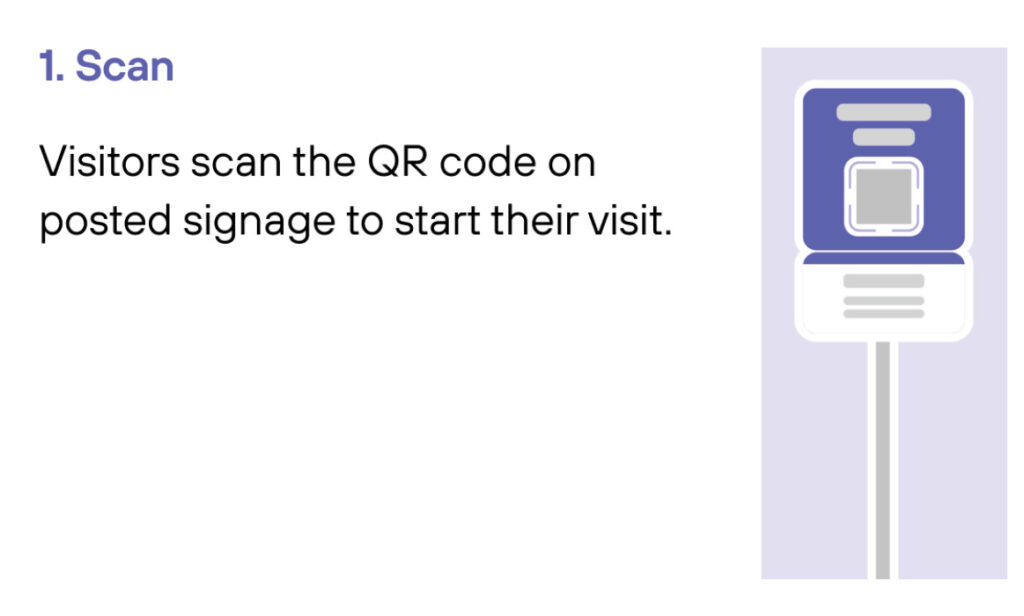
Scan
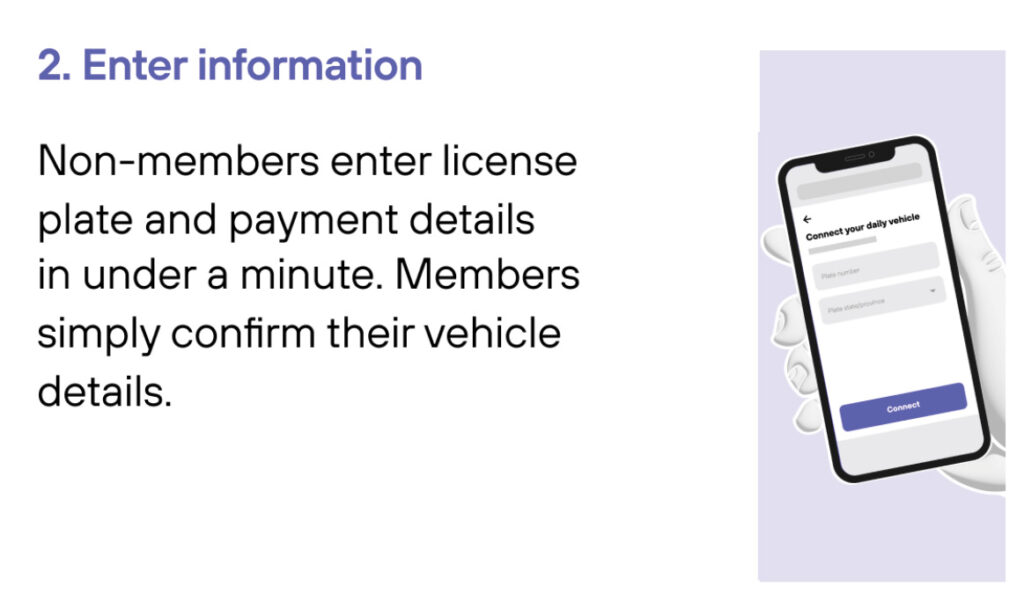
Enter Information
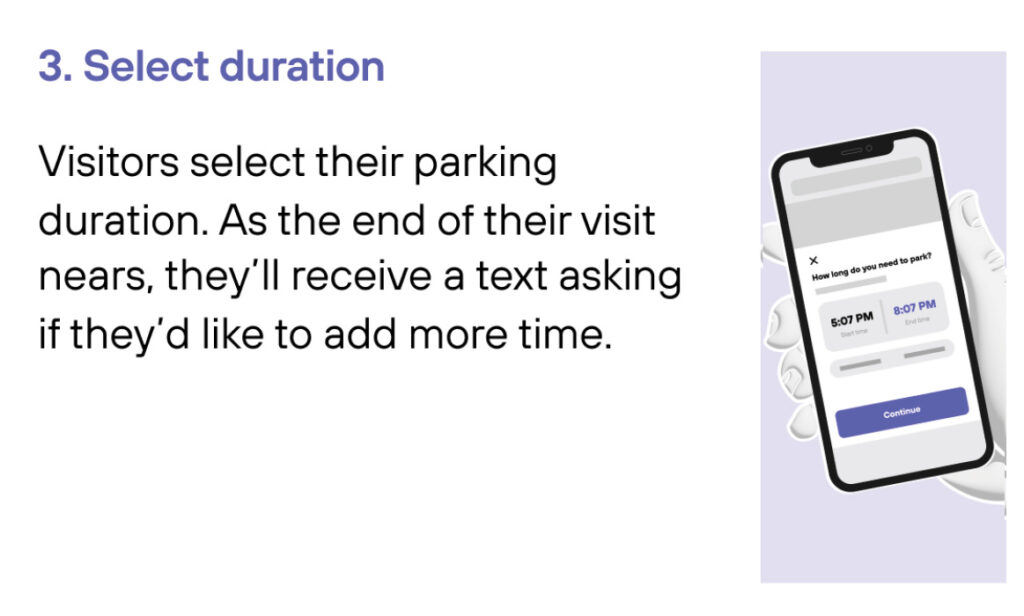
Select duration
Drive out
1
Drive In
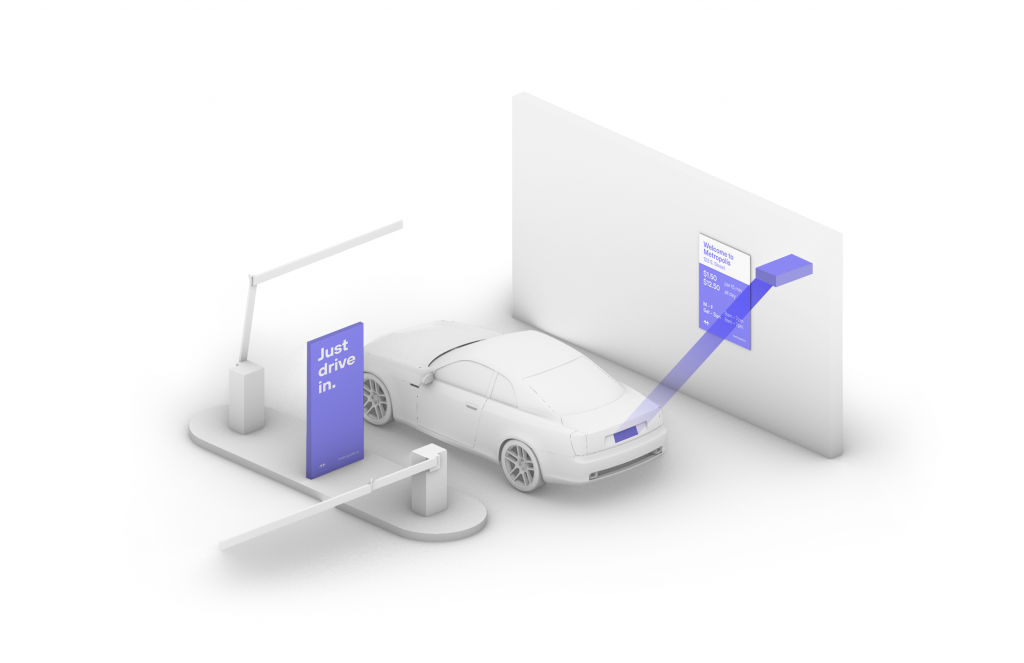
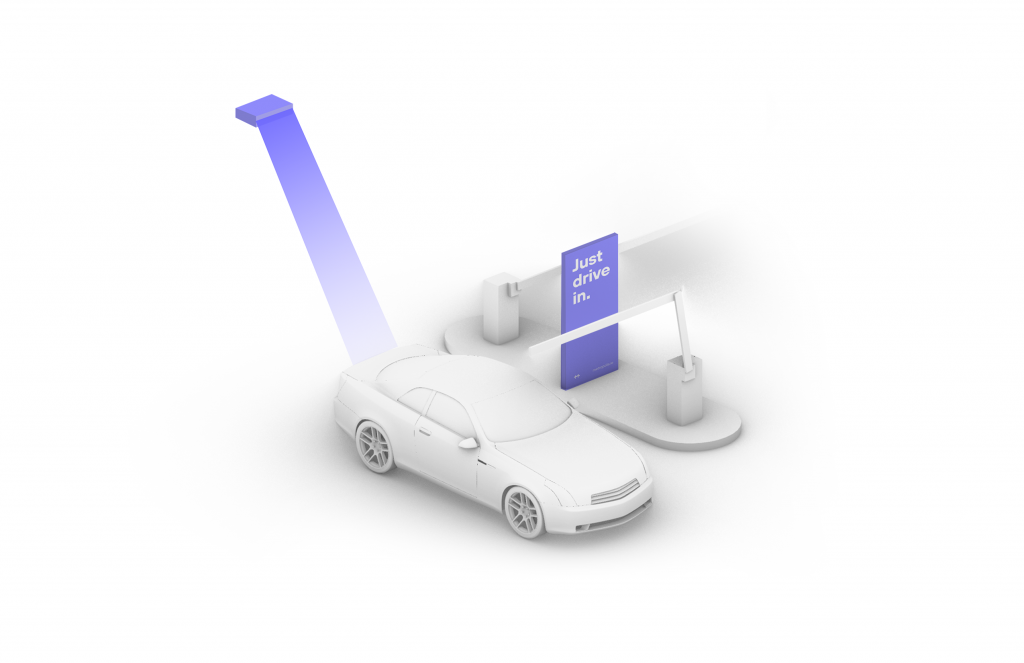
Your visit starts when you drive in, and your parking session will begin. (The Metropolis Technology recognizes your license plate and retrieves your prepaid reservation.) Do not scan posted QR codes. You’re all set.
2

Drive Out
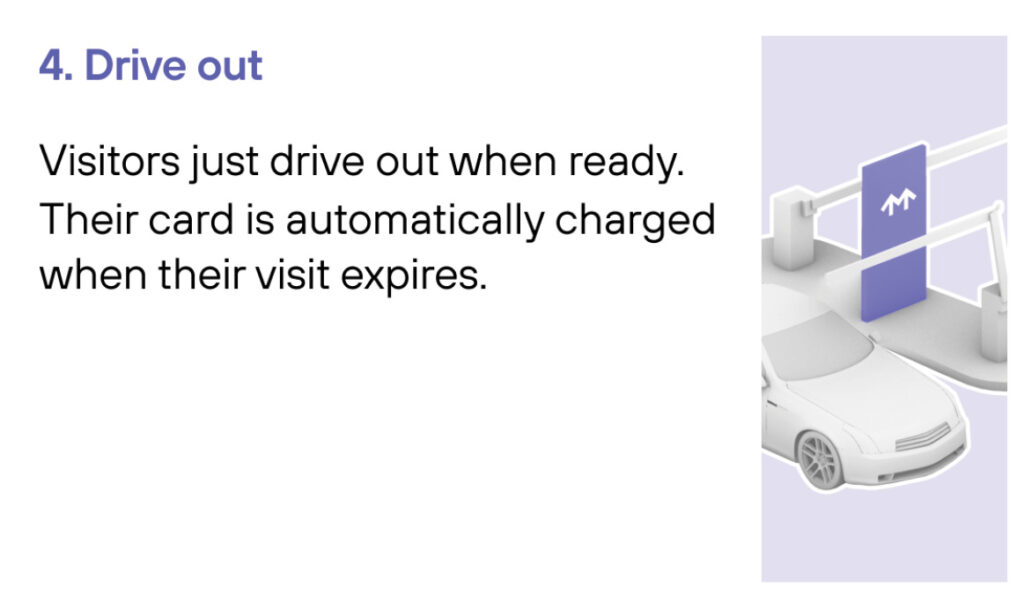
When you exit the parking facility, your prepaid reservation is recognized. Just drive out. (If you stayed beyond your allotted reservation, your credit card will be charged the difference using the drive-up rates.)

1
Drive In
Your visit starts when you drive in, and your parking session will begin.
2
Connect
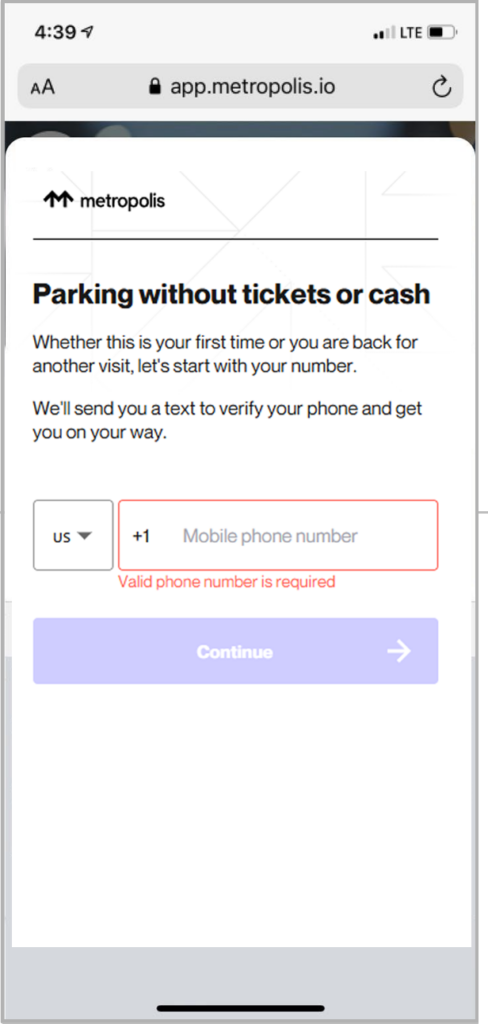
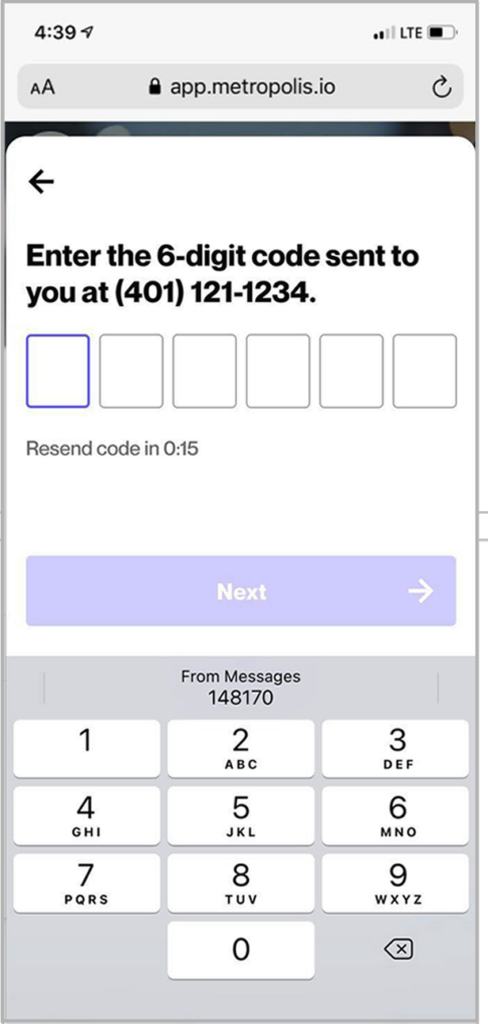
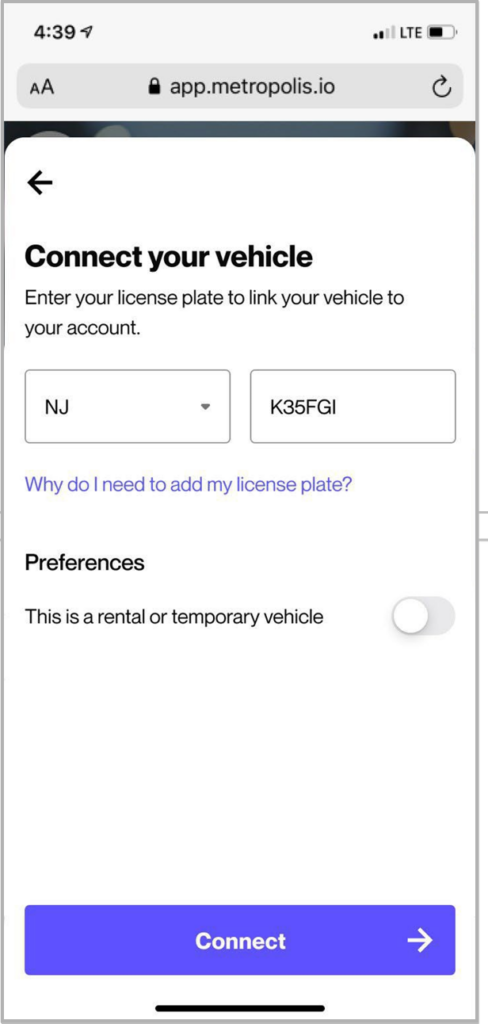
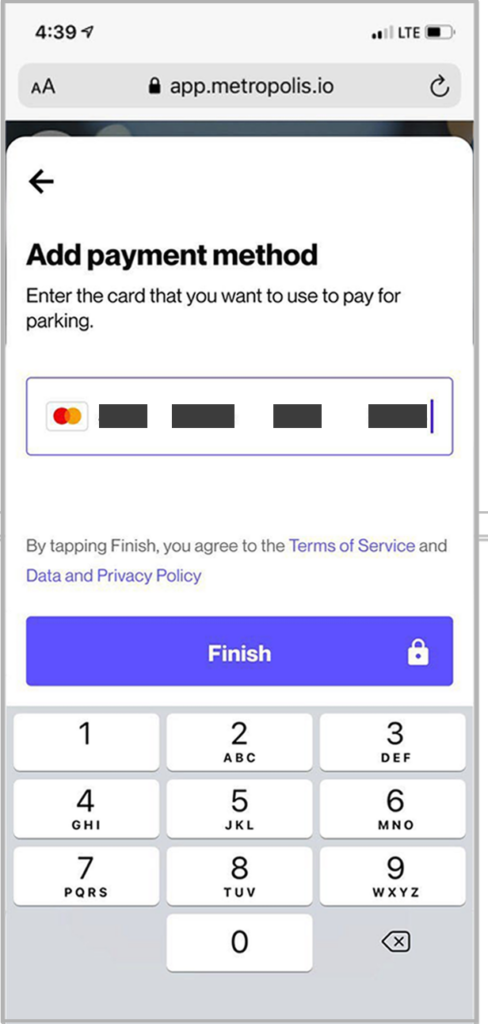
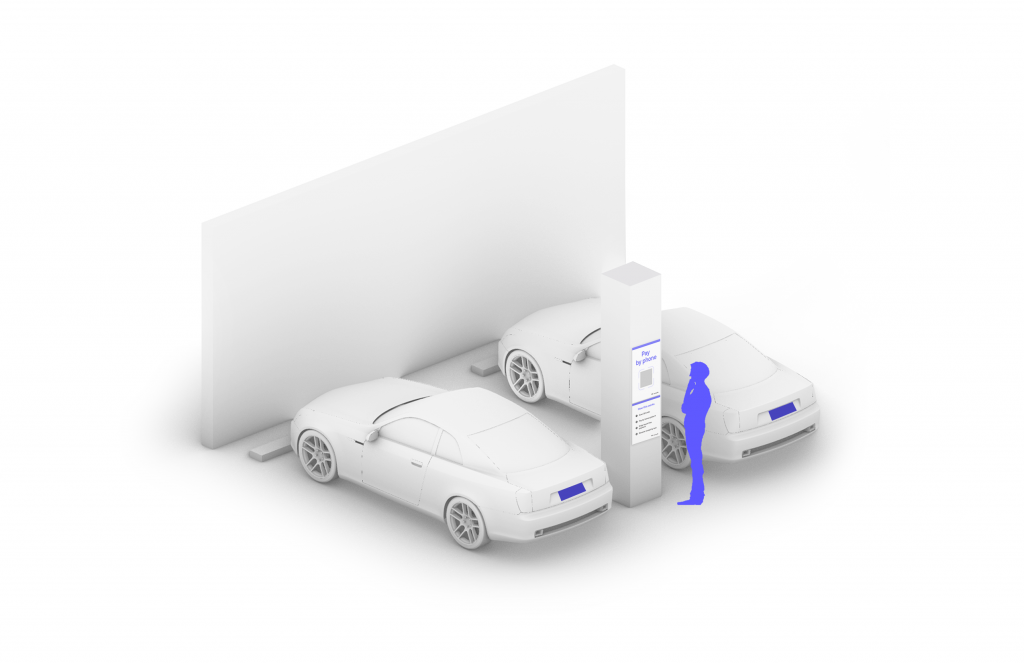
Scan QR code posted in the parking facility and enter the required information. (License plate number required)
3

Drive Out
When you exit the parking facility, your parking session is automatically charged to your credit card on file. Just drive out.

1
Drive In
Your visit starts when you drive in. You’ll receive a welcome text when you enter and your parking session will begin.
2
Drive Out
When you exit the parking facility your parking session is automatically charged to your credit card on file.