parkway place parking

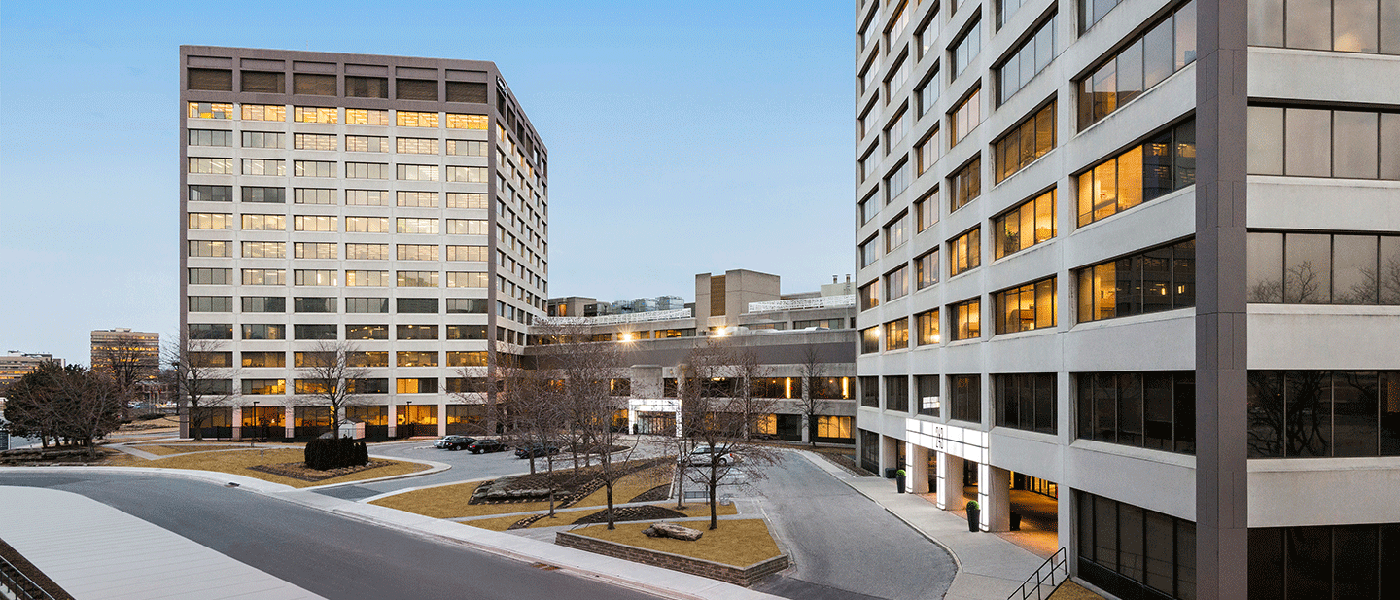
Parkway Place
Surface Lot Parking Portal.

Parkway Place
Surface Lot Parking Portal.


Select Your Parking Reservation

checking availability
Online Sales Powered By SP Plus ( a metroplois company )
RATE STRUCTURE

Parking for Monday - Sunday

0 - 30 Minutes
$2.50
31 - 60 Minutes
$5.00
61 - 90 Minutes
$7.50
91+ Minutes
$10.00
9 - 10 Hours
$18
10 - 12 Hours
$20
*No overnight parking allowed onsite.

Service Fee Extra

Have a question about parking at Parkway Place Surface Lot?

For any questions, please contact the Parkway Place Parking Management Team at parkwayparking@spplus.com or by phone at (416) 490-9567 x 234.

Parkway Place
Surface Lot Parking

Parkway Pace
Surface Lot Parking

251 Consumers Rd North York, ON M2J 1R3

How to Purchase Daily Parking

To reserve your parking space, follow the daily parking instructions below.
1.
Select date & time for your parking stay above.
2.
Select “Check Availability.” You will be directed to Parking.com to confirm your booking.
3.
Review date, times & price. Once verified, click “Select this Option” to continue. You will be directed to the payment screen to confirm your reservation.
4.
Hit “Confirm Purchase.” Finalize your reservation.
5.
Show up at the parking location. “Show up at Parkway Place Surface Lot at your selected date and time and park with ease. Location is enforced by Licence Plate, which is captured during the purchase of your reservation.


SP+ has implemented enhanced cleaning procedures for your safety.
Learn more about our safety measures.

WE HAVE A SPOT FOR YOU.®

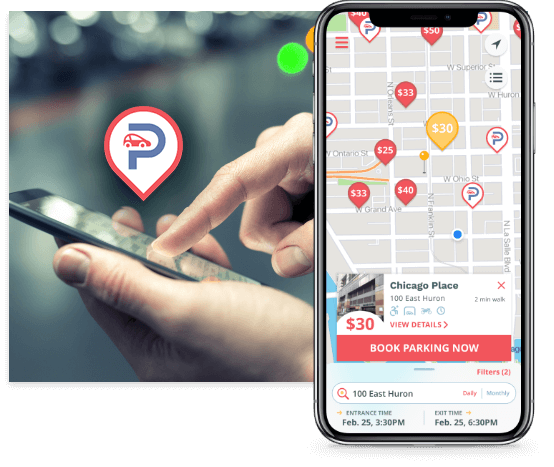
parking app

BROWSING ON YOUR PHONE?

The free Parking.com mobile app makes your on-the-go parking experience that much simpler. Book parking in advance to just park and go for your convenience.

Try out the Parking.com app on iOS and Android.

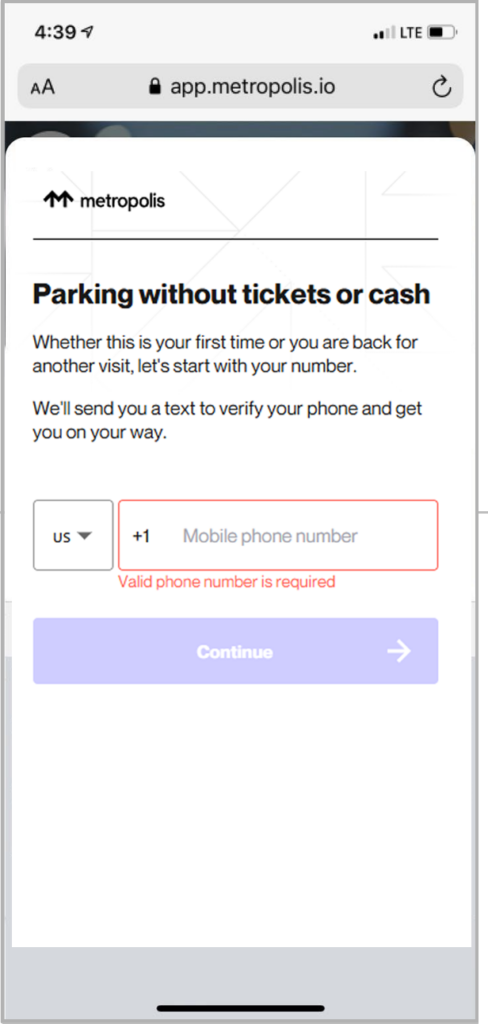
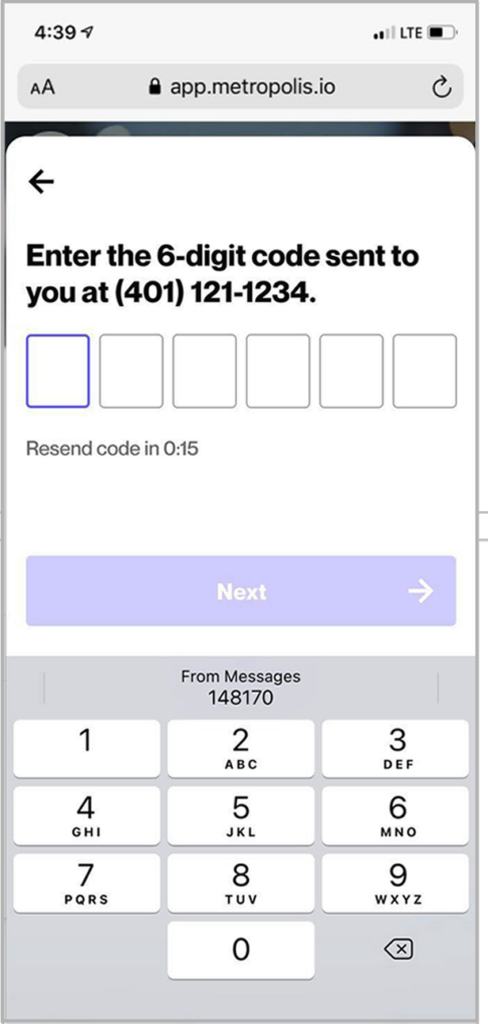
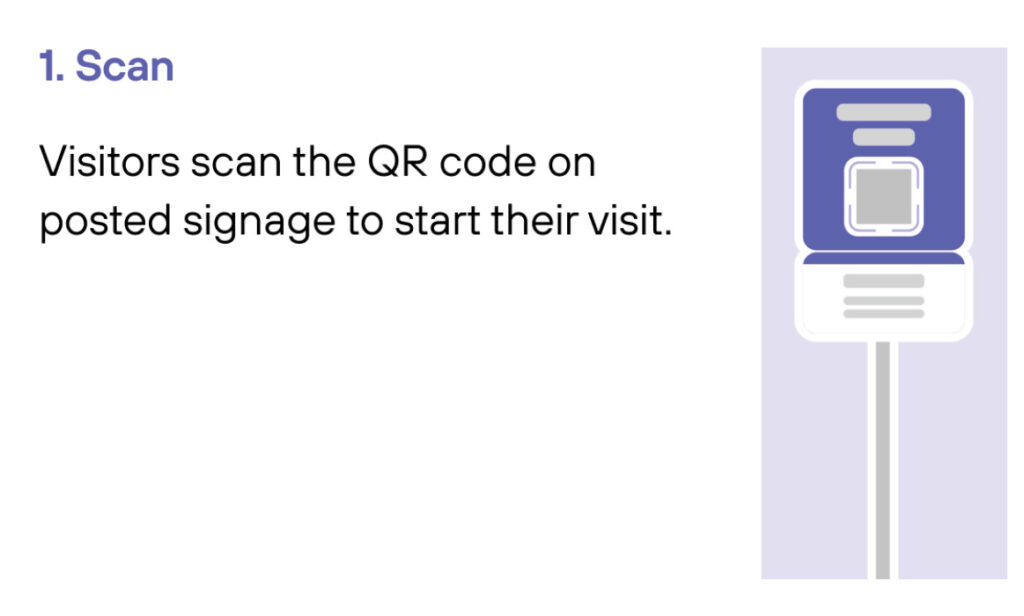
Scan
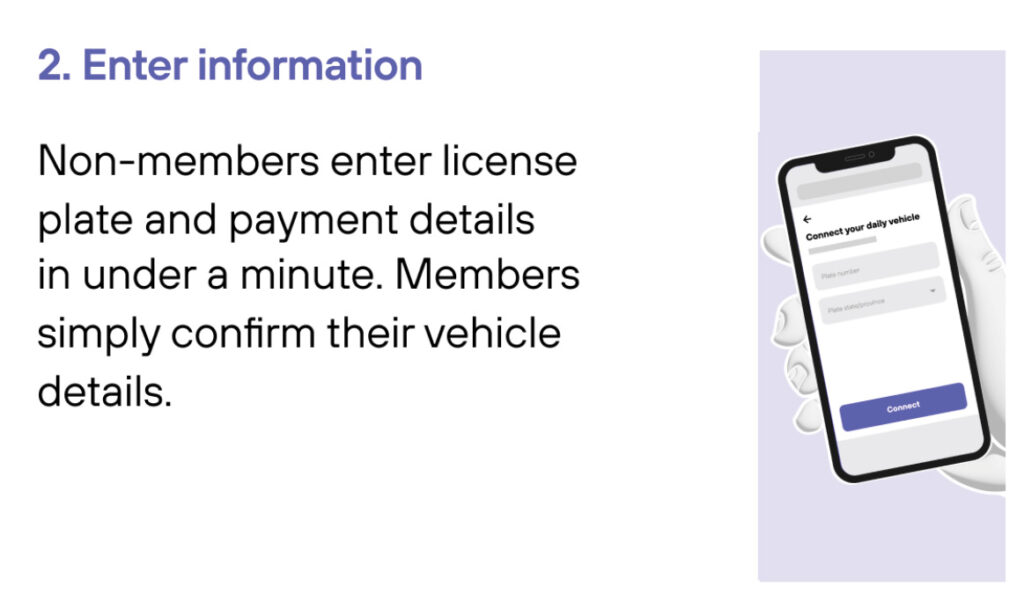
Enter Information
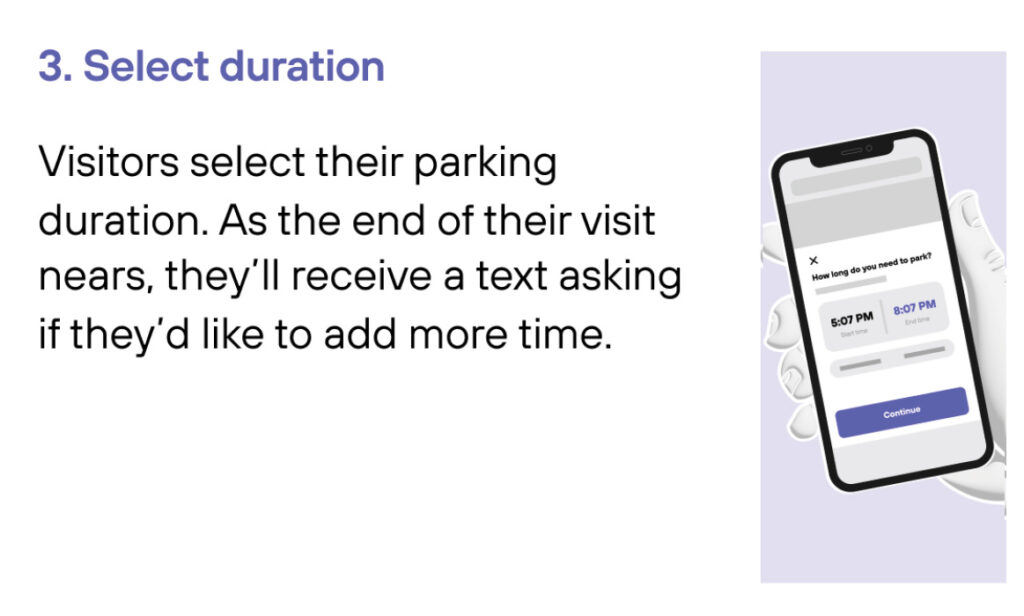
Select duration
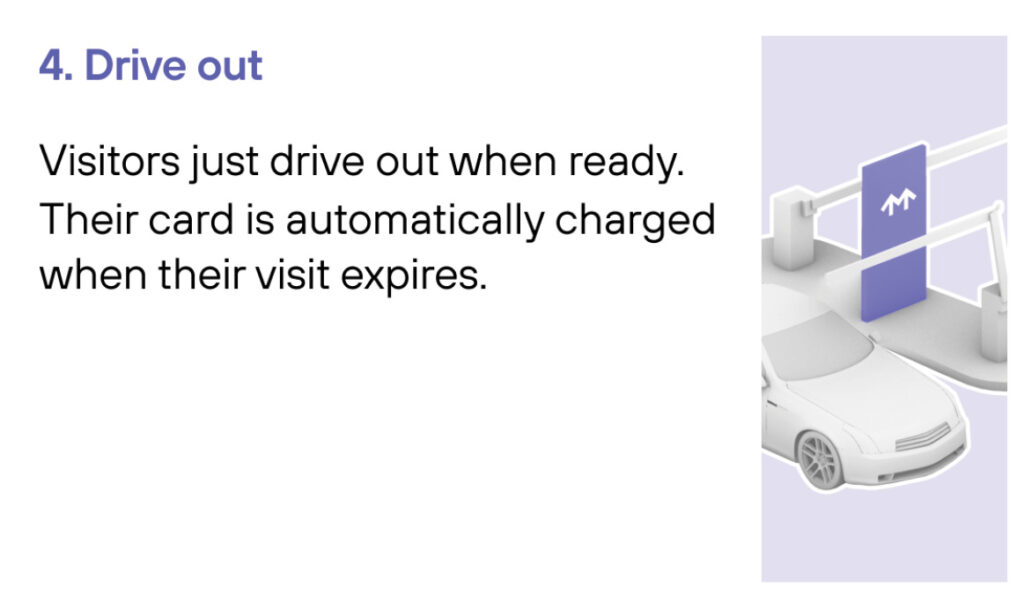
Drive out
1
Drive In
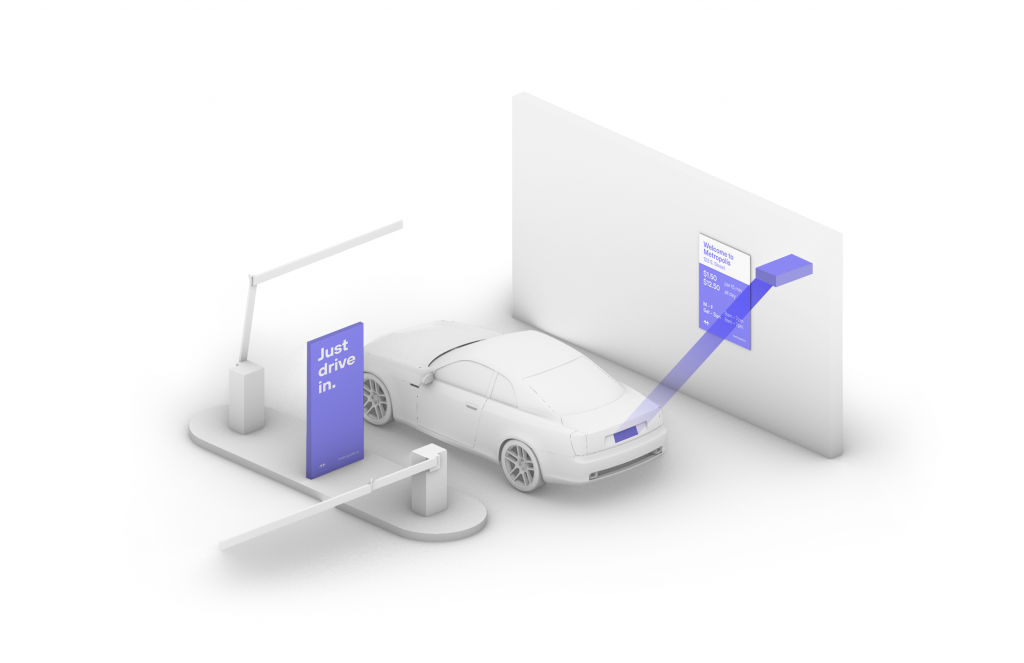
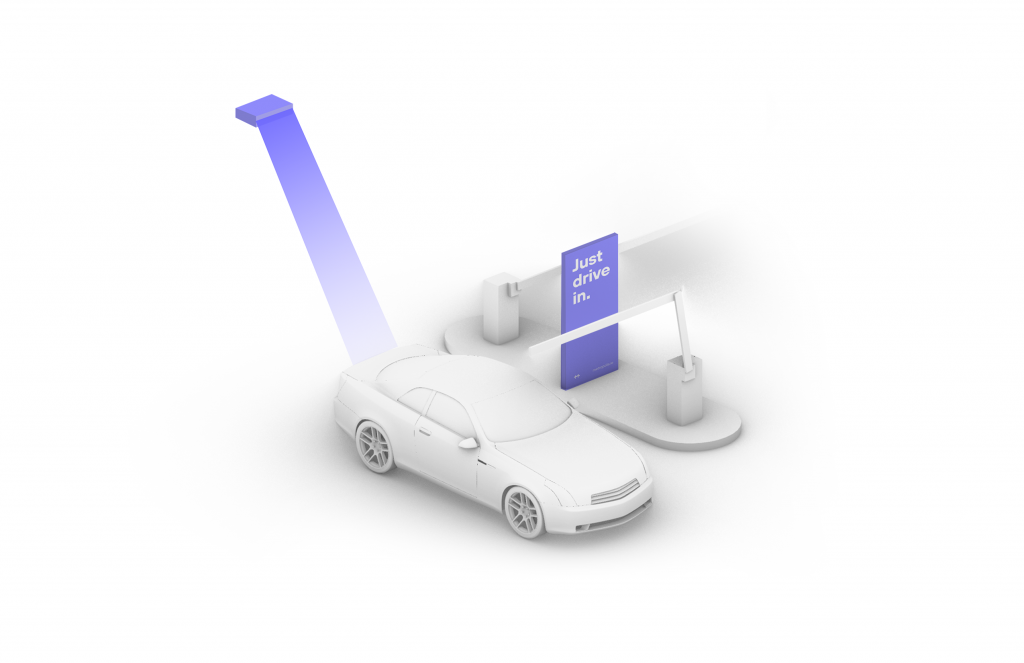
Your visit starts when you drive in, and your parking session will begin. (The Metropolis Technology recognizes your license plate and retrieves your prepaid reservation.) Do not scan posted QR codes. You’re all set.
2

Drive Out
When you exit the parking facility, your prepaid reservation is recognized. Just drive out. (If you stayed beyond your allotted reservation, your credit card will be charged the difference using the drive-up rates.)

1
Drive In
Your visit starts when you drive in, and your parking session will begin.
2
Connect
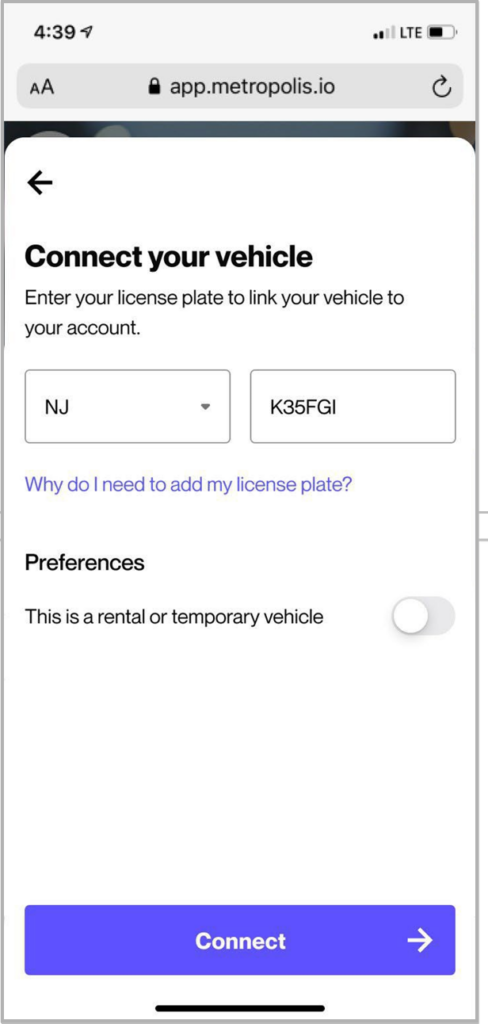
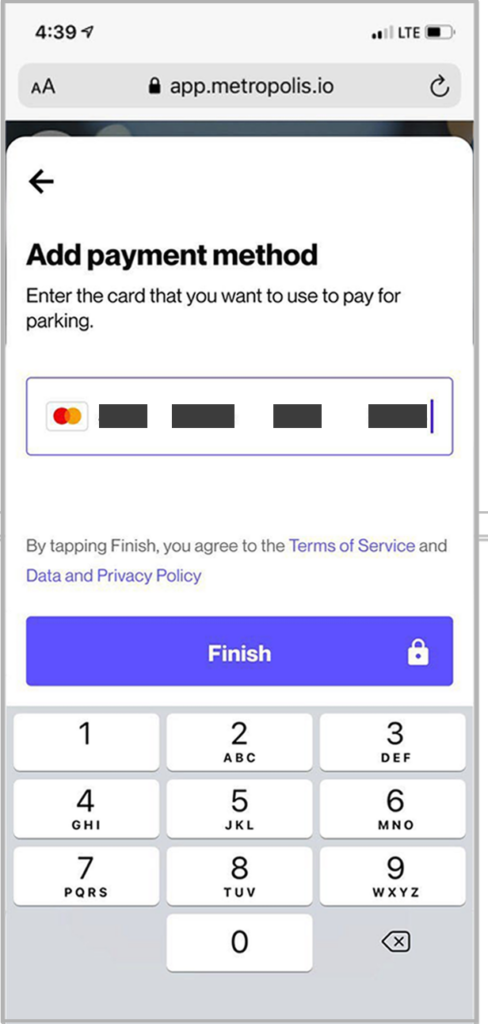
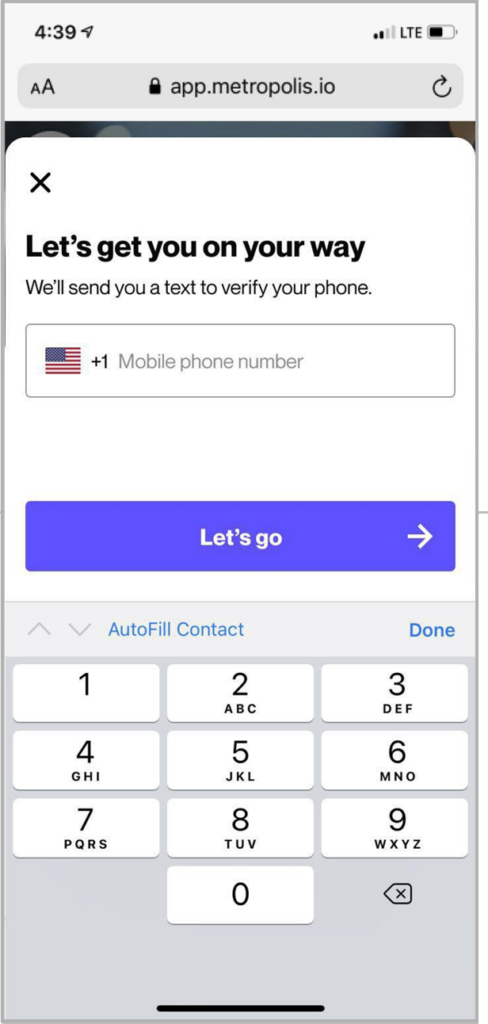
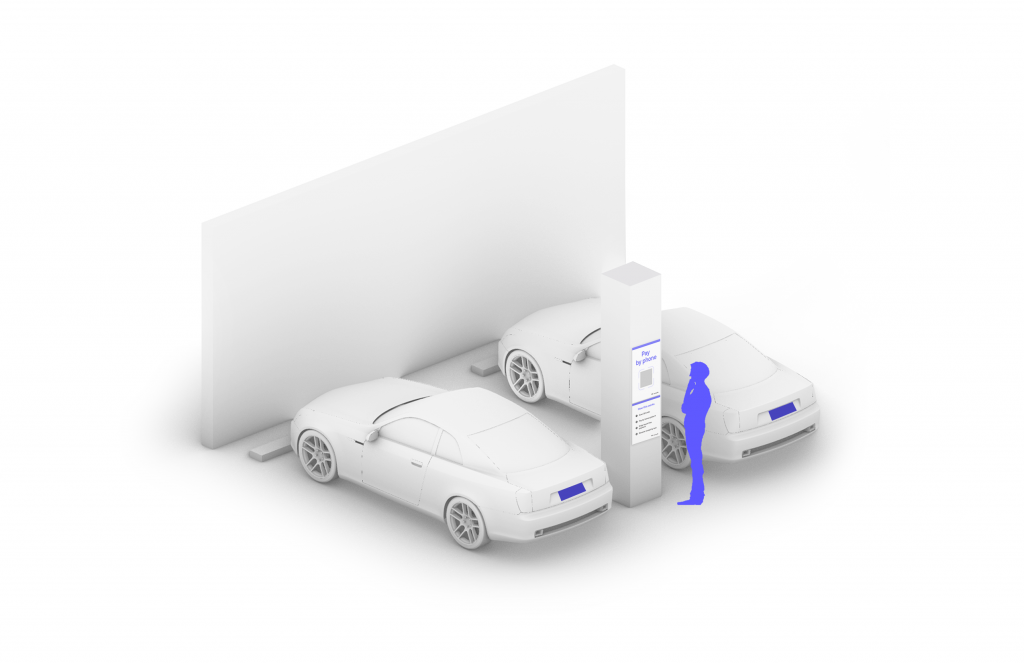
Scan QR code posted in the parking facility and enter the required information. (License plate number required)
3

Drive Out
When you exit the parking facility, your parking session is automatically charged to your credit card on file. Just drive out.

1
Drive In
Your visit starts when you drive in. You’ll receive a welcome text when you enter and your parking session will begin.
2
Drive Out
When you exit the parking facility your parking session is automatically charged to your credit card on file.