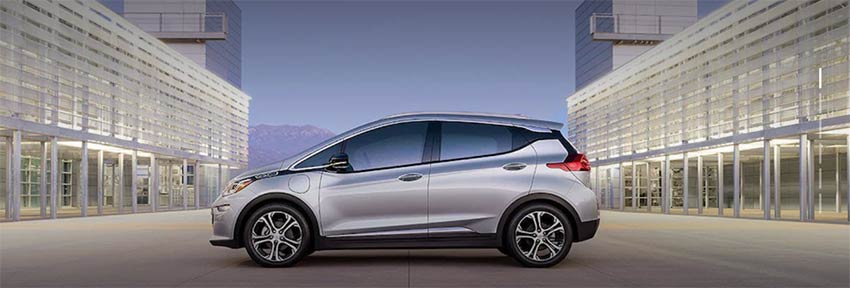
Chevrolet Bolt EVs are restricted from parking at certain SP+ facilities
General Motors has issued a recall of all Chevrolet Bolt vehicles due to a risk of fire. The National Highway Traffic Safety Administration and General Motors are urging owners of Chevrolet Bolt vehicles to park their cars outside and away from homes and other structures due to the risk of fire.
There have been several recent cases of the lithium ion batteries in these vehicles spontaneously combusting. The resulting fire is extremely difficult to extinguish, and firefighters have had to simply let the fires burn out.
Please see local signage for restrictions in your area.
1
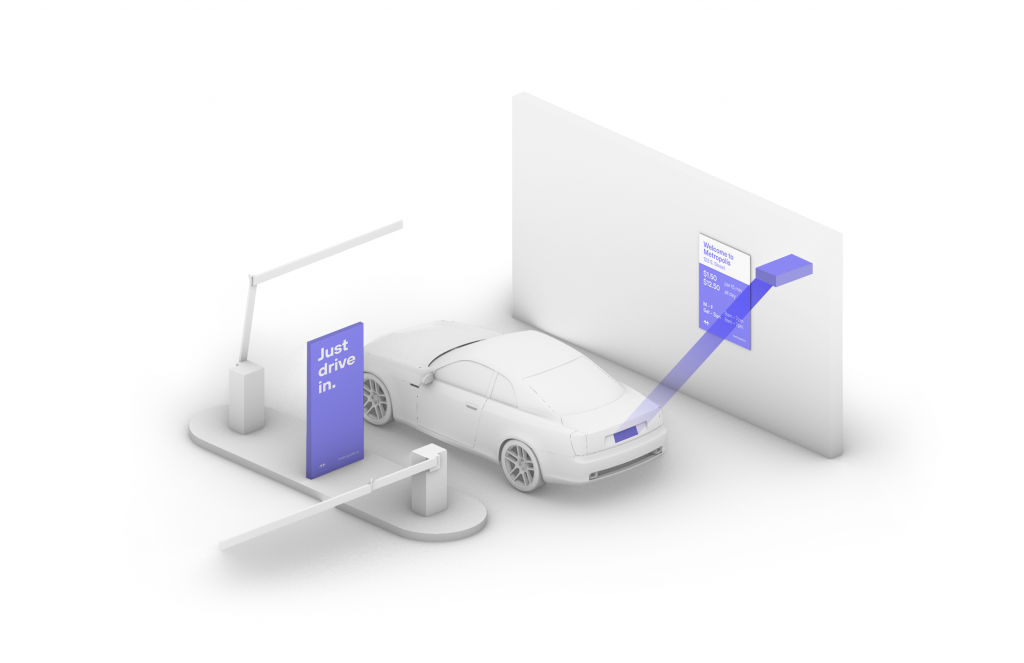
Drive In
Your visit starts when you drive in, and your parking session will begin. (The Metropolis Technology recognizes your license plate and retrieves your prepaid reservation.) Do not scan posted QR codes. You’re all set.
2
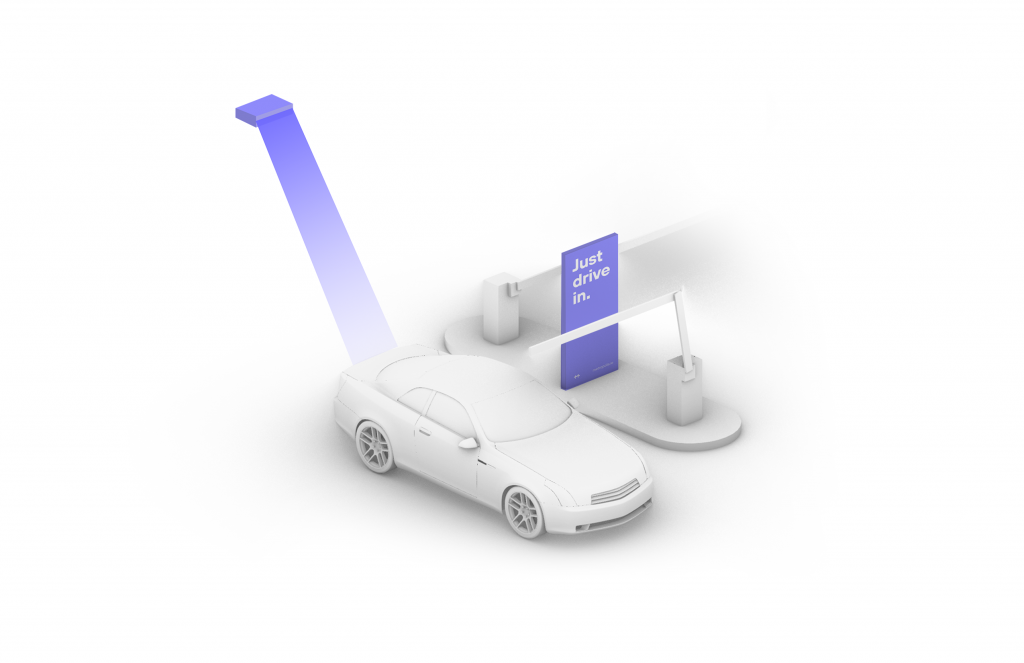
Drive Out When you exit the parking facility, your prepaid reservation is recognized. Just drive out. (If you stayed beyond your allotted reservation, your credit card will be charged the difference using the drive-up rates.)
1
Drive In
Your visit starts when you drive in, and your parking session will begin.
2
Connect
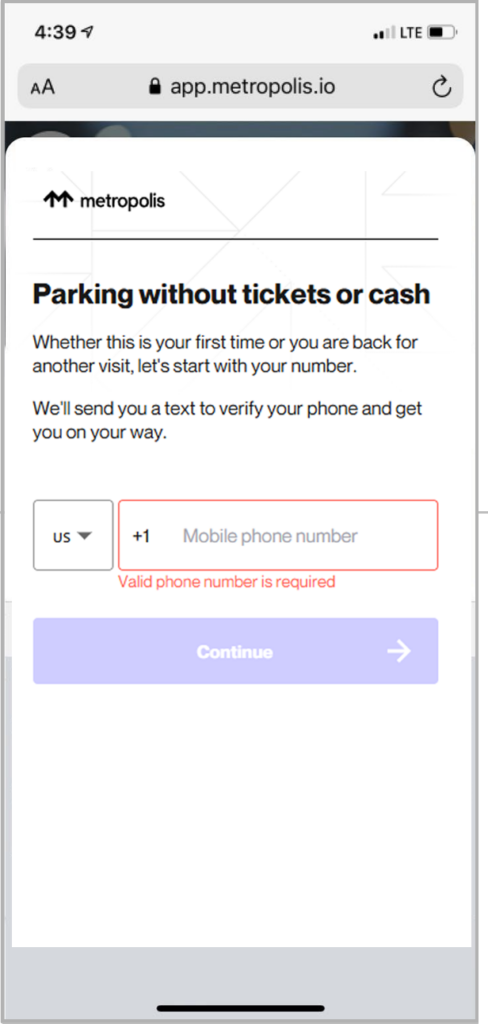
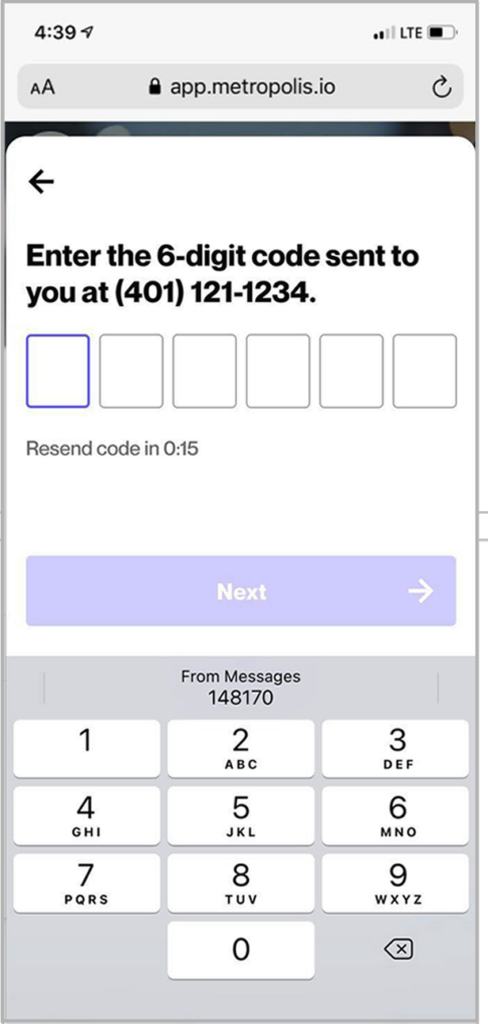
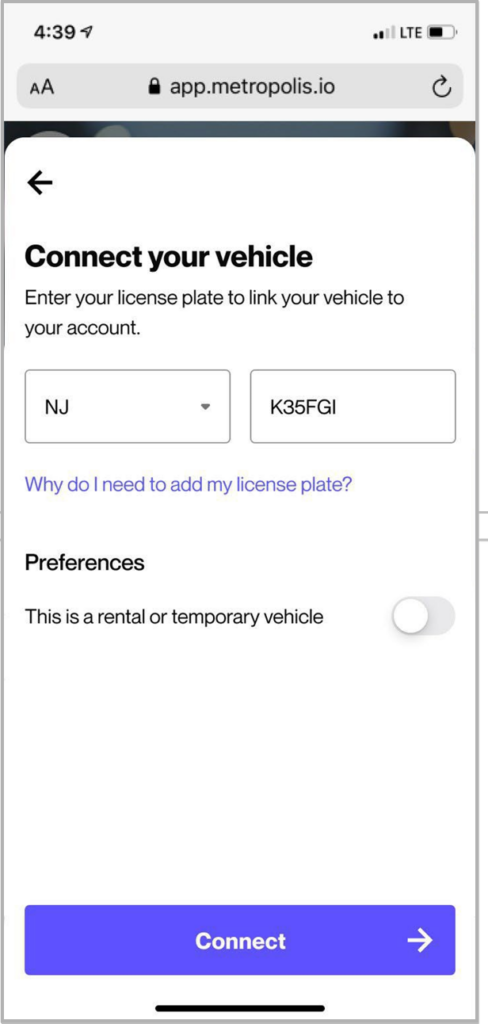
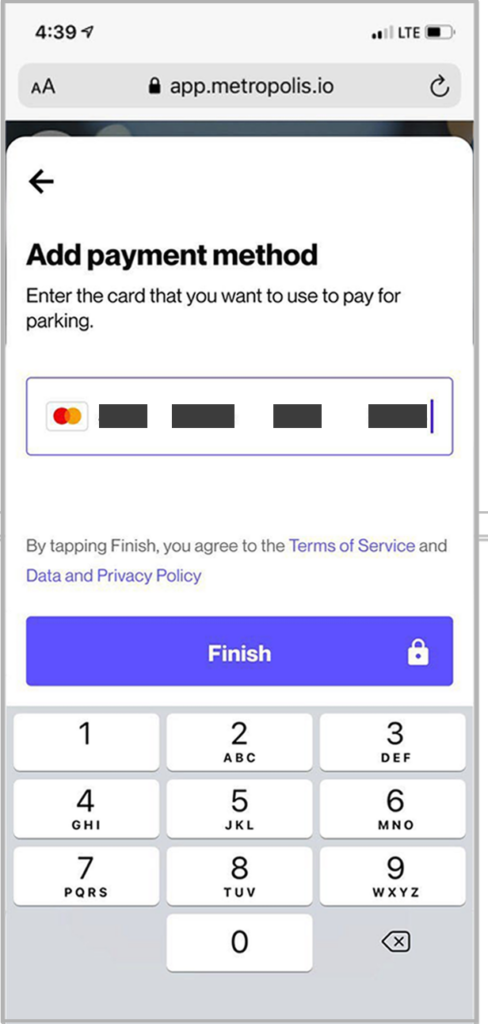
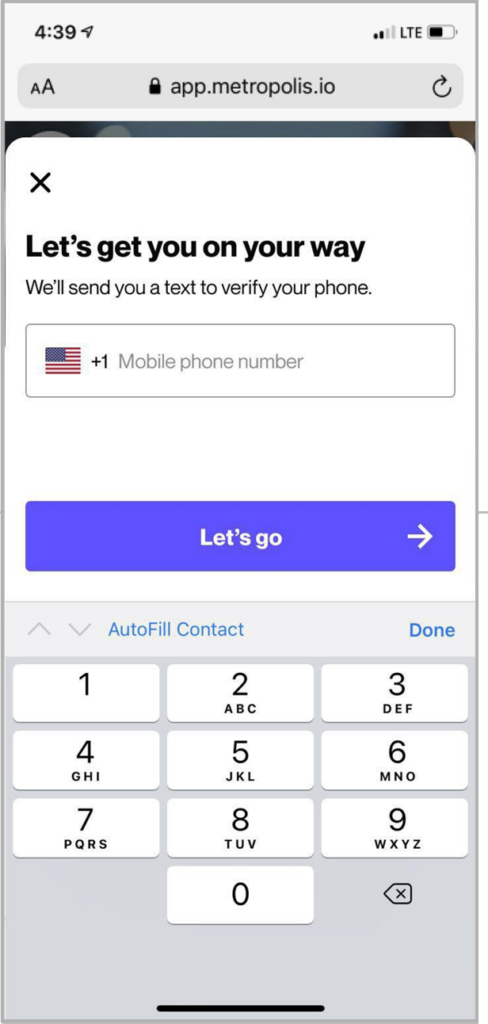
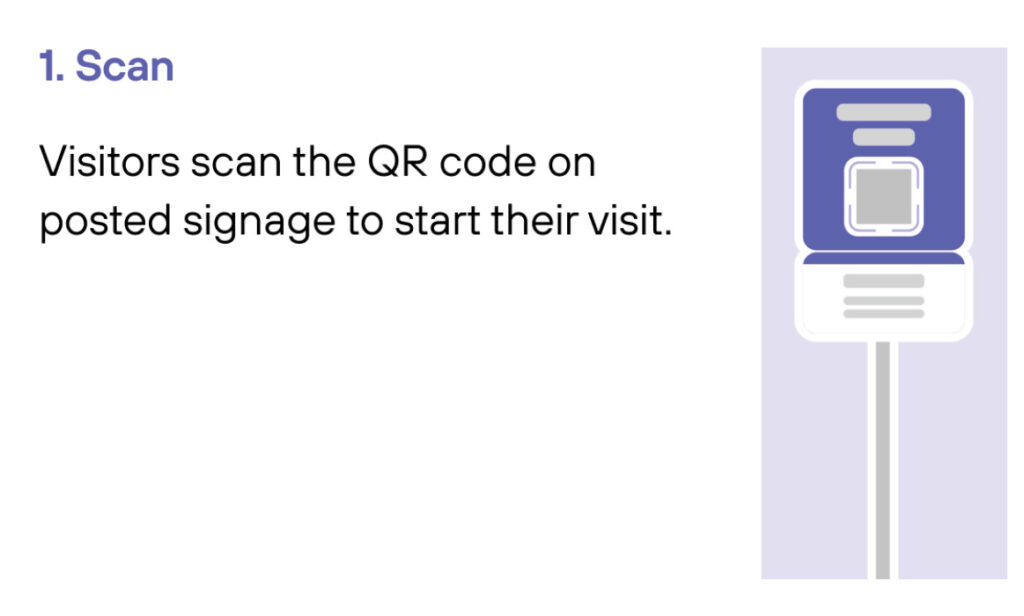
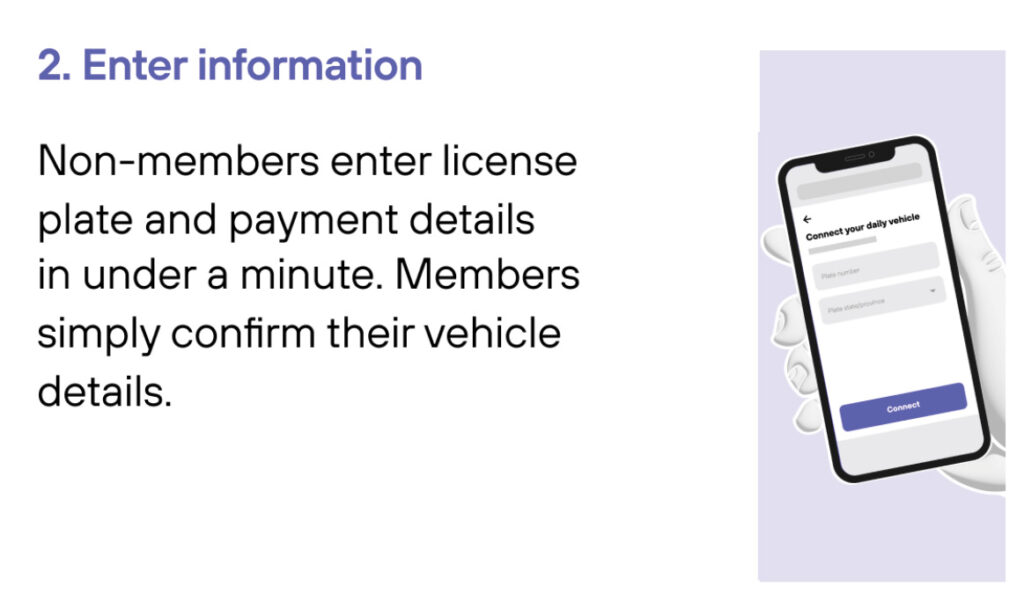
Scan QR code posted in the parking facility and enter the required information. (License plate number required)
3
Drive Out When you exit the parking facility, your parking session is automatically charged to your credit card on file. Just drive out.
1
Drive In
Your visit starts when you drive in. You’ll receive a welcome text when you enter and your parking session will begin.
2
Drive Out
When you exit the parking facility your parking session is automatically charged to your credit card on file.